72D-Link DIR-608 User Manual
Section 3 - Conguration
IPv6 Filter
IP/Port Filtering
IPv6 Filter
DIR-608
Advanced
Default Action Status
Outgoing Default Action:
Permit Deny
Incoming Default Action:
Permit Deny
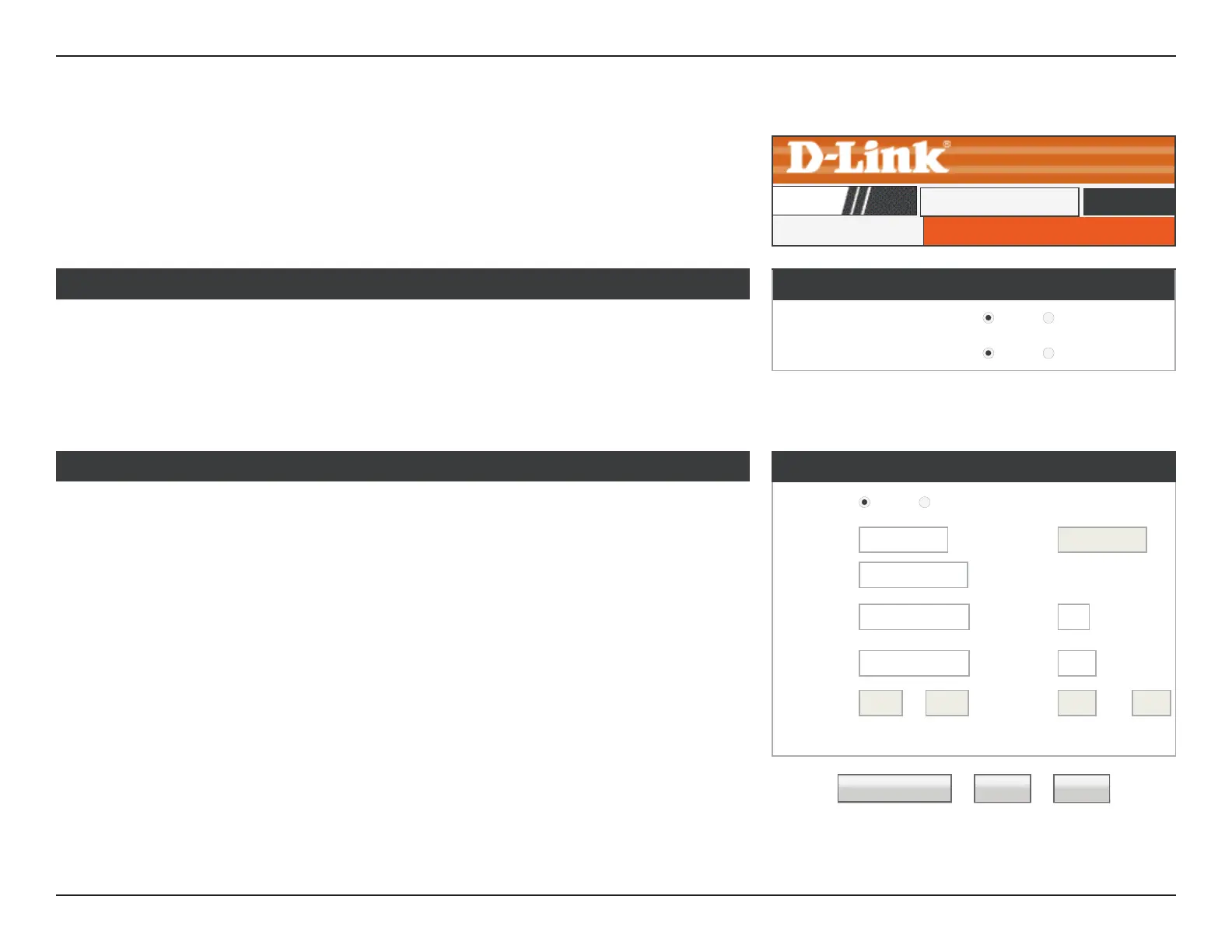
This page allows you to congure IPv6 lter rules that determine what kind of trac is
allowed to pass through the network.
Default Action Status
Outgoing Default
Action:
Choose the default action for outgoing IPv6 trac, either Permit or
Deny. The default is Permit.
Incoming Default
Action:
Choose the default action for incoming IPv6 trac, either Permit or
Deny. The default is Permit.
Rule Conguration
Rule
Action:
Permit Deny
Protocol:
IPv6
▼
Icmp6
Type:
PING6
▼
Direction: Upstream
▼
Source
IPv6
Address:
Prex
Length:
Dest IPv6
Address:
Prex
Length:
SPort: - DPort: -
Enable:
☑
Apply Changes Reset Help
Rule Configuration
Rule Action: Select whether to Permit or Deny IPv6 trac for this rule.
Protocol: Select the protocol to apply the rule to: IPv6, ICMP6, TCP, or UDP.
ICMP6 Type: If ICMP6 is selected PING6 is the ICMP6 Type.
Direction: Select whether to apply to rule to Upstream or Downstream trac.
Source IPv6
Address & Prefix
Length:
Enter the source IPv6 address and prex length to apply the rule to.
Dest IPv6 Address
& Prefix Length:
Enter the destination IPv6 address and prex length to apply the
rule to.
SPort: Enter the source port range, if applicable.













 To Next Page