64D-Link DIR-608 User Manual
Section 3 - Conguration
DMZ
Sometimes you may want a computer exposed to the outside world for certain types
of applications. If you choose to expose a computer, you can enable the Demilitarized
Zone (DMZ). This option may expose the selected computer to cyber attacks and is not
recommended for novice users.
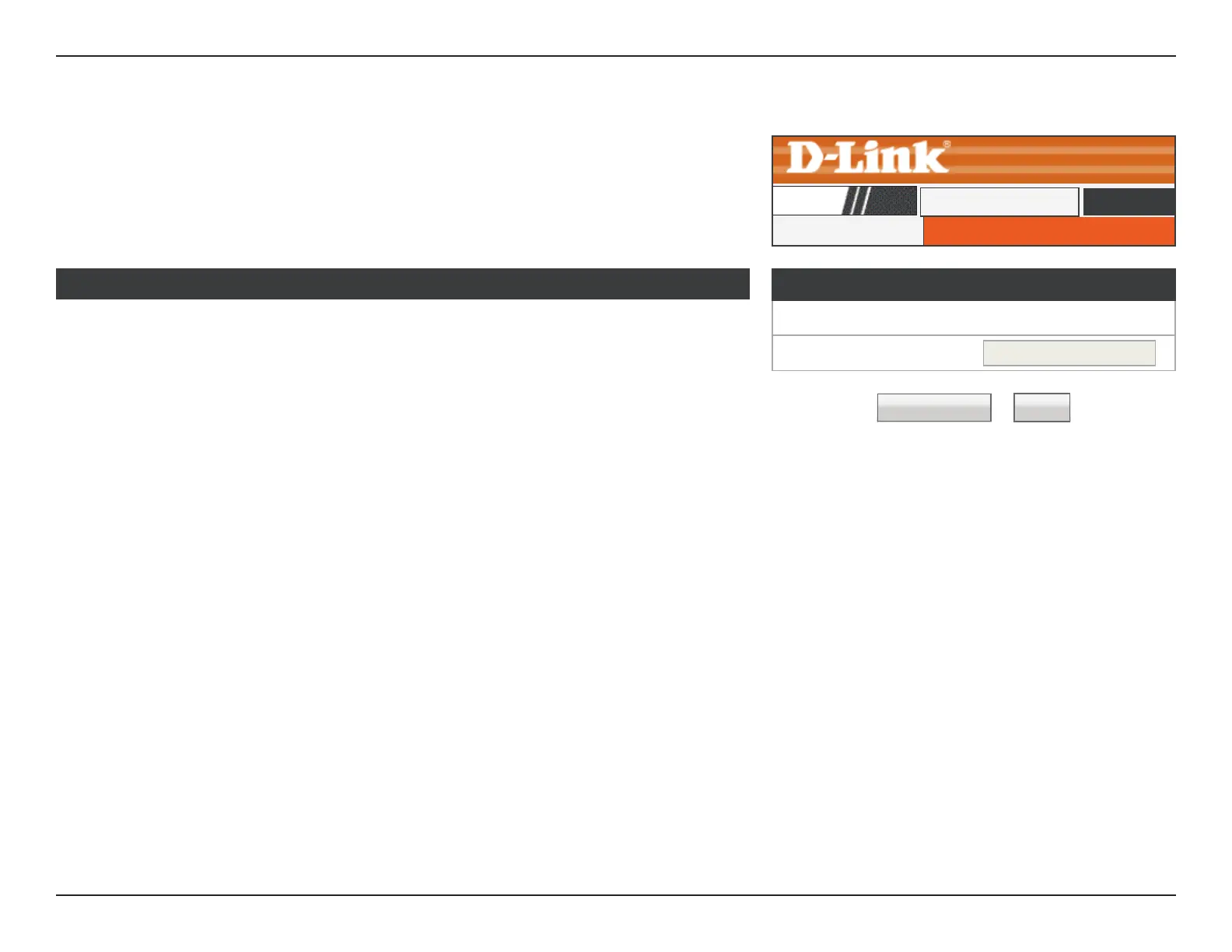
DMZ Configuration
Enable DMZ: Check the box to enable the DMZ function.
DMZ Host IP
Address:
Enter the IP address of the machine that you wish to place in the
DMZ. If the machine receives an IP address from the DHCP server, you
should create a static DHCP reservation to ensure that the machine
always receives the same address from the DHCP server.
Click the Apply Changes button to save any changes made.
DMZ Conguration
☐
Enable DMZ
DMZ Host IP Address:
Apply Changes Reset
DMZ
DMZ
DIR-608
Advanced













 To Next Page