17D-Link DIR-608 User Manual
Section 3 - Conguration
This section will show you how to congure or change the default settings your D-Link
DIR-608 using the web-based conguration utility.
Conguration
Login
Username:
Admin
Password:
Login
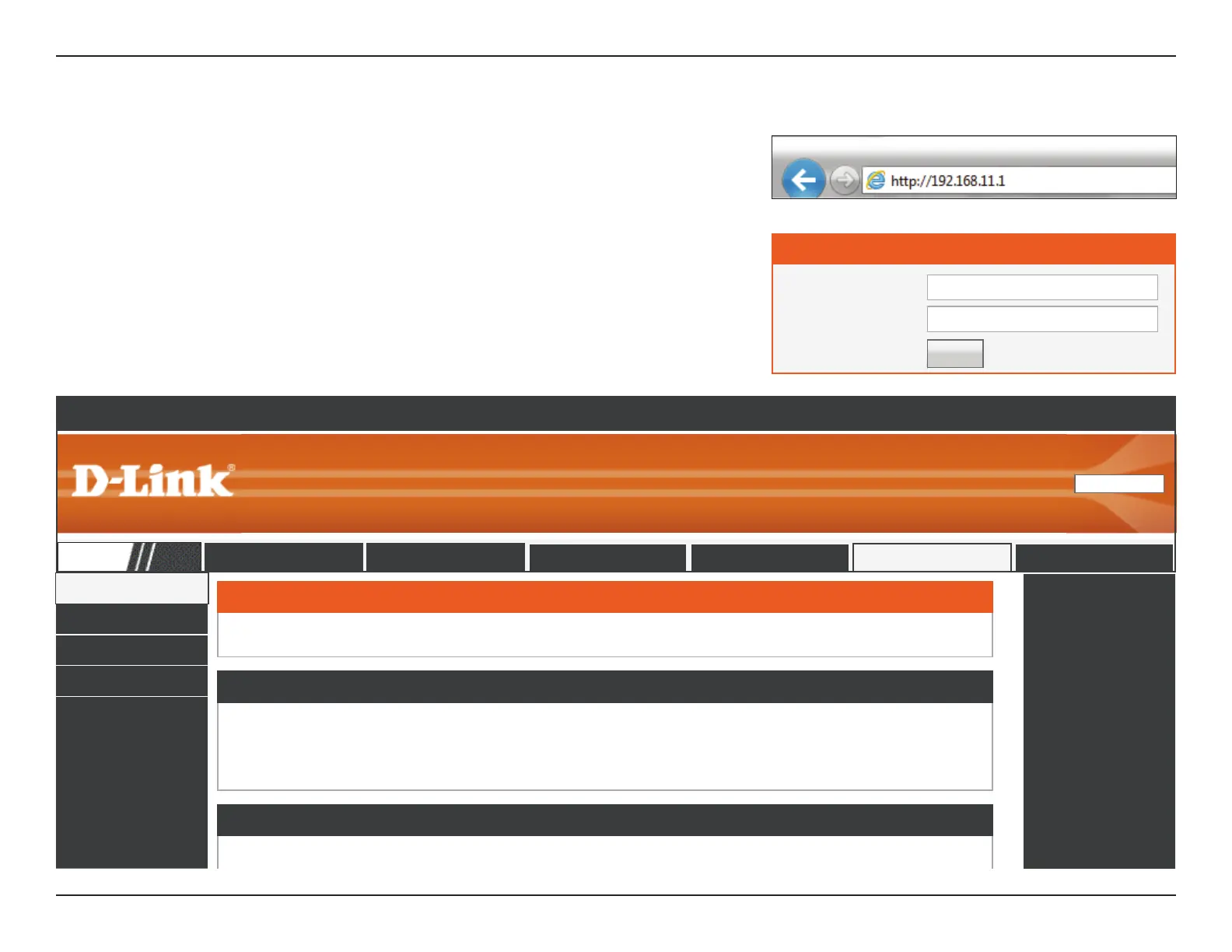
To access the conguration utility, open a web browser such as Internet Explorer and enter
http://192.168.11.1 in the address eld. Enter Admin as the username and leave the
password blank. Click Login.
After logging in you should see the following Device Info section of the web-based interface.
Proceed to the next page.
Device Info
Active Client Table
IPV6
IPV6 Routing Table
The Wireless tab provides access to congure the wireless networking feature of your DIR-608.
Product Page: DIR-608
English
Select Language
▼
DIR-608
Setup Wireless Advanced Maintenance Status Help
Wireless Router Status
This page shows the current status and some basic settings of the device.
System
Product Name DIR-608
Uptime 1 06:35:16
Date/Time Tue Jul 5 16:09 2016
LAN Conguration
IP Address 192.168.11.1
Subnet Mask 255.255.255.0
DHCP Server Enable
MAC Address FF:FF:FF:FF













 To Next Page