90D-Link DIR-615+ User Manual
Section 4 - Conguration
Virtual Servers
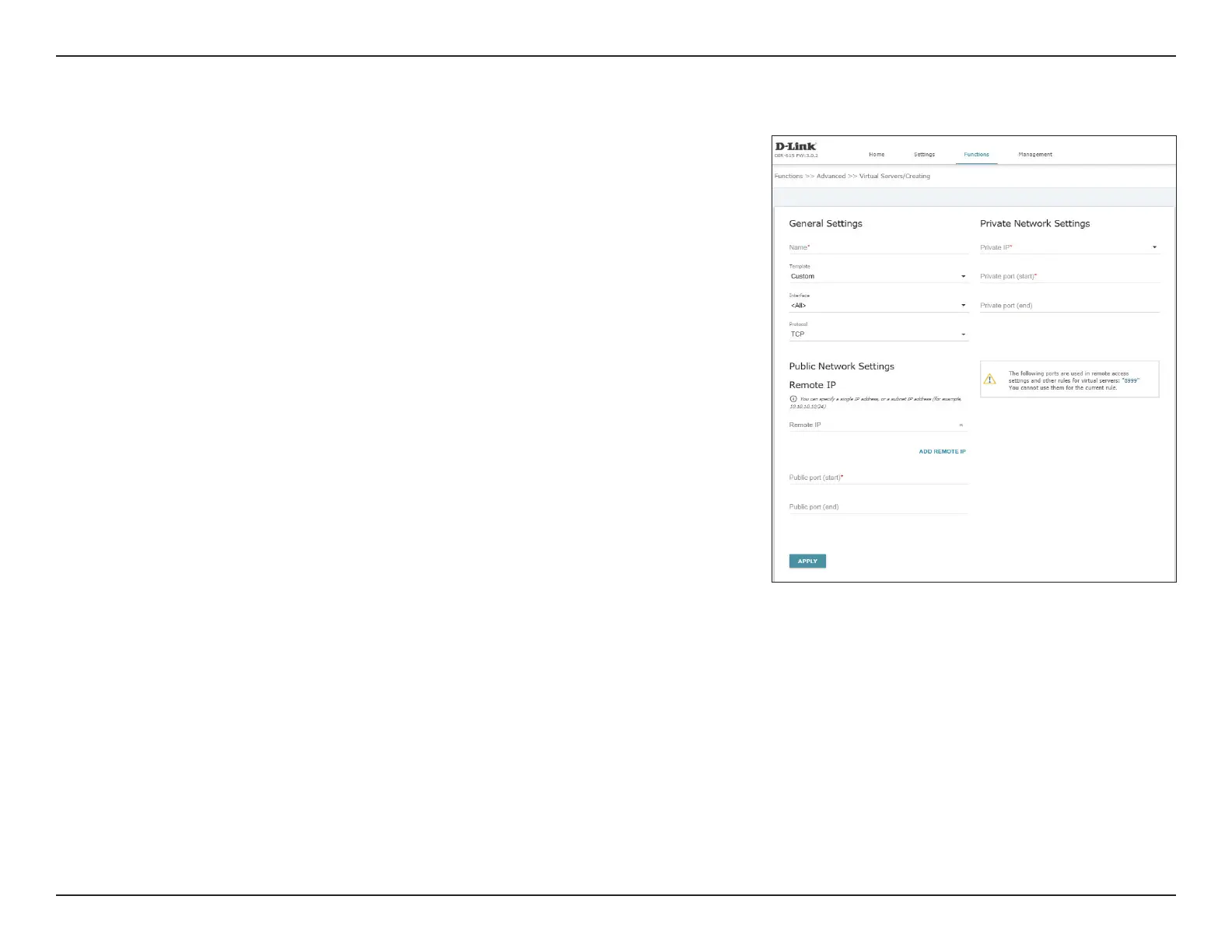
Virtual Servers allows you to redirect incoming Internet trac to a specied IP address in
the local area network.
Click on ADD to create a new virtual server and specify the below parameters.
General Settings
Name: Specify a name for the virtual server.
Template: Choose a template for the virtual server to pre-populate some elds,
or choose Custom to congure all elds manually.
Interface: Select an interface from the drop-down menu, or select <All>
Protocol: Select a protocol from the drop-down menu to which the rule will
apply.
Public Network Settings Remote IP
Remote IP: Specify the remote IP to which the rule will apply.
Add Remote IP: Click this button to add additional remote IP elds.
Public port (start/
end):
Specify a start and an end port to which the rule will apply. If you wish
to specify a single port, specify a start port only.













 To Next Page