83D-Link DSL-G225 Wireless N300 ADSL2+/VDSL2 Modem Router User Manual
Section 4 - Conguration
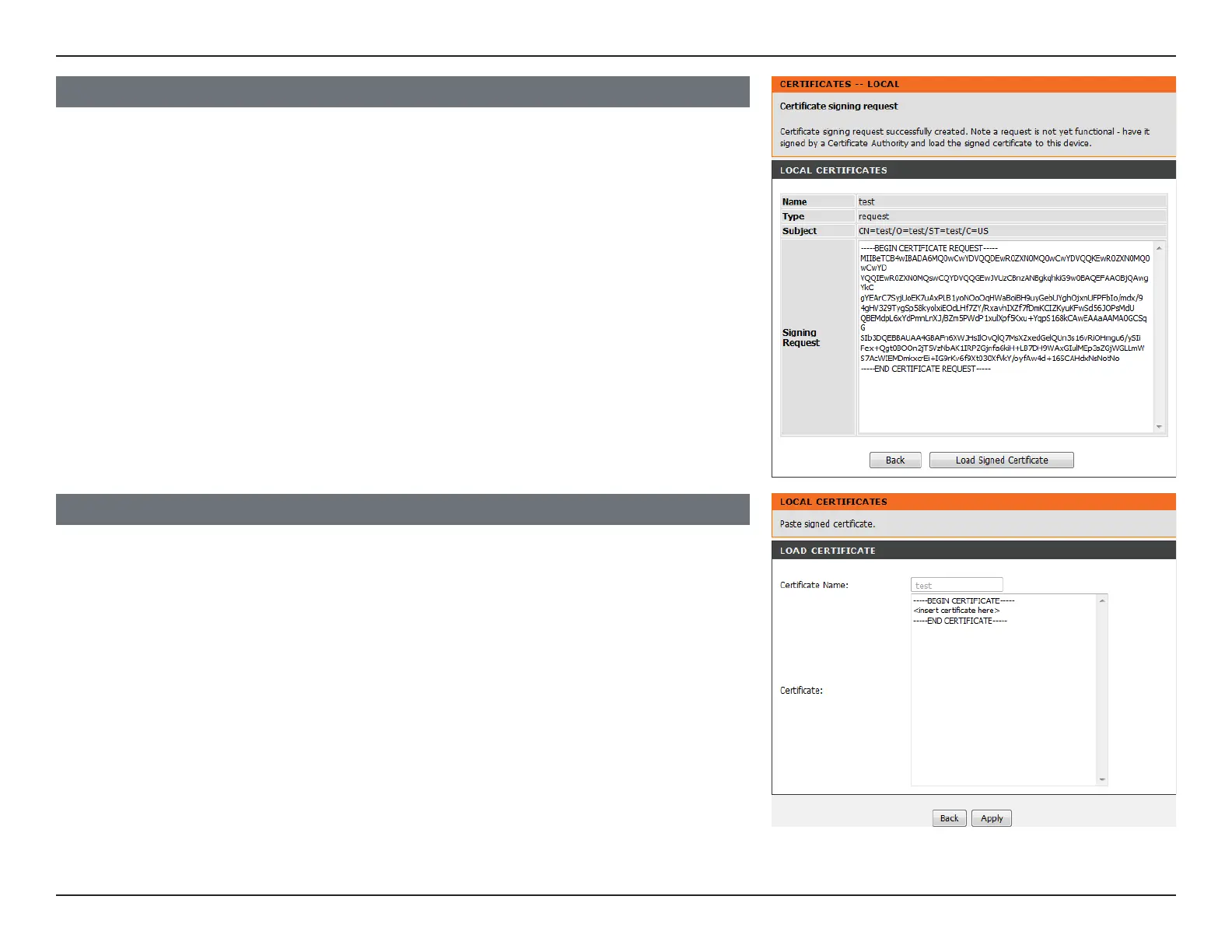
LOCAL CERTIFICATES
The certicate request needs to be submitted to a certication authority to sign the request.
Once you have a signed request click Load Signed Certicate to bring up the Load
Certicate page.
LOAD CERTIFICATE
Paste the signed certicate into the Certicate eld.
To create the new signed certicate, click Apply.



 To Next Page