29D-Link DWR-933 User Manual
Section 3 - Conguration
Wi-Fi Settings
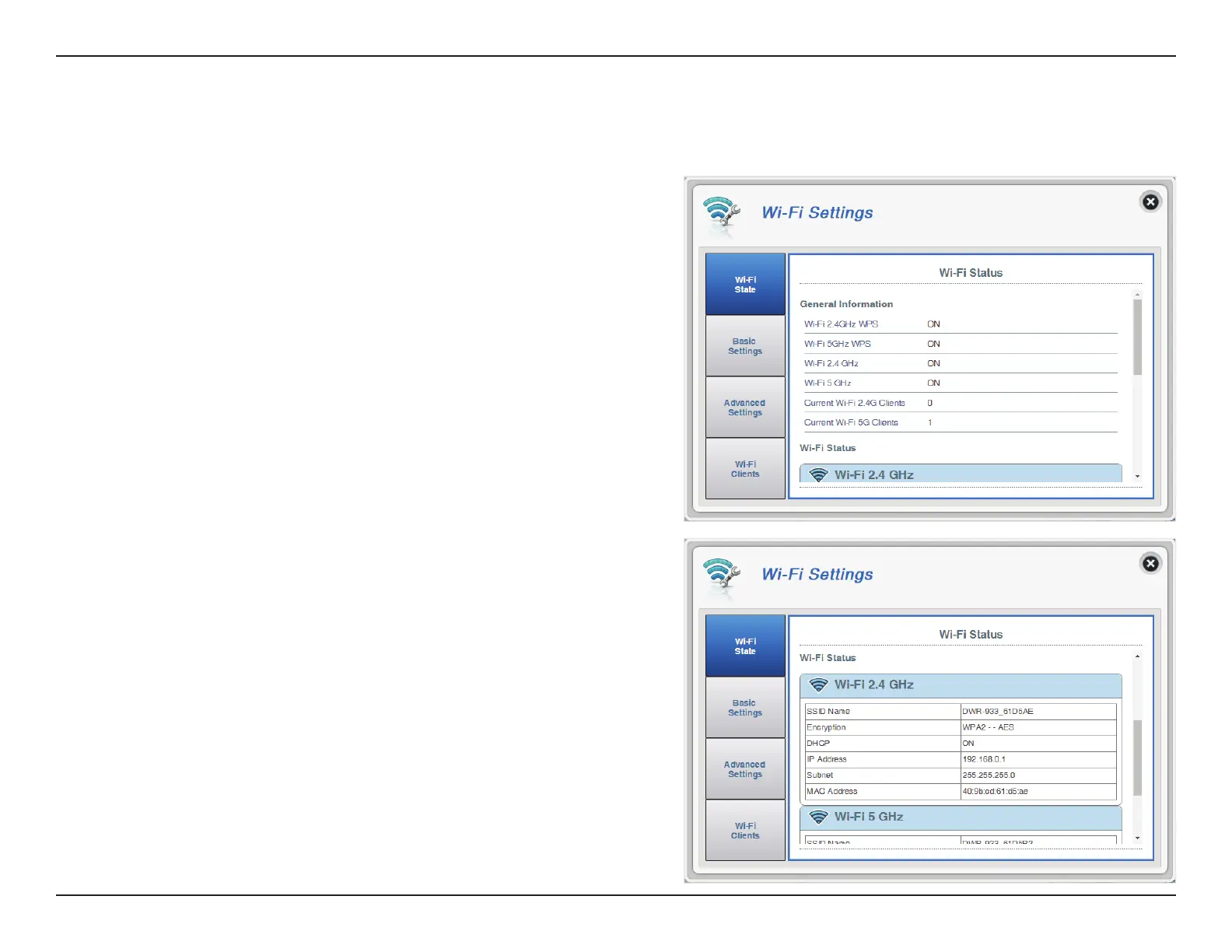
Wi-Fi Status
This page displays your current Wi-Fi status and Wi-Fi settings.
Wi-Fi WPS
Wi-Fi 2.4 GHz
Current Wi-Fi Clients
Displays whether Wi-Fi Protected Setup (WPS) is
enabled and the conguration method used.
Displays whether Wi-Fi is enabled.
Displays the number of clients connected to your Wi-Fi
network.
General Information
SSID Name
Encryption
DHCP
IP Address
Subnet
MAC Address
Displays the name of your Wi-Fi network.
Displays your current Wi-Fi security encryption mode.
Displays whether DHCP server is enabled.
Your router’s IP address.
Your router’s subnet mask.
Your router’s MAC address.
Wi-Fi Status



 To Next Page