4D-Link DWR-933 User Manual
Section 1 - Product Overview
Hardware Overview
Overview
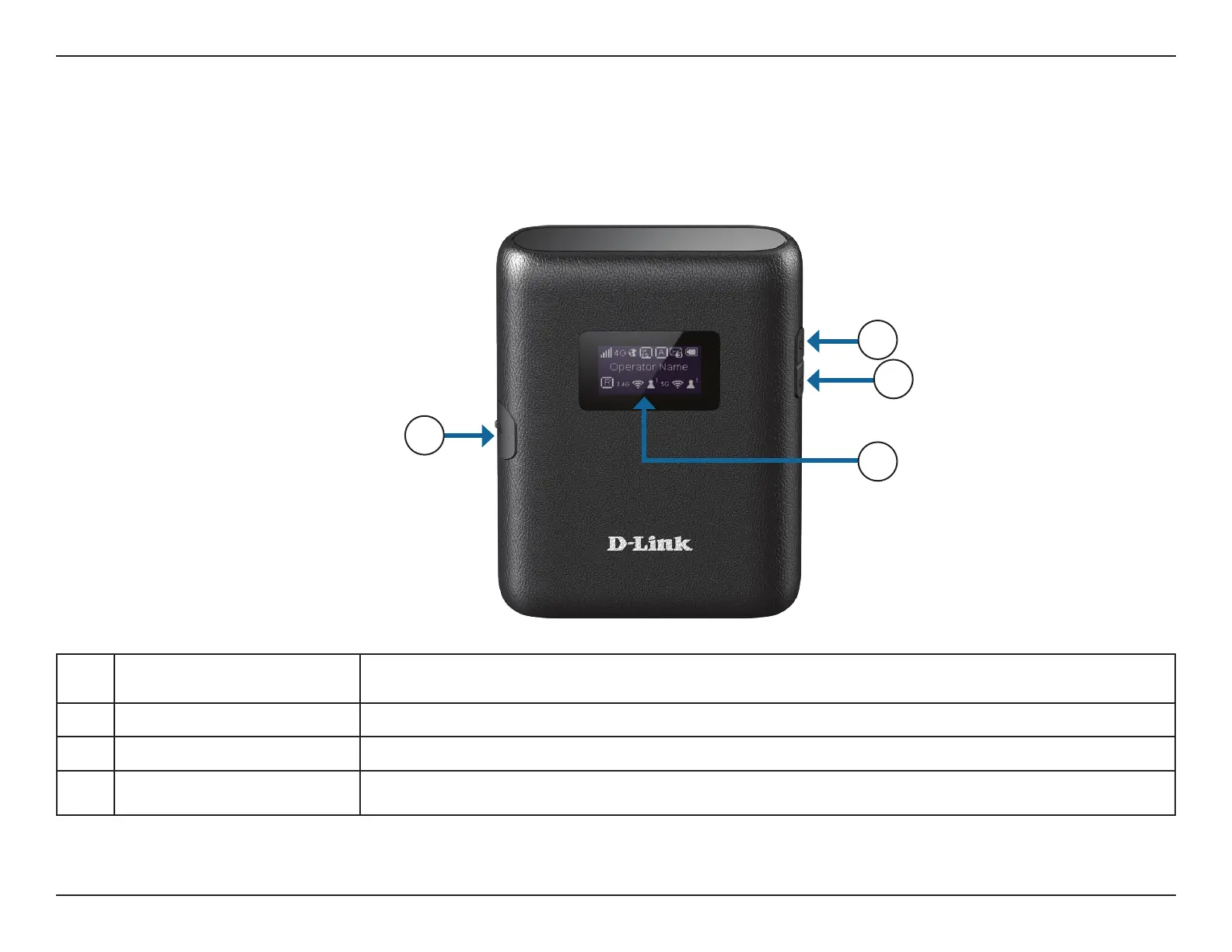
1 Micro USB Connector
Use the included cable to connect to a powered USB port kto charge the device, or connect to a
computer to access the conguration utility.
2 Power Button Press and hold this button for 3 seconds to power on/o the device.
3 WPS Button Press this button to add new wireless devices quickly and easily using Wi-Fi Protected Setup (WPS).
4 Display This display shows various information about the router.
1
2
4
3



 To Next Page