219
D-Link ShareCenter™ DNS-320L User Manual
Section 4 - Conguration
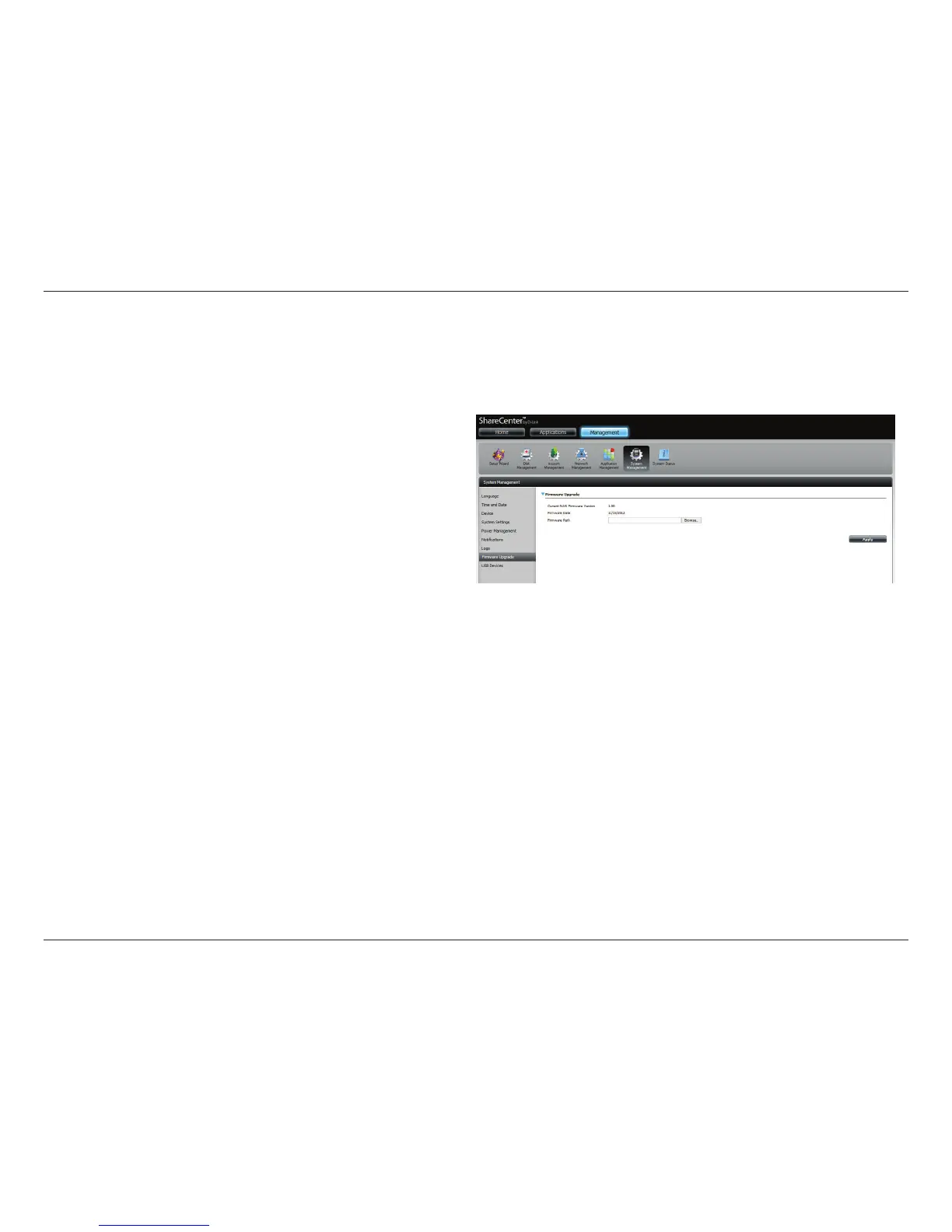
Firmware Upgrade
The Firmware Upgrade Page makes it simple to upload new rmware releases to the device. Please check for new rmware on the D-Link support
website. If new rmware is available, download the le to your local computer.
Current Firmware
Version:
Displays the current rmware version on your
ShareCenter
™ device.
Firmware Date:
Displays the date of when the firmware was
created.
Firmware Upload:
When upgrading the firmware, click Browse
to select the new firmware file on your local
computer and then click Apply to begin the
rmware upgrade process.



 To Next Page
 Loading...












