284
D-Link ShareCenter™ DNS-320L User Manual
Section 4 - Conguration
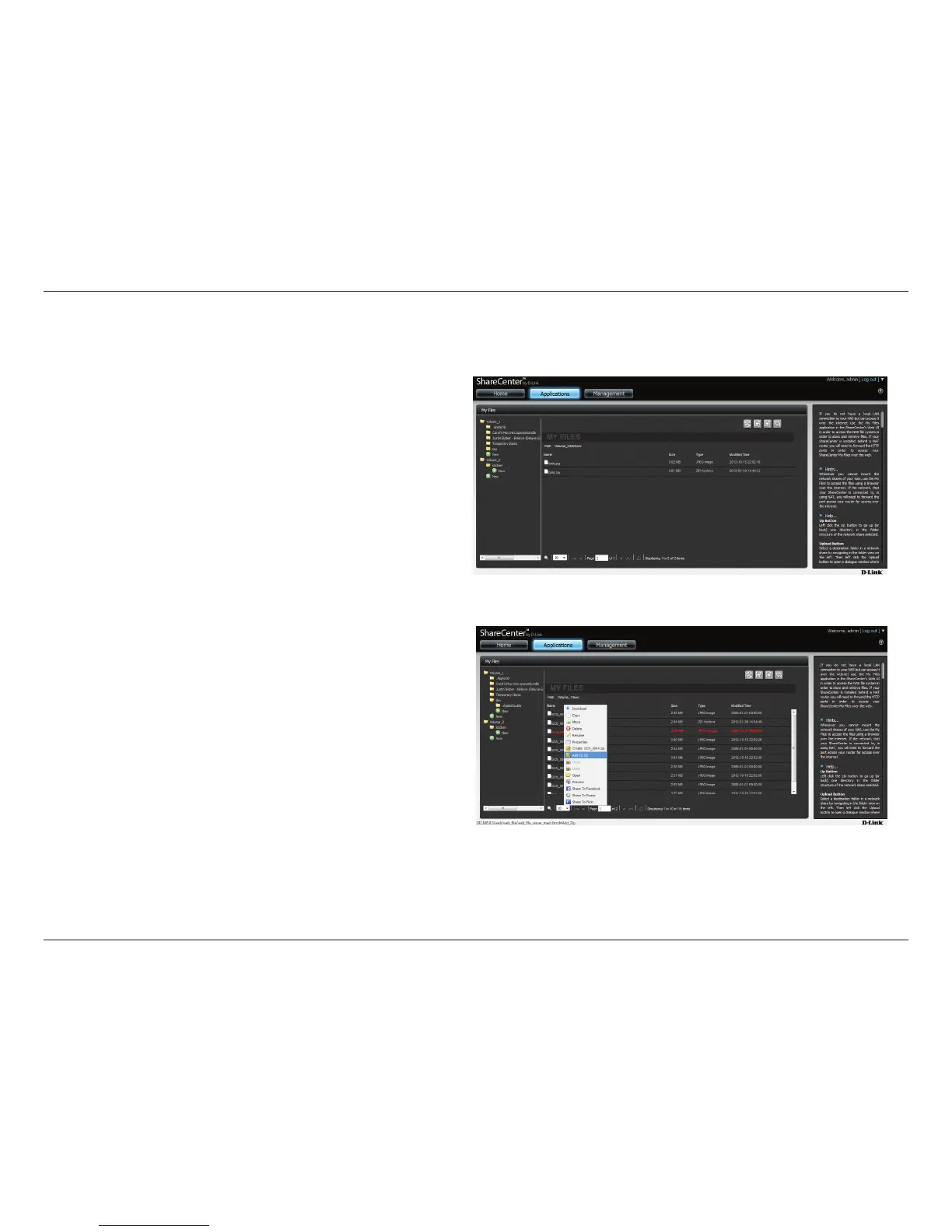
Add to Zip
To make a le zipped from the NAS, select the le you want to zip (lighlighted in red) and right-click. From the drop-down list click Add to Zip.
Add to zip allows you to add to an existing zipped le. So, take an
existing zip (look at the le size). In our example, “bold.zip” (the original
le size) is 3.01MB
Right click the le you want to “Add to zip”



 To Next Page
 Loading...












