370
D-Link ShareCenter™ DNS-320L User Manual
Section 4 - Conguration
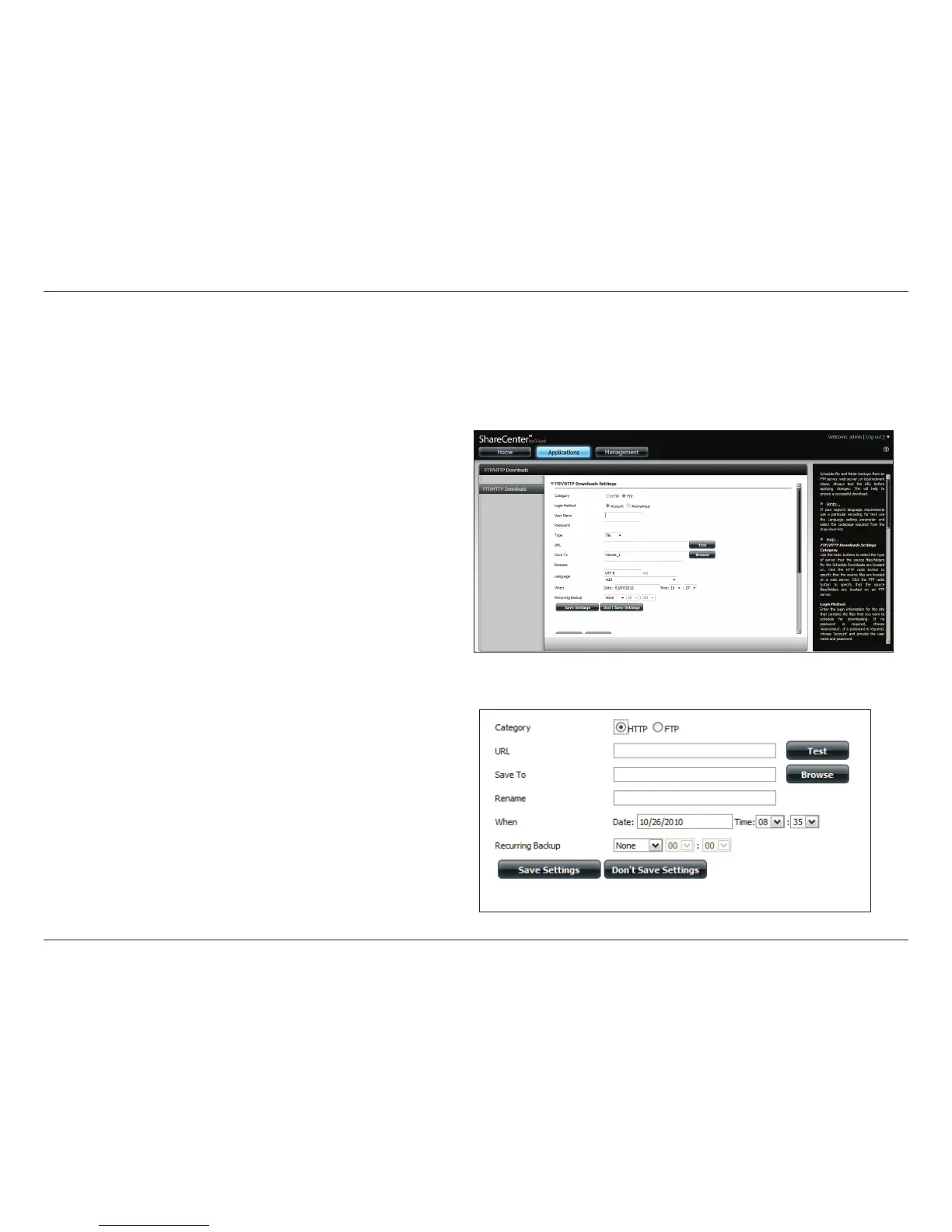
Schedule le and folder backups from an FTP server, web server, or local network share. Always test the URL before applying changes. This will help to
ensure a successful download.
Applications
Category: Use the radio buttons to select the type of server that the
source les/folders for the Schedule Downloads are located
on. Click the HTTP radio button to specify that the source
les are located on a web server or click the FTP radio
button to specify that the source les/folders are located
on an FTP server.
Login
Method:
Enter the login information for the site that contains the
les that you want to schedule for downloading. If no
password is required, choose Anonymous. If a password
is required, choose Account and enter the user name and
password.
Username: Enter the user name here.
Password: Enter the password here.
Type: Select either File or Folder from the drop-down list
depending on whether you wish to download a le or a
folder.
URL: Enter the FTP/HTTP site address for the scheduled
download. Click on Test to verify access to the site address
and le/folder. If you selected File from the above drop-
down list, you must specify the exact le in the URL path,
including the le extension. (e.g. http://example.com/test/
testle.txt).
FTP/HTTP Downloads



 To Next Page
 Loading...












