343
D-Link ShareCenter™ DNS-320L User Manual
Section 4 - Conguration
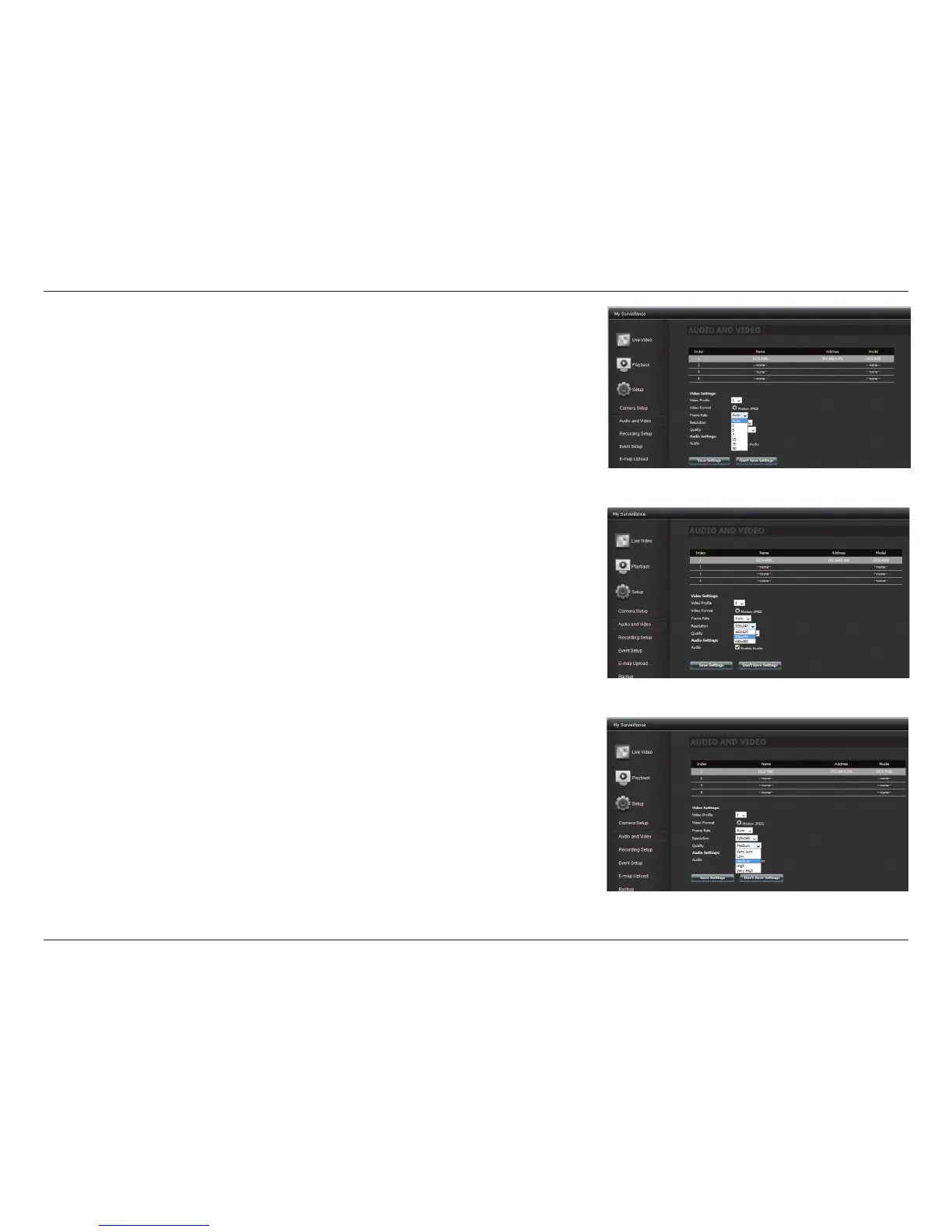
Video Prole: Select a prole to use or edit.
Video Format: Choose the video format to use for your recordings. Each format has dierent
size and quality characteristics.
Frame Rate: This is the number of frames per second recorded. A higher number of frames
per second means smoother video and results in a larger le size.
Resolution: The resolution is the number of pixels that the video will include. This varies
according to your camera video quality.
Quality: Select between Very Low, Low, Medium, High, and Very High. Selecting Fixed
Quality will give you this setting and is a rough guide to determine the output video quality.
Bitrate: This is the number of kilobits (Kbps) per second the video recording will contain. A
higher bitrate means a larger output le.
Audio Settings: Click the checkbox to enable audio.
Click Save Settings to continue.



 To Next Page
 Loading...












