403
D-Link ShareCenter™ DNS-320L User Manual
Section 4 - Conguration
Modify Button
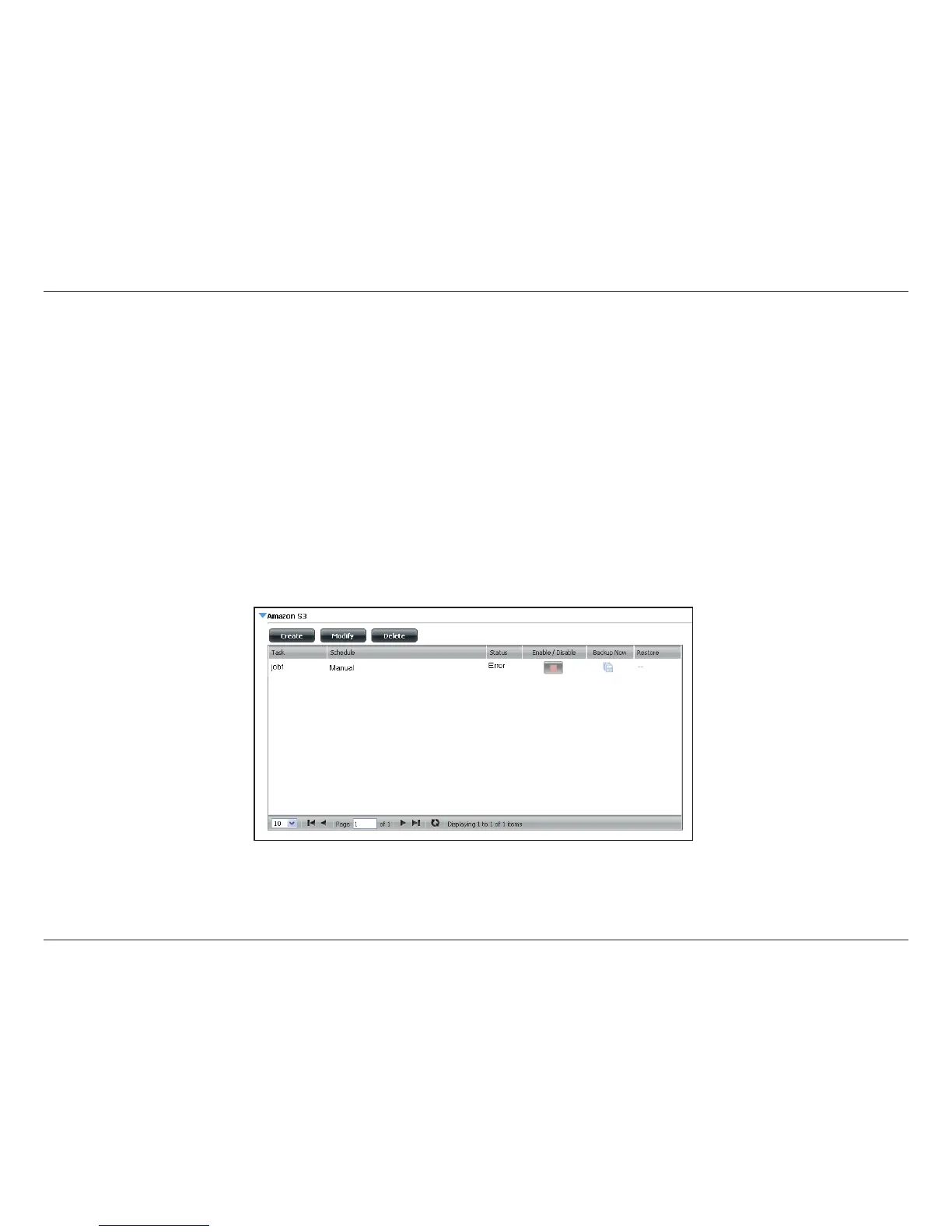
Once a job is created, the Modify button is used to change any of the settings described in the Create Button section. Click on a created job in the
Amazon S3 table so that its text turns red. Then click the Modify button to edit the job settings in a wizard that appears.
Note: The Job Name cannot be modied.
Delete Button
The Delete button is used to delete any backed up or restored job listed in the Amazon S3 table. Click on a created job in the Amazon S3 table so
that its text turns red. Then click the Delete button to remove the job from your ShareCenter™ conguration.
Enable/Disable Column
This eld of the jobs controls whether the job will execute or not. If the button shows a green triangle, clicking it enables the job to function. If the
button shows the red square, clicking it disables the job from executing.



 To Next Page
 Loading...












