xStack
®
DGS-3426G Layer 2 Gigabit Ethernet Managed Switch
30
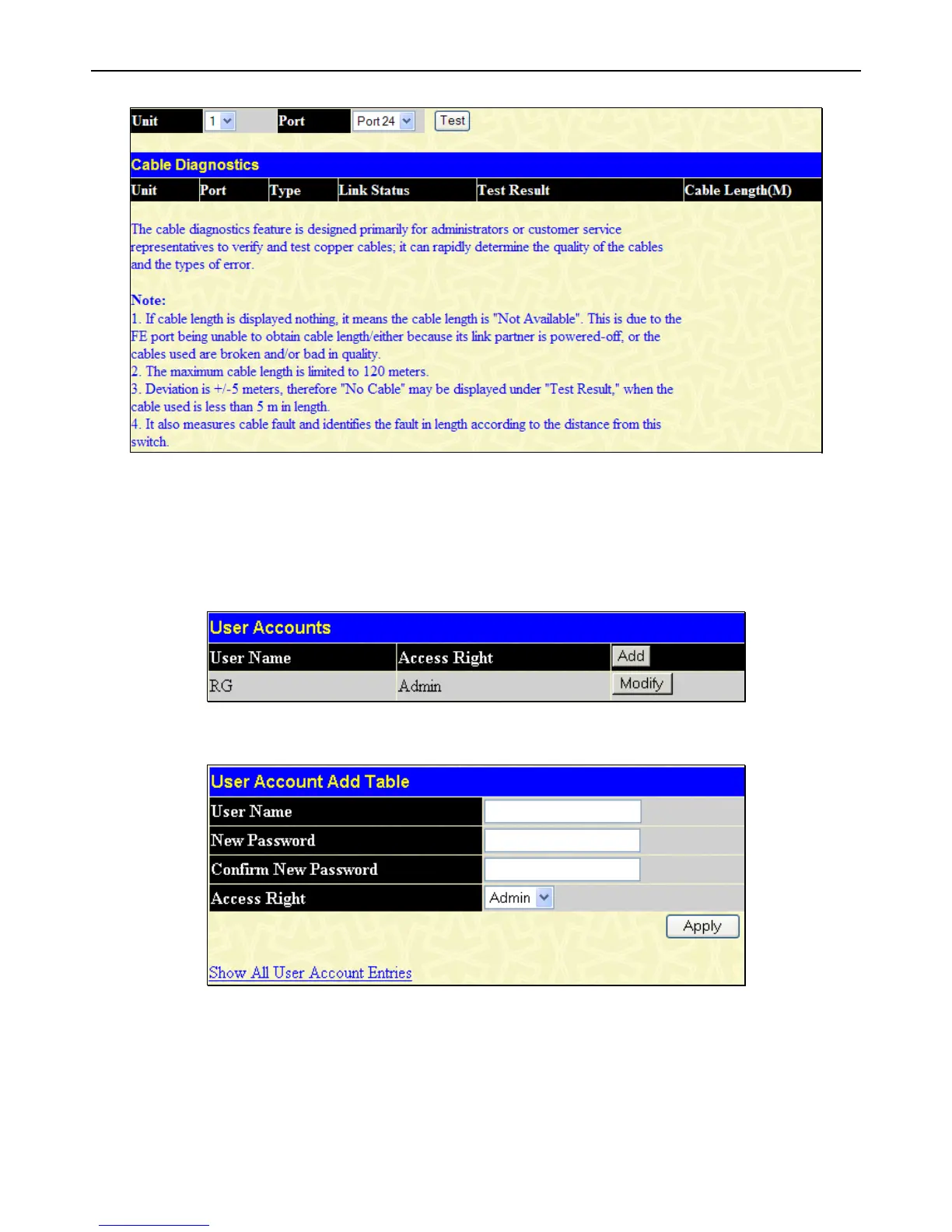
Figure 2 - 19 Cable Diagnostics window
User Accounts
Use the User Account Management window to control user privileges, create new users and view existing User Accounts.
To view this window, click Administration > User Accounts, as shown below:
Figure 2 - 20 User Accounts window
To add a new user, click on the Add button. To modify or delete an existing user, click on the Modify button for that user.
Figure 2 - 21 User Account Add Table window
Add a new user by typing in a User Name, and New Password and retype the same password in the Confirm New Password.
Choose the level of privilege (Admin, Operator or User) from the Access Right drop-down menu.














 To Next Page