User's Manual
110
5.6.1.5 Modifying or Deleting Remote Devices
You can modify and delete the added devices.
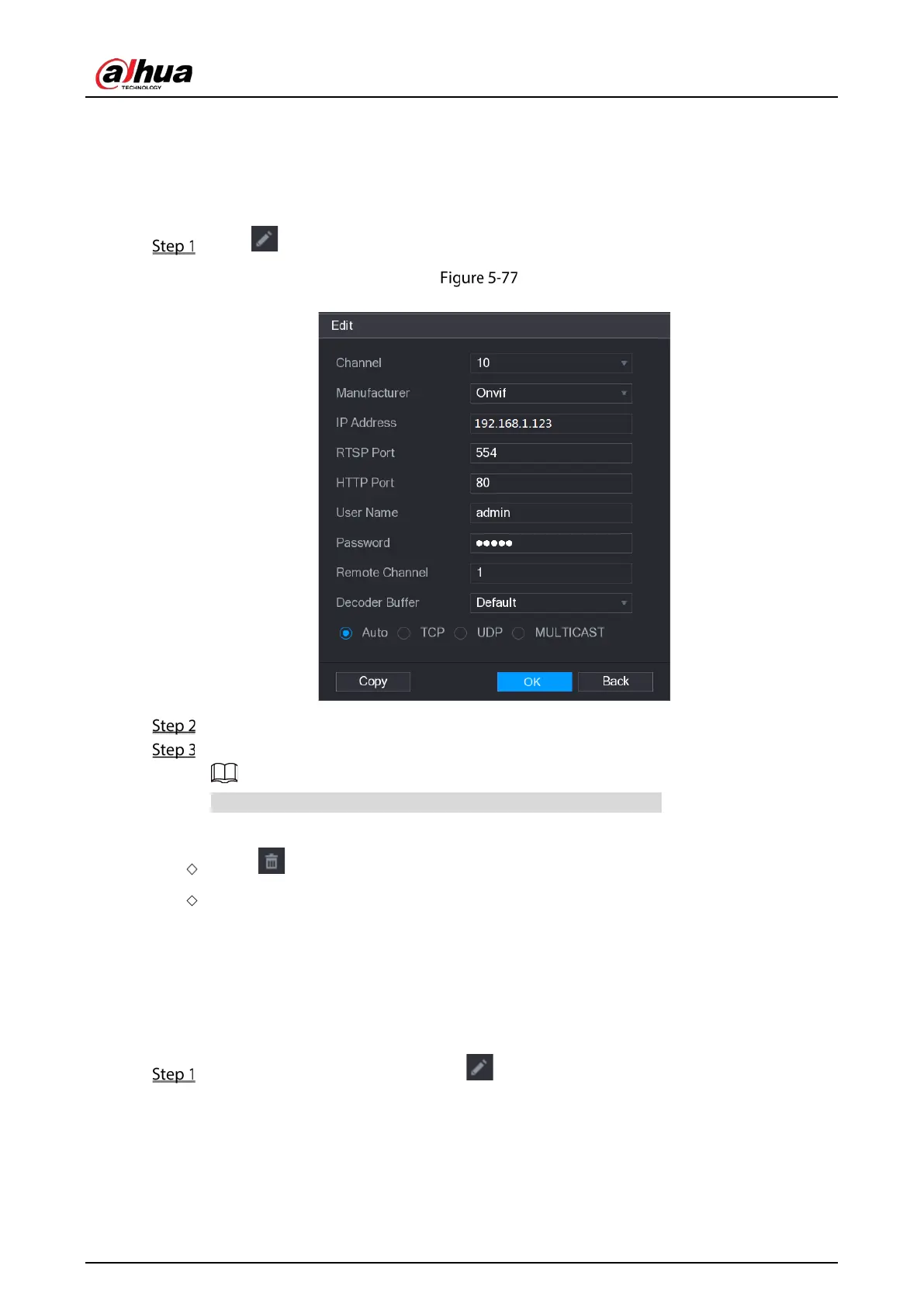
To modify the remote devices, do the following:
Click or double-click a device.
Edit
In the Channel list, select the channel that you want to modify settings for.
Click OK to save the settings.
Click Copy to copy the user name and password to other channels.
To delete one or more added devices, do the following:
Click to delete one device
Select the check box of the devices that you want to delete, and then click Delete.
5.6.1.6 Modifying IP Address
You can modify a single IP address or multiple IP addresses of remote devices at the one time.
To modify a single IP address, do the following:
In the Searched Device list area, click for the device that you want to modify IP.


 To Next Page
 Loading...

