DVE-4 / DVE-8 / DVE-16
www.dallmeier.com 10
5 Conguration
After the required analog cameras were connected to the respective device, the settings
can be congured.
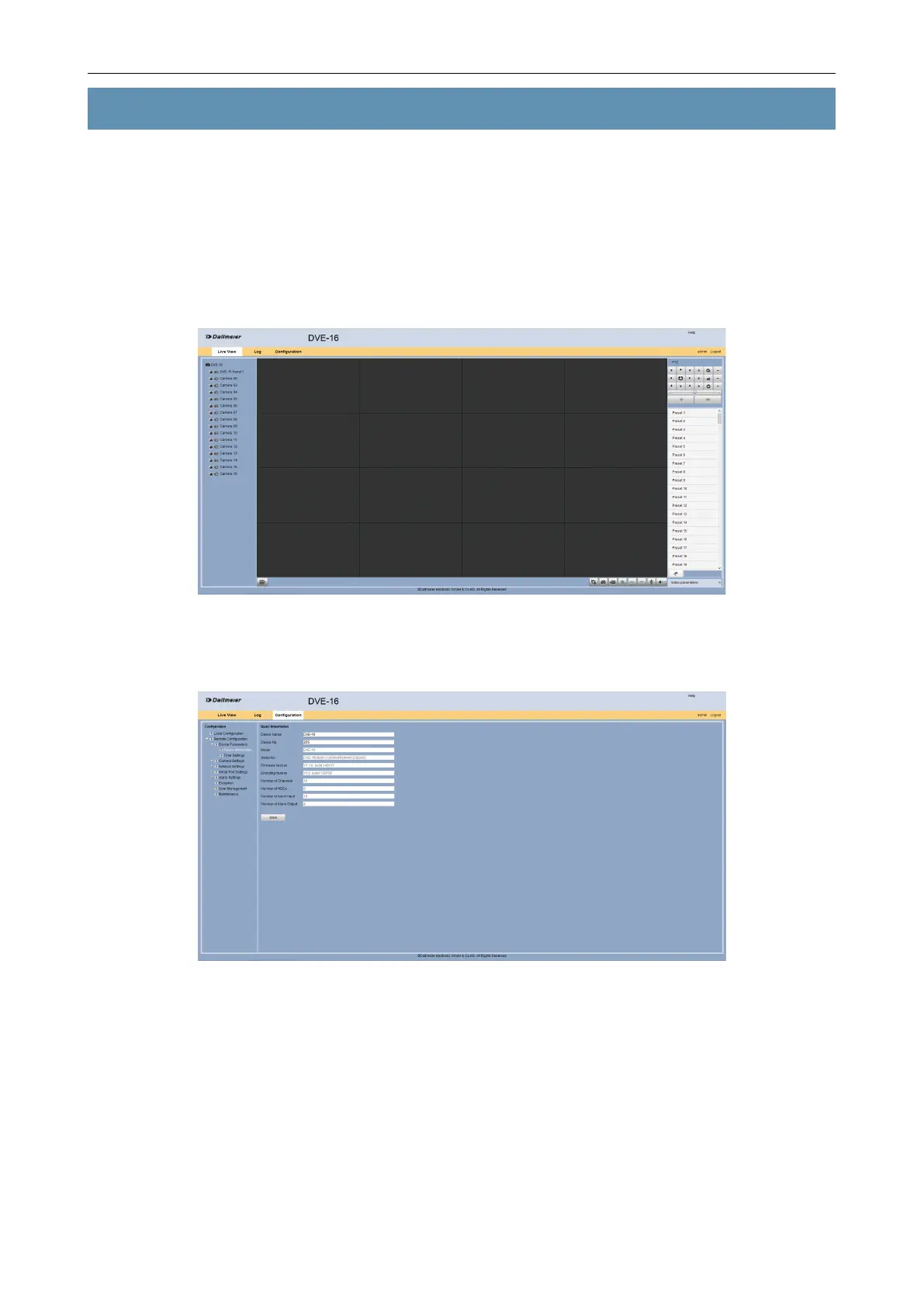
Login to the web interface of the device as described above.
The user interface is displayed depending on the setting.
Fig. 5-1
Select the Conguration tab.
Fig. 5-2
Make the required settings as described below.
5.1 Device Parameters
General parameters such as device name or time can be congured on the Device Pa-
rameters tab.



 To Next Page