DVE-4 / DVE-8 / DVE-16
www.dallmeier.com 20
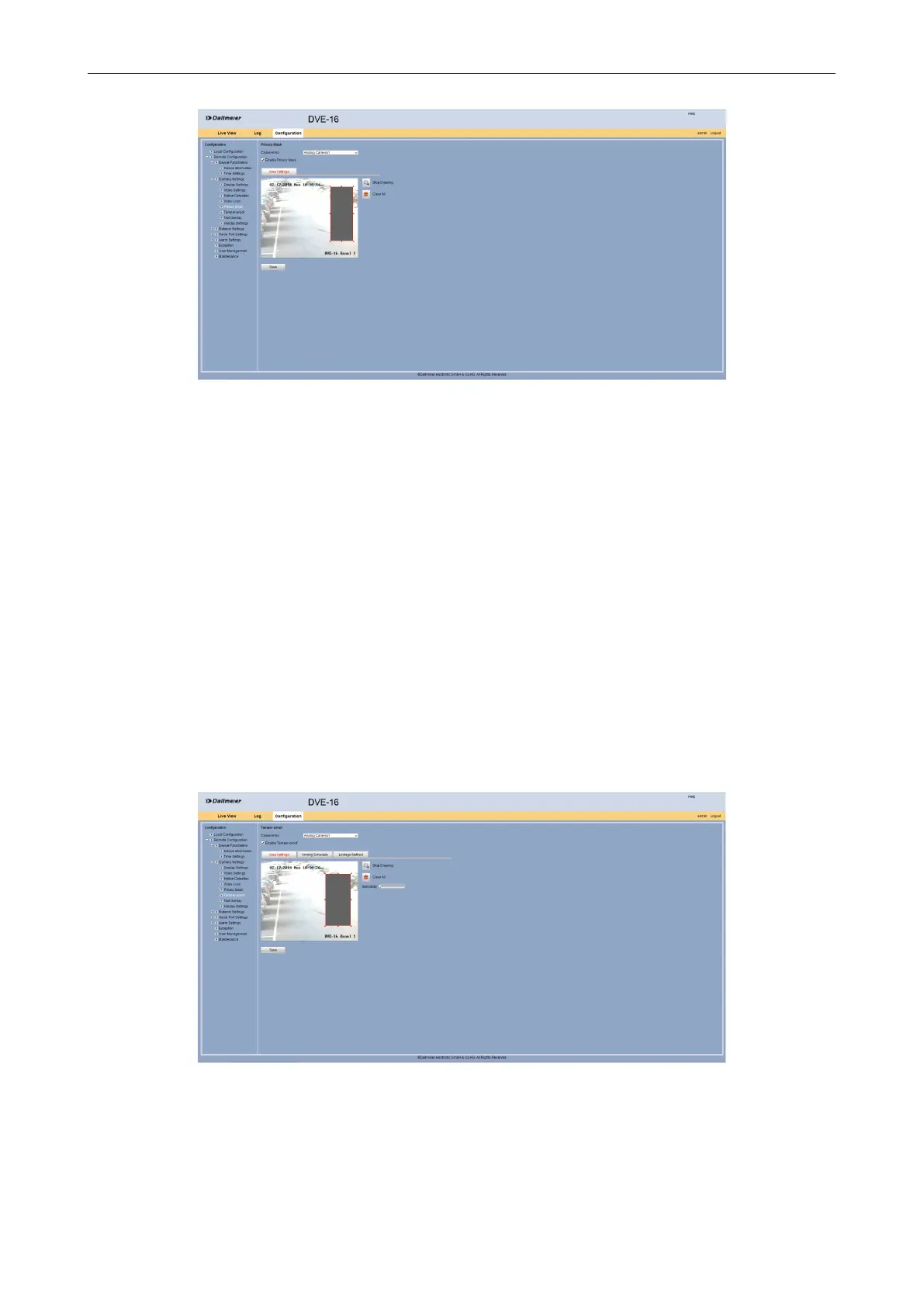
Fig. 5-18
Click Draw Area.
Drag with the mouse by drag and drop an area above the for the private zone required
area in the live image of the camera.
Repeat the previous step for other areas if required.
Click Stop Drawing to move areas with the mouse if required.
Click Clear All in order to remove the areas if required.
Click Save.
5.2.6 Tamper Alarm
It is possible to set up a tamper alarm for certain areas of the image. If this is covered, an
audible warning sound can be triggered.
Open the Tamper-proof dialog via Remote Conguration > Camera Settings >
Tamper-proof.
Fig. 5-19
CongureAreas
In the rst step, the areas for the tamper alarm of the required camera can be congured.



 To Next Page