DVE-4 / DVE-8 / DVE-16
www.dallmeier.com 24
Enter the required texts in the text boxes.
Drag with the mouse the text elds in the camera image to the required position.
Activate under Copy to Camera the required cameras for which these settings are to
be transferred.
Click Save.
5.2.8 Holiday Settings
For holiday or vacation periods, the entire system can be disabled.
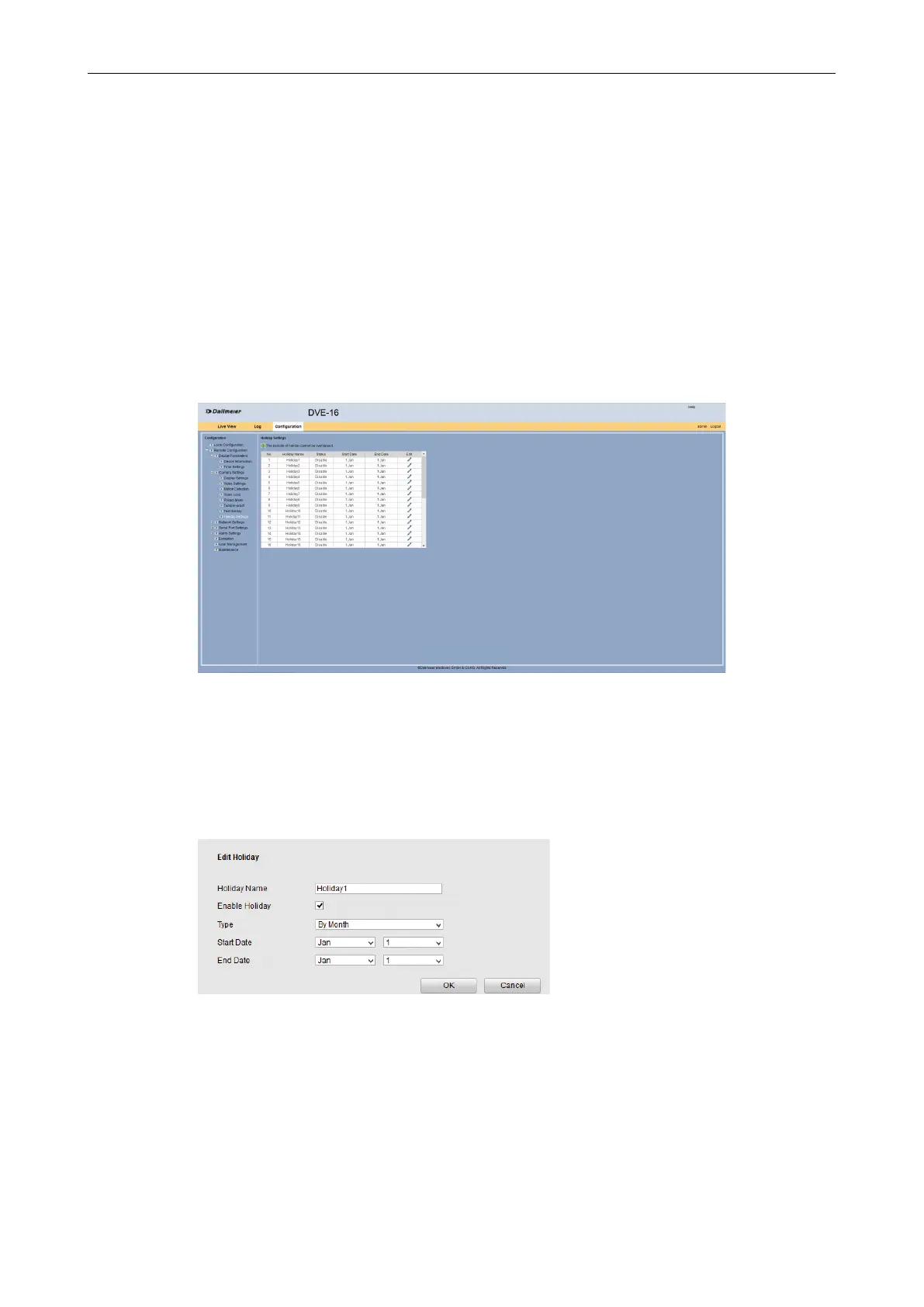
Open the Holiday Settings dialog via Remote Conguration > Camera Settings >
Holiday Settings.
Fig. 5-25
Start in the rst line.
Click in the Edit column.
The Edit Holiday dialog is displayed.
Fig. 5-26
Enter in the Holiday Name the required name.
Activate the Enable Holiday check box.
Select the Type.
Make the required settings for Start Date and End Date.
Click OK.



 To Next Page