DVE-4 / DVE-8 / DVE-16
www.dallmeier.com 17
Fig. 5-12
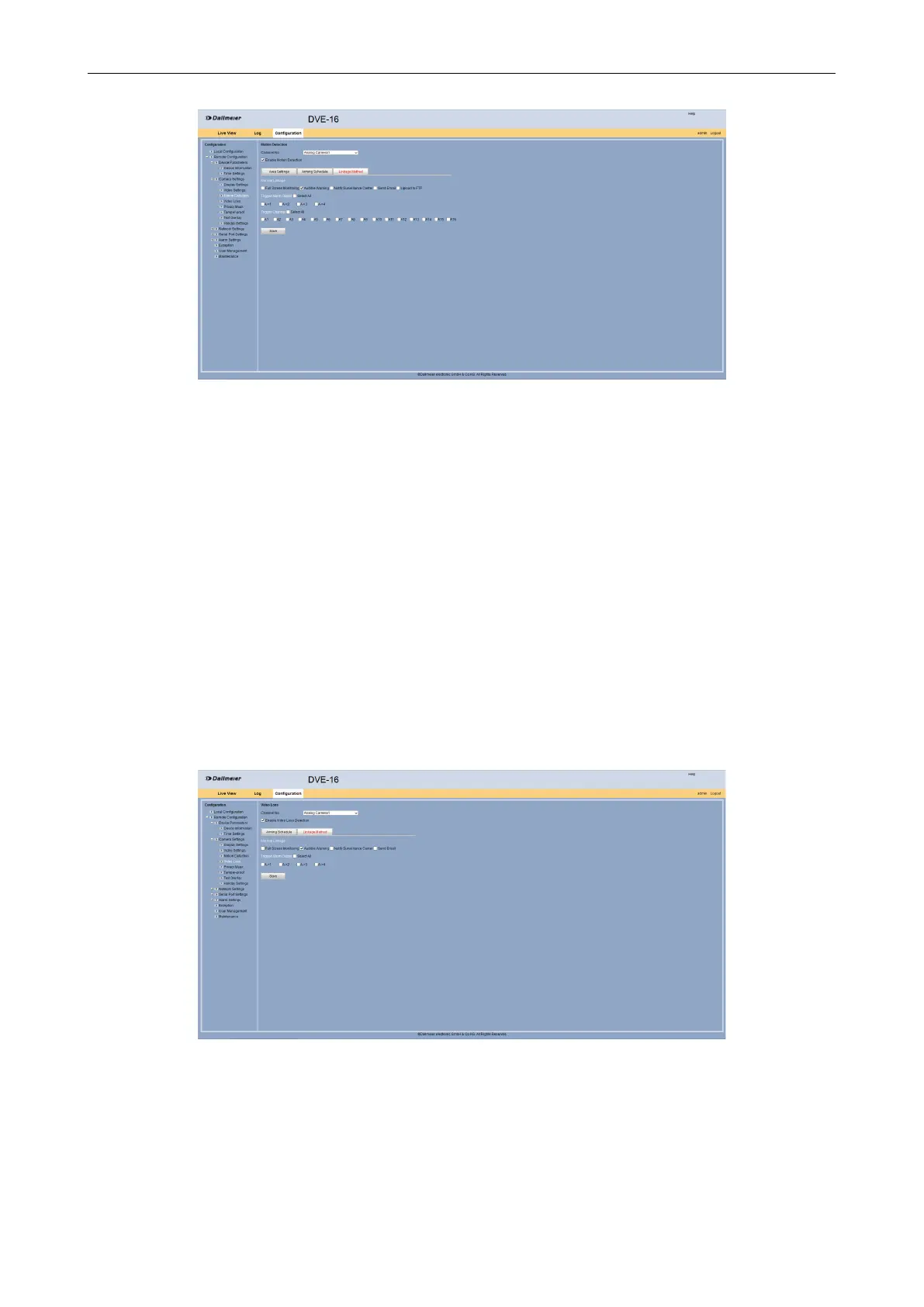
Enable in the Normal Linkage area the Audible Warning option if required.
Activate an Alarm Output if required.
Enable at Trigger channel cameras that should be activated when a motion detection
event.
Click Save.
5.2.4 Video Loss
The active video signal from a camera can be monitored. In case of loss or interruption of
an audible warning signal can be triggered.
Open the Video Loss dialog via Remote Conguration > Camera Settings > Video
Loss.
Select the Arming Schedule tab.
Fig. 5-13
Select from the Channel No. drop down box the required camera.
Activate the Enable Video Loss Detection check box.
Click Edit in order to congure a schedule for the video loss detection.



 To Next Page