DVE-4 / DVE-8 / DVE-16
www.dallmeier.com 19
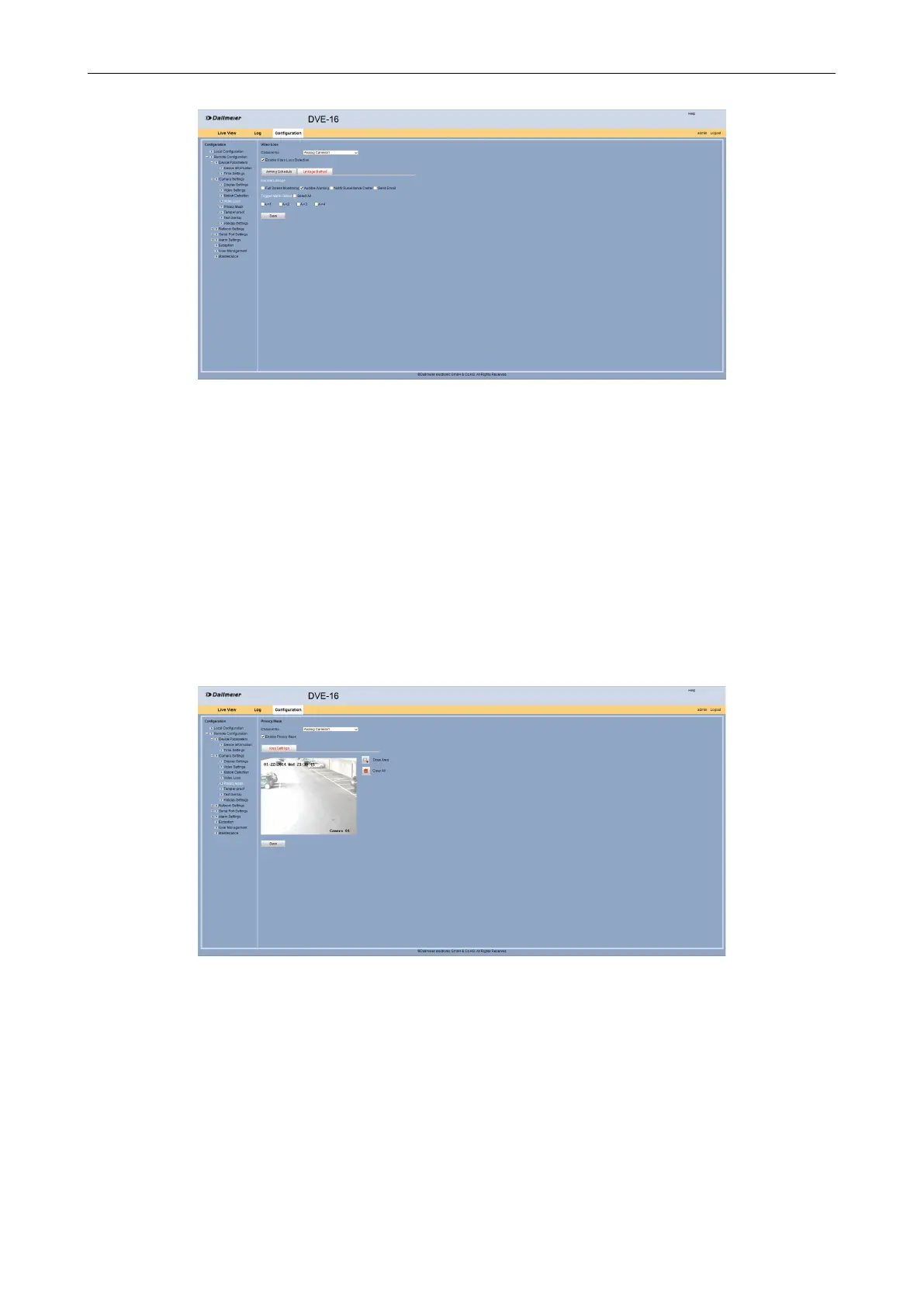
Fig. 5-16
Select in the Normal Linkage area the Audible Warning option if required.
Enable an Alarm Output if required.
Click Save.
5.2.5 Private Zones
The Privacy Mask dialog allows to hide certain areas of the camera image.
Open the Privacy Mask dialog via Remote Conguration > Camera Settings >
Privacy Mask.
Fig. 5-17
Select from the Channel No. drop down box the required camera.
Activate the Enable Privacy Mask check box.



 To Next Page