DVE-4 / DVE-8 / DVE-16
www.dallmeier.com 27
Enable in the Normal Linkage section the Audible Warning check box.
Click Save.
5.4.2 Alarm Outputs
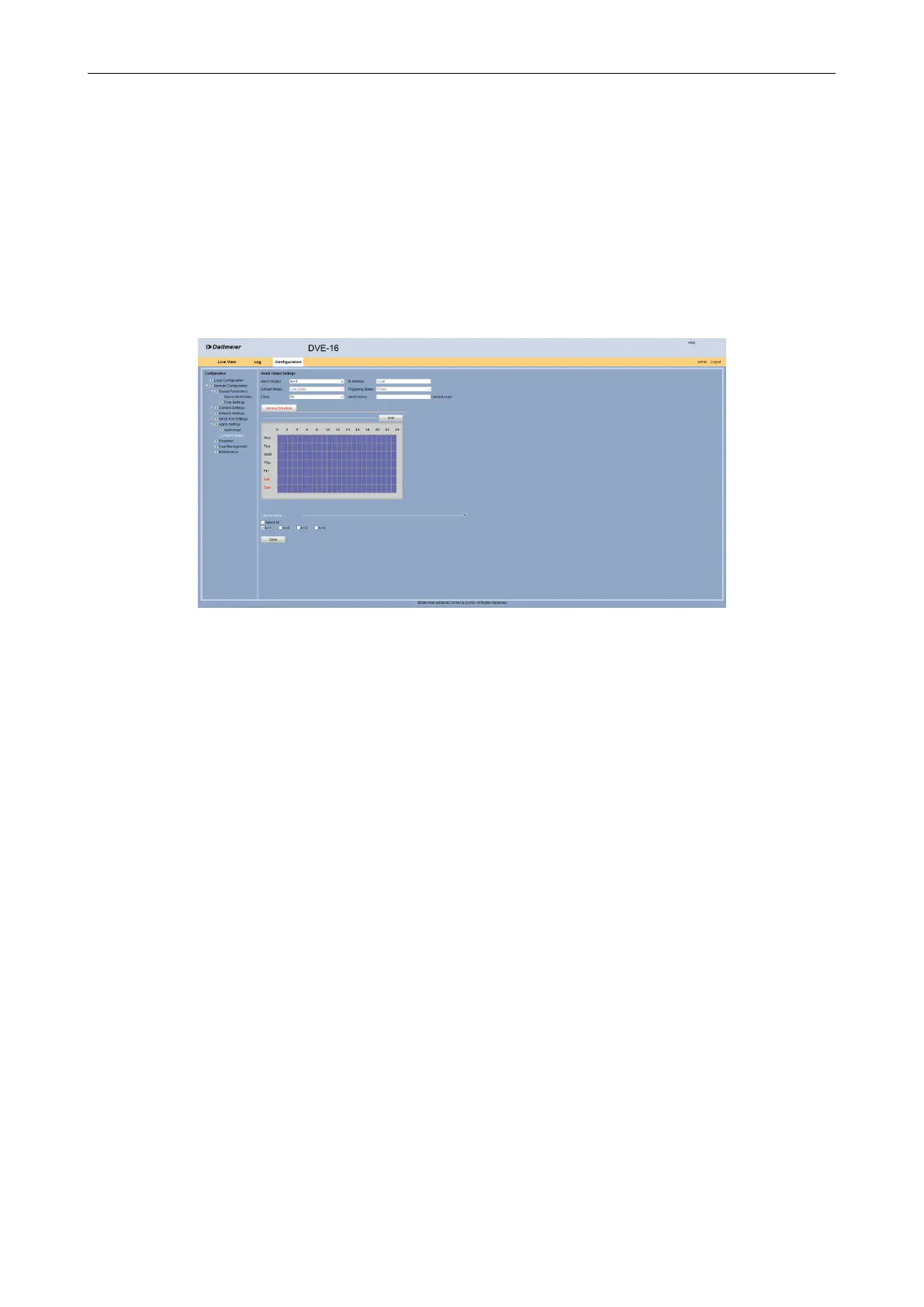
The four alarm outputs can be congured.
Open the Alarm Output Settings dialog via Remote Conguration >
Alarm Settings > Alarm Output.
Fig. 5-30
Select from the Alarm Output eld the required alarm.
Select from the Delay drop down box the required period.
Enter in the Alarm Name eld a name for the alarm output.
Congure on the Arming Schedule tab the active time as described above if required.
Activate under Copy to Alarm the other alarm outputs for which these settings are to
be transferred.
Click Save.
5.5 Exception
For certain events (eg illegal user login, IP address conict) the device can trigger an au-
dible warning signal.
Open the Exception dialog via Remote Conguration > Exception.



 To Next Page