DVE-4 / DVE-8 / DVE-16
www.dallmeier.com 26
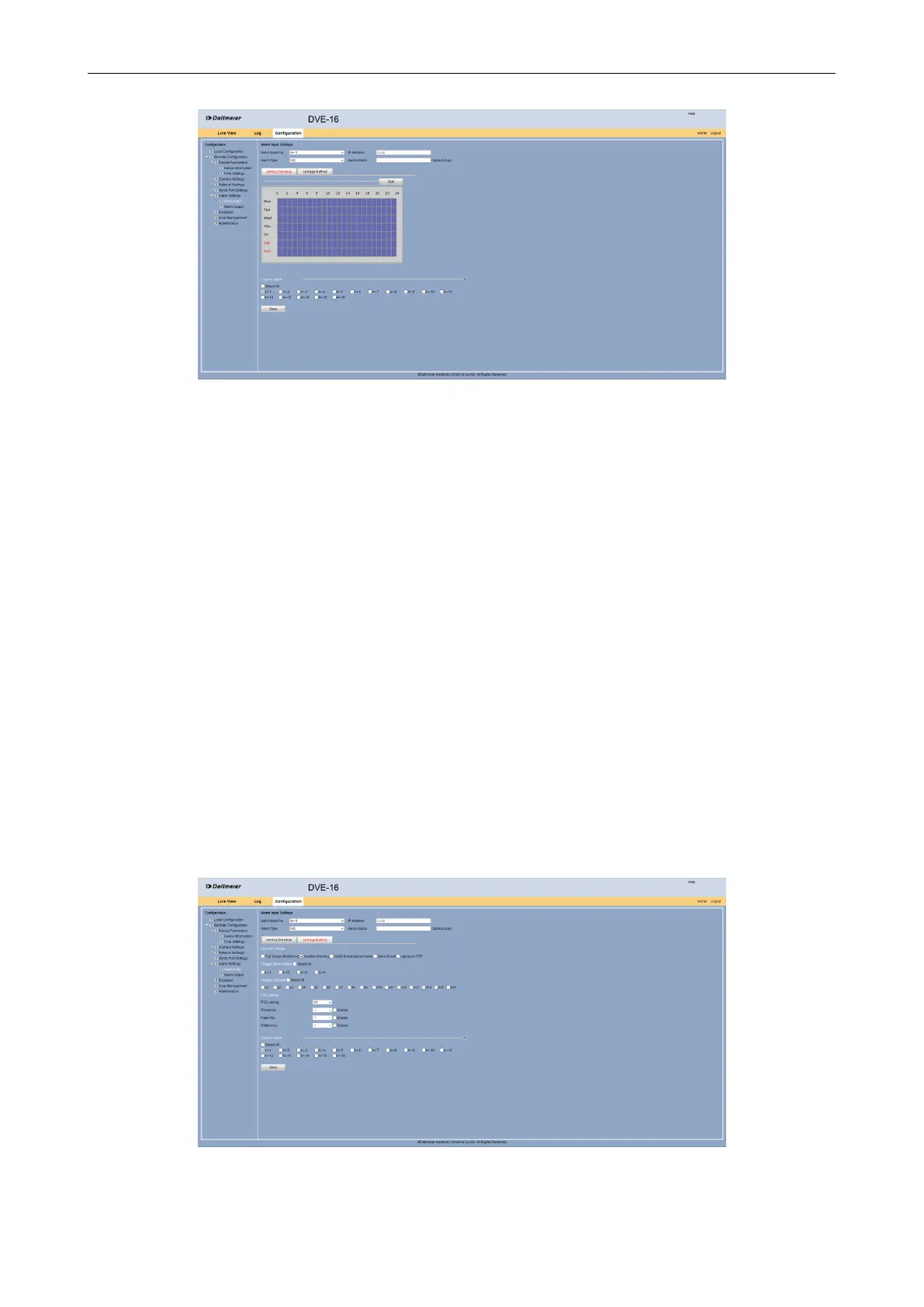
Fig. 5-28
Select from the Alarm Input No. drop down box the required alarm input.
Select from the Alarm Type drop down box the required type:
NC = normally closed
NO = normally opened
Enter in the Alarm Name eld an appropriate name for the alarm.
Select the Arming Schedule tab if the alarm input should not to be always active if
required.
Make in the Edit Schedule Time dialog the required settings as described above.
Click OK.
Activate under Copy to Alarm the other alarm inputs for which these settings are to be
transferred.
Finally click Save.
Linkage
The Linkage Method tab allows to congure whether an audible warning sound will be
triggered by an alarm input.
Select the Linkage Method tab.
Fig. 5-29



 To Next Page