DVE-4 / DVE-8 / DVE-16
www.dallmeier.com 14
Select from the Channel No. drop down box the required camera.
Make the required settings.
Activate under Copy to Camera the required cameras for which these settings are to
be transferred.
Click Save.
Transmitting an audio stream is not possible.
5.2.3 Motion Detection
In this dialog areas can be set for motion detection. In addition, an acoustic warning signal
on the device are activated when the motion detection is triggered.
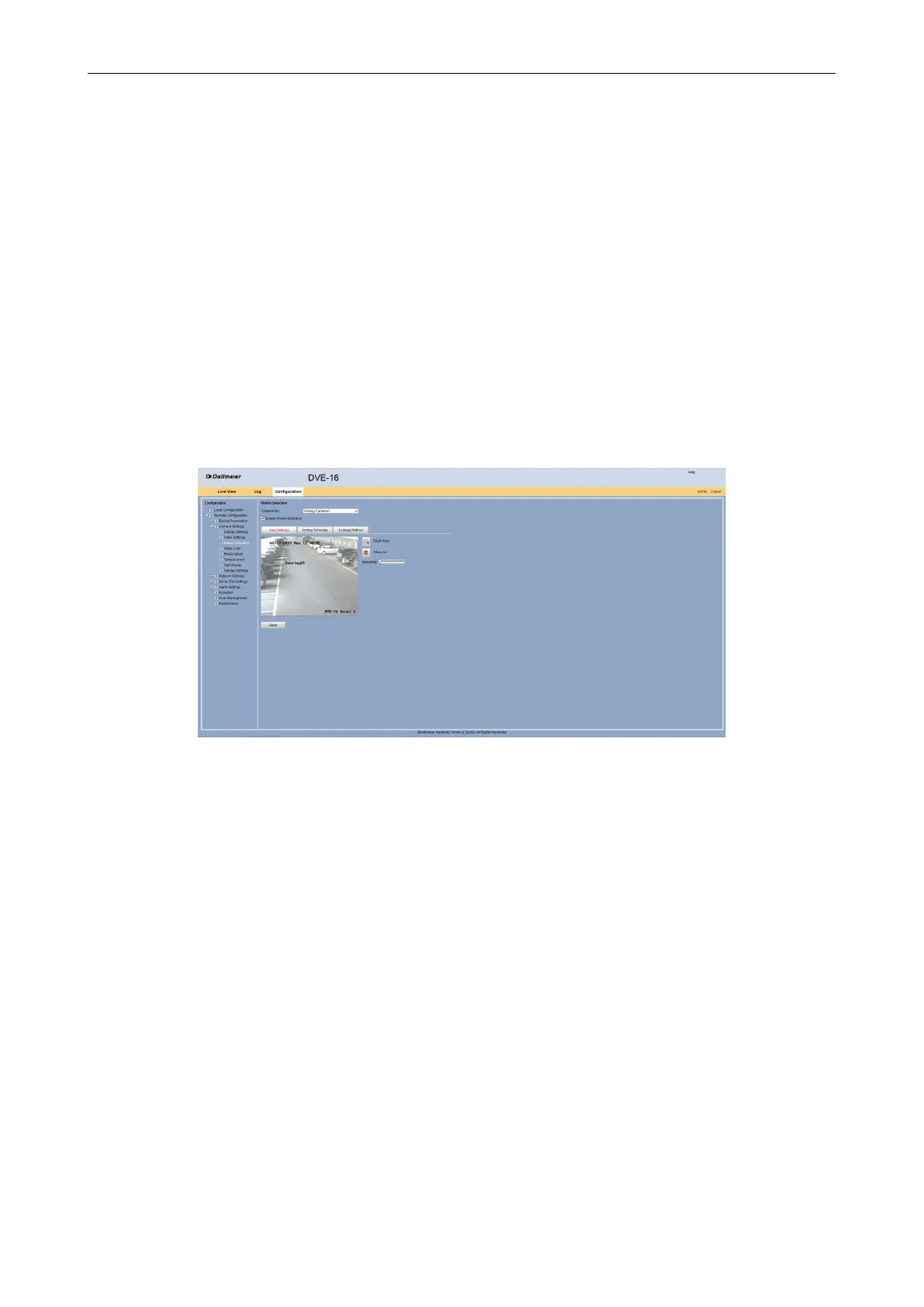
Open the Motion Detection dialog via Remote Conguration > Camera Settings >
Motion Detection.
Fig. 5-7
Select from the Channel No. drop down box the required camera.
Activate the Enable Motion Detection check box.
DeneAreas
In the rst step, the areas for motion detection are congured in the live image of the re-
quired camera.
Select the Area Settings tab.
Click Draw Area.
Drag with the mouse by drag and drop an area above the for the motion detection
required area in the live image of the camera.



 To Next Page