DVE-4 / DVE-8 / DVE-16
www.dallmeier.com 15
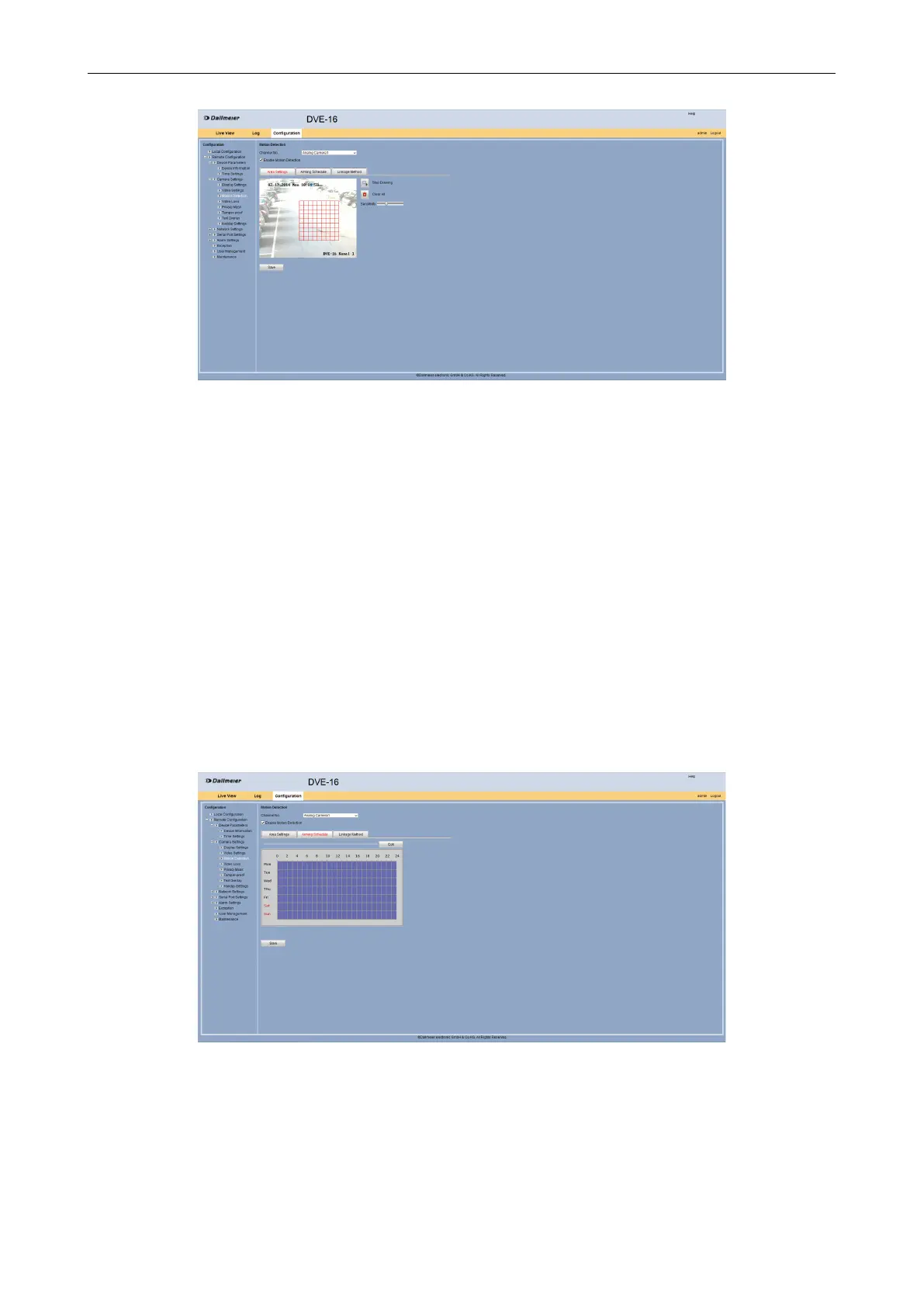
Fig. 5-8
Repeat the previous step for additional areas if required.
Set the sensitivity of the motion detection with the Sensitivity slider if required (the
farther to the right the more sensitive).
Click Save.
With the “Clear All” button raised areas can be removed if required.
Arming Schedule
When the motion detection should be active, can be set to the Arming Schedule tab.
Select the Arming Schedule tab.
First, the motion detection is always active.
Fig. 5-9
Click Edit in order to congure a schedule for the motion detection.



 To Next Page