DVE-4 / DVE-8 / DVE-16
www.dallmeier.com 8
4 Login and Language
4.1 Login
The conguration of the devices is done with a PC / web browser through the local network
(LAN – Local Area Network).
The factory default IP address is: 10.128.8.62
If you do not know the IP address of the device or not using the device for the rst time, you
can use the Dallmeier software “PService” in order to nd out the IP address of the device.
It is recommended to change the device’s registered factory IP address.
Make sure that the PC / web browser can connect to the corresponding device via
Ethernet.
Start the web browser.
Enter the IP address of the corresponding device in the address line of your web
browser.
Conrm the entry.
The connection to the device is established.
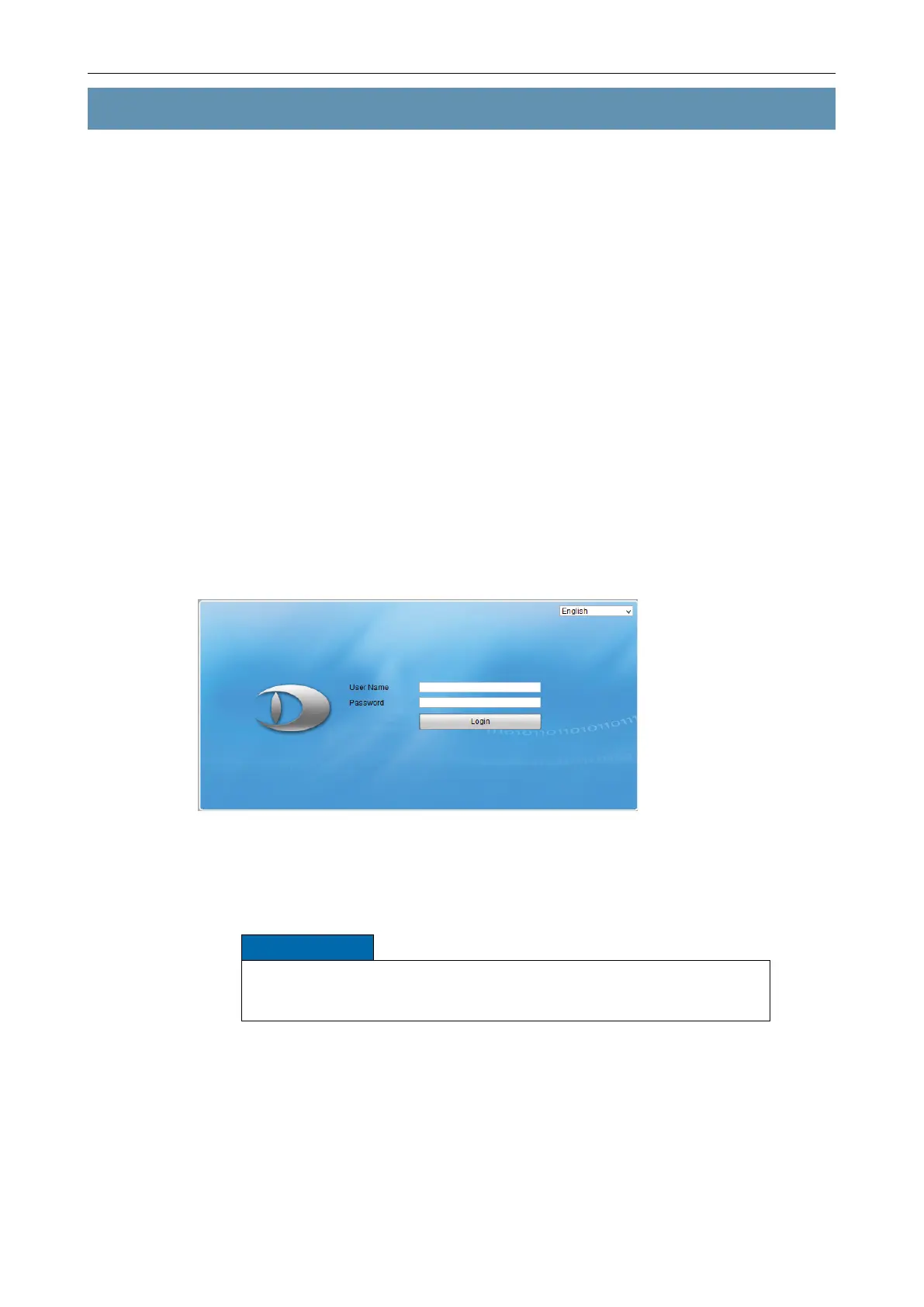
The login dialog is displayed.
Fig. 4-1
The factory-set “User Name” is “admin”.
The factory-set “Password” is “12345”.
NOTICE
Danger of abuse by unauthorized users!
Change the factory default set admin password as soon as possible.
Enter User Name and Password.
Click Login.
After successful login, the user interface is displayed depending on the selected settings.



 To Next Page