DVE-4 / DVE-8 / DVE-16
www.dallmeier.com 31
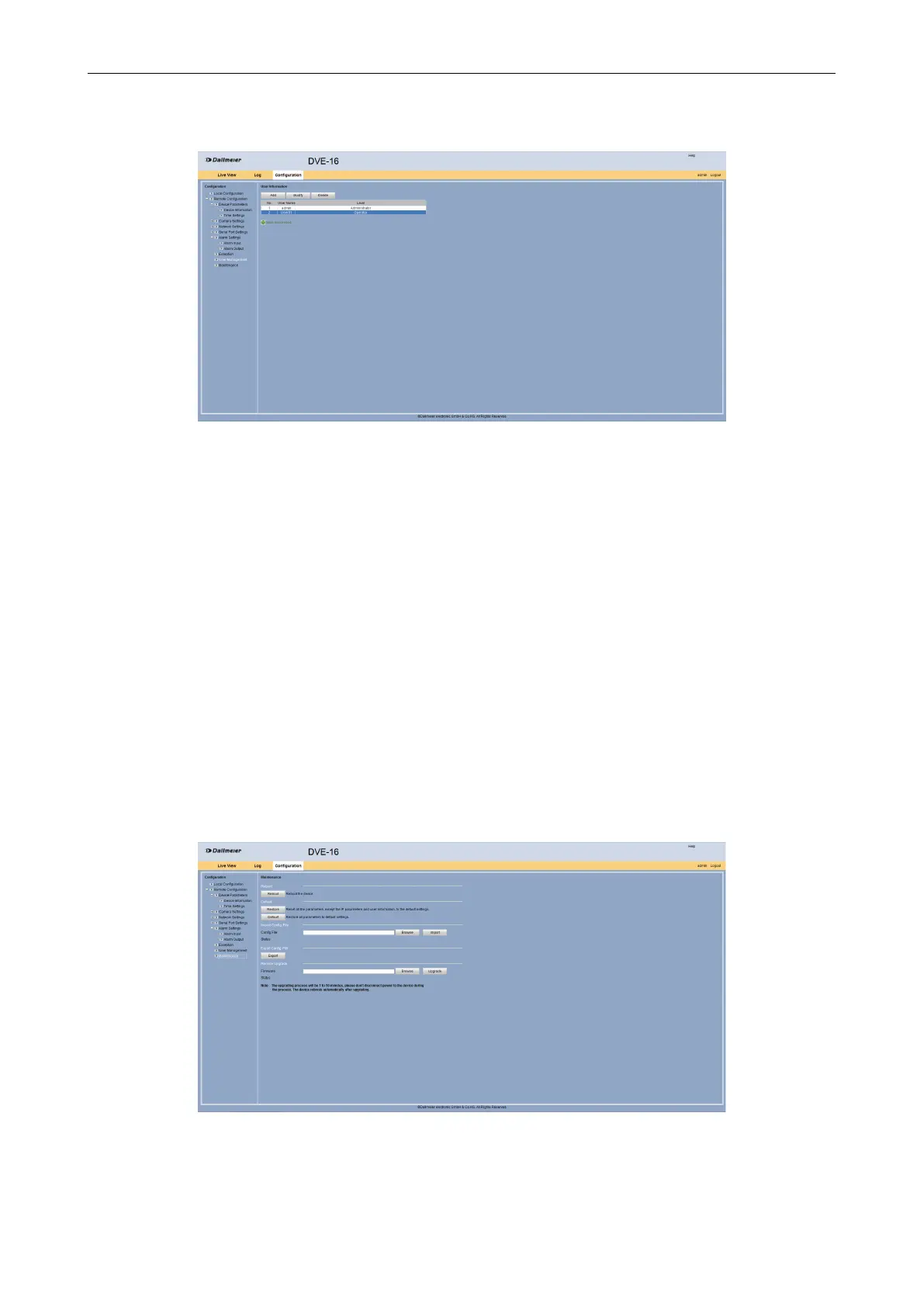
The new user is displayed in the User Information dialog.
Fig. 5-37
5.6.3 Delete User
Open the User Information dialog.
Select the required user.
Click Delete.
Conrm the subsequent info dialog.
5.7 Maintenance
The Maintenance dialog allows you to perform various maintenance tasks. The device can
be restarted, the default settings can be restored or conguration parameters are exported
and imported.
Open the Maintenance dialog via Remote Conguration > Maintenance.
Fig. 5-38
Make the required settings as described below.



 To Next Page