DVE-4 / DVE-8 / DVE-16
www.dallmeier.com 30
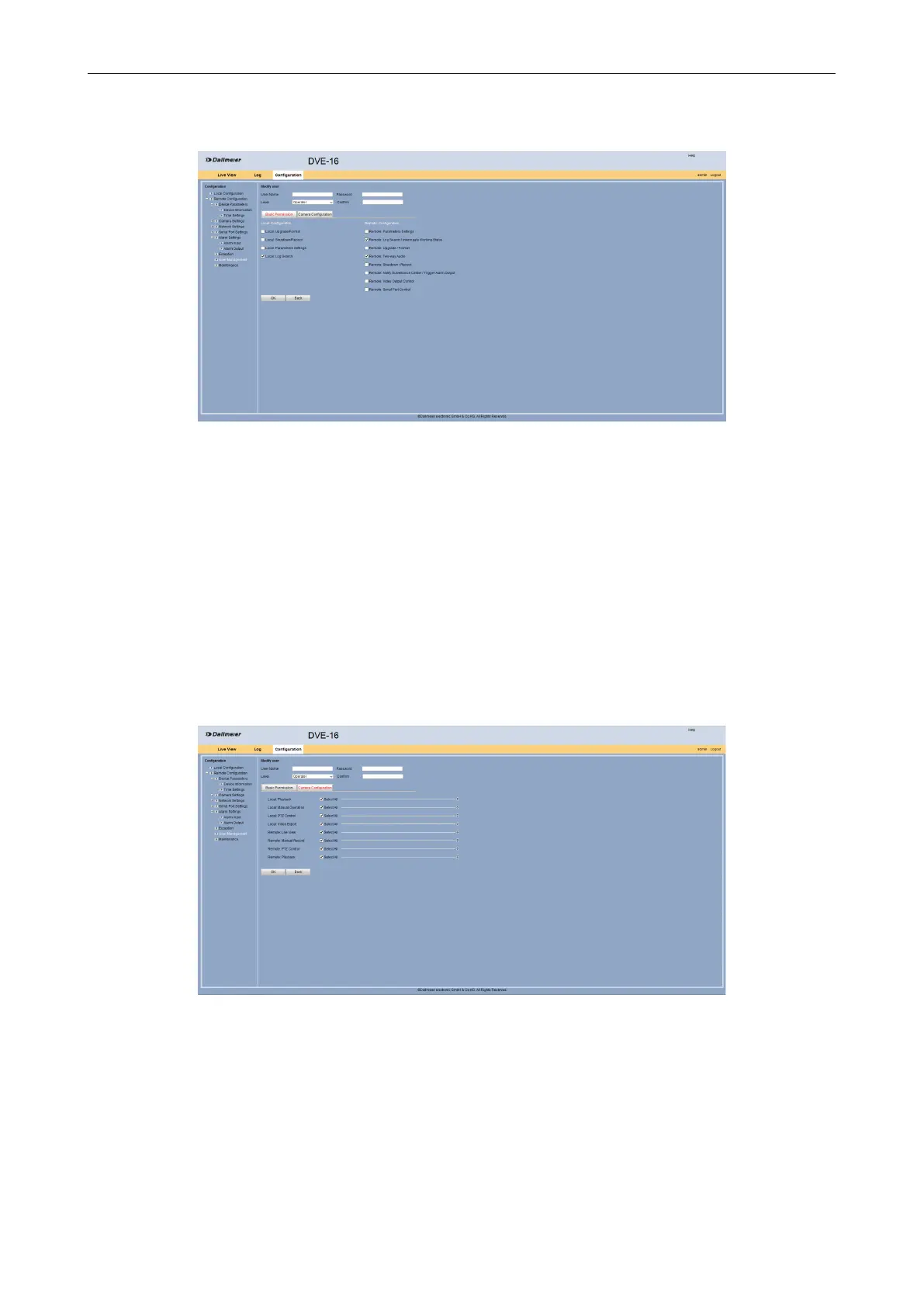
The Add user dialog is displayed.
Fig. 5-35
Enter an new user in the User Name eld.
Enter a Password for the new user.
Conrm the password.
Select from the Level drop down box the required user status.
Select the Basic Permission tab.
Enable / disable the required permissions.
Click OK.
Select the Camera Conguration tab.
The tab is displayed.
Fig. 5-36
Enable / disable the required permissions.
Click OK.



 To Next Page