DVE-4 / DVE-8 / DVE-16
www.dallmeier.com 13
Fig. 5-5
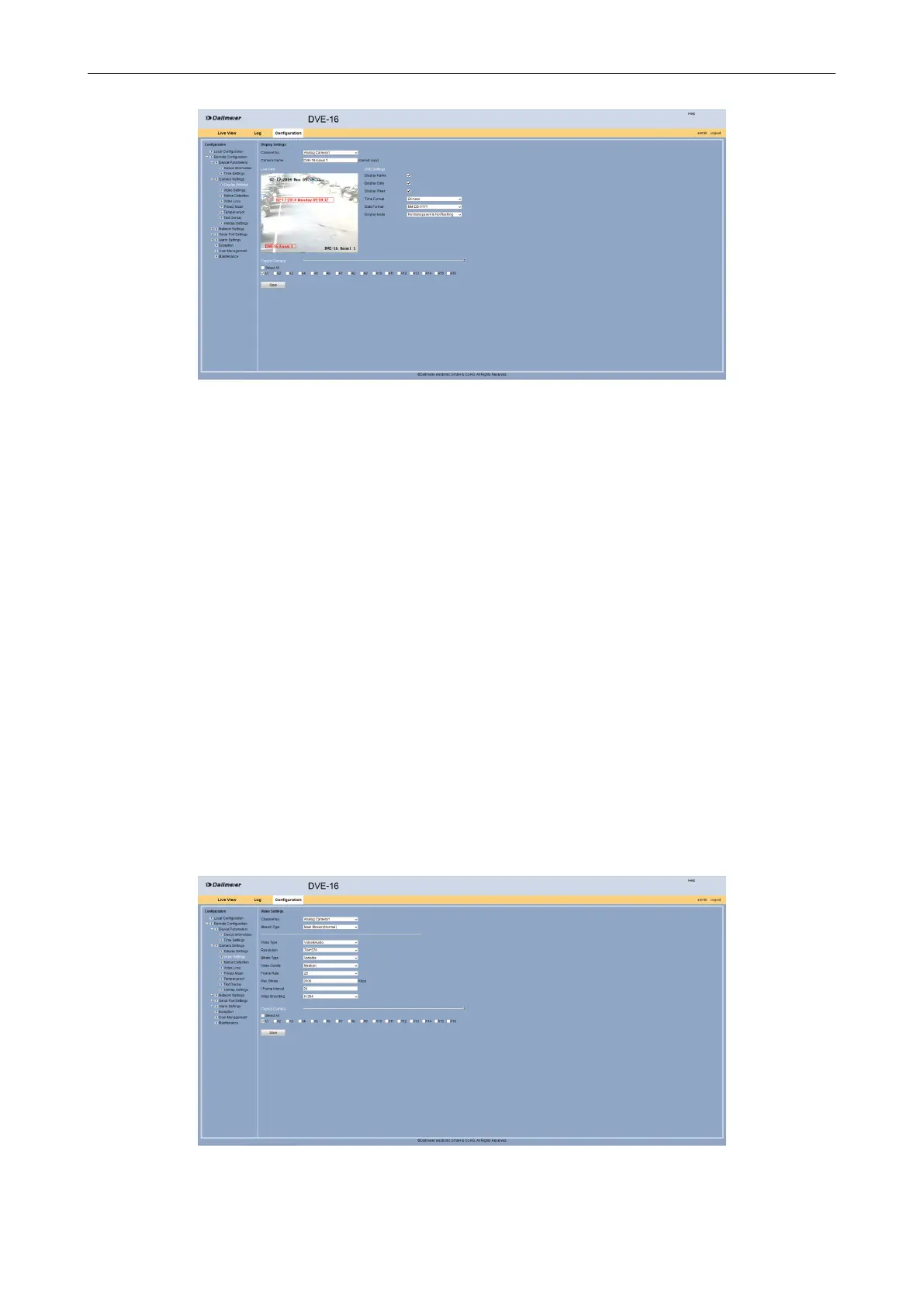
Select from the Channel No. drop down box the required camera.
The current live image from the camera is displayed. Left above date and time is displayed
at the bottom right the camera name.
Move by drag and drop the inserts to appropriate places if required.
Make in the OSD Settings the desired settings, what should be displayed and in which
format.
Activate under Copy to Camera the required cameras for which these settings are to
be transferred.
Click Save.
5.2.2 Video Settings
Settings for resolution, video type, bit rate, video quality or frame rate can be congured in
the Video Settings dialog.
Open the Video Settings dialog via Remote Conguration > Camera Settings >
Video Settings.
Fig. 5-6



 To Next Page