DVE-4 / DVE-8 / DVE-16
www.dallmeier.com 23
Linkage
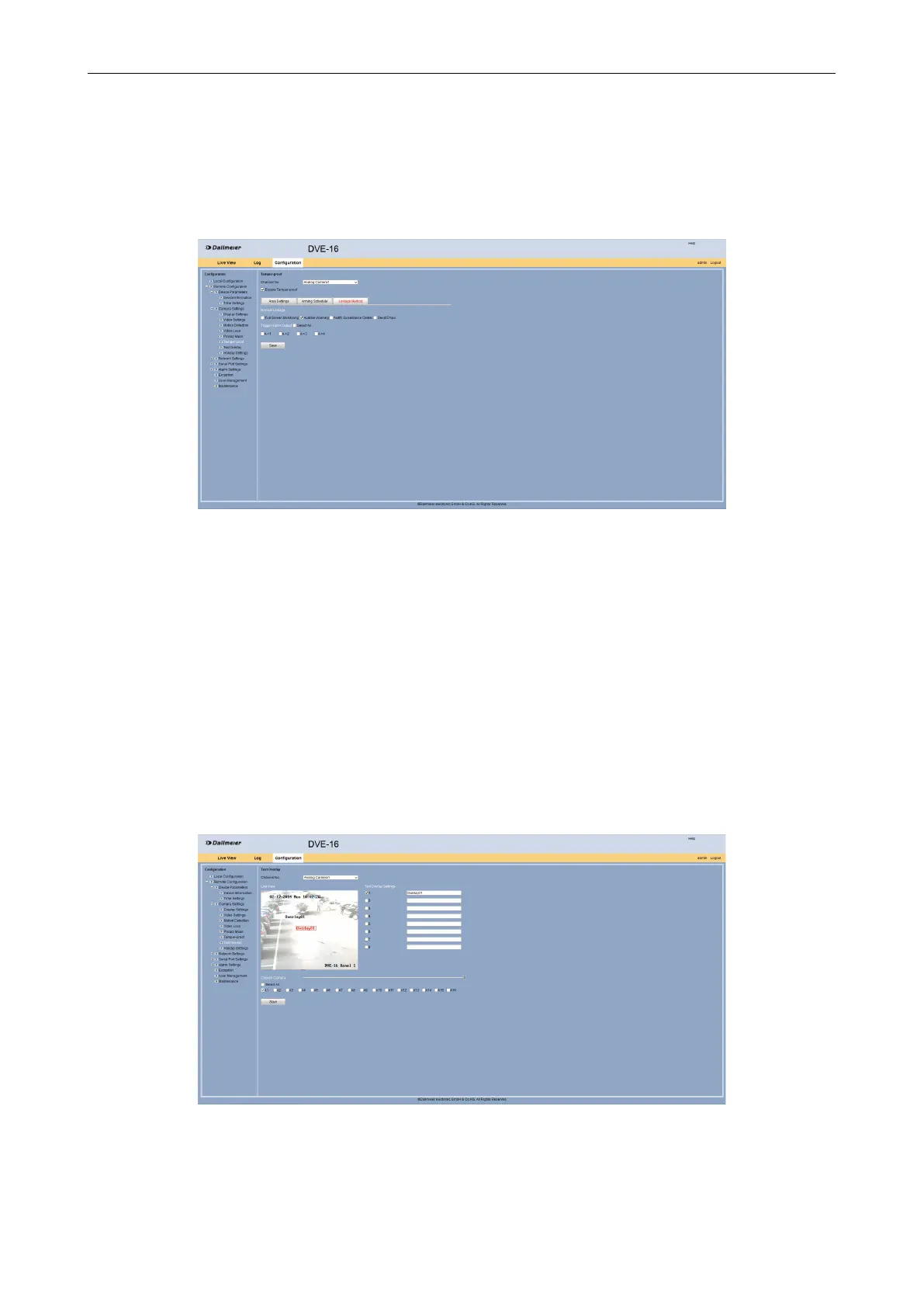
The Linkage Method tab allwos to specify whether an audible warning sound to be trig-
gered.
Select the Linkage Method tab.
Fig. 5-23
Select in the Normal Linkage section the Audible Warning option if required.
Enable an Alarm Output if required.
Click Save.
5.2.7 Text Overlay
In the camera image can be displayed individual texts, so-called text overlays. Thus, cer-
tain areas of the image can be labeled.
Open the Text Overlay dialog via Remote Conguration > Camera Settings > Text
Overlay.
Fig. 5-24
Select from the Channel No. drop down box the required camera.
Enable in the Text Overlay Settings section the required check boxes.



 To Next Page