DVE-4 / DVE-8 / DVE-16
www.dallmeier.com 28
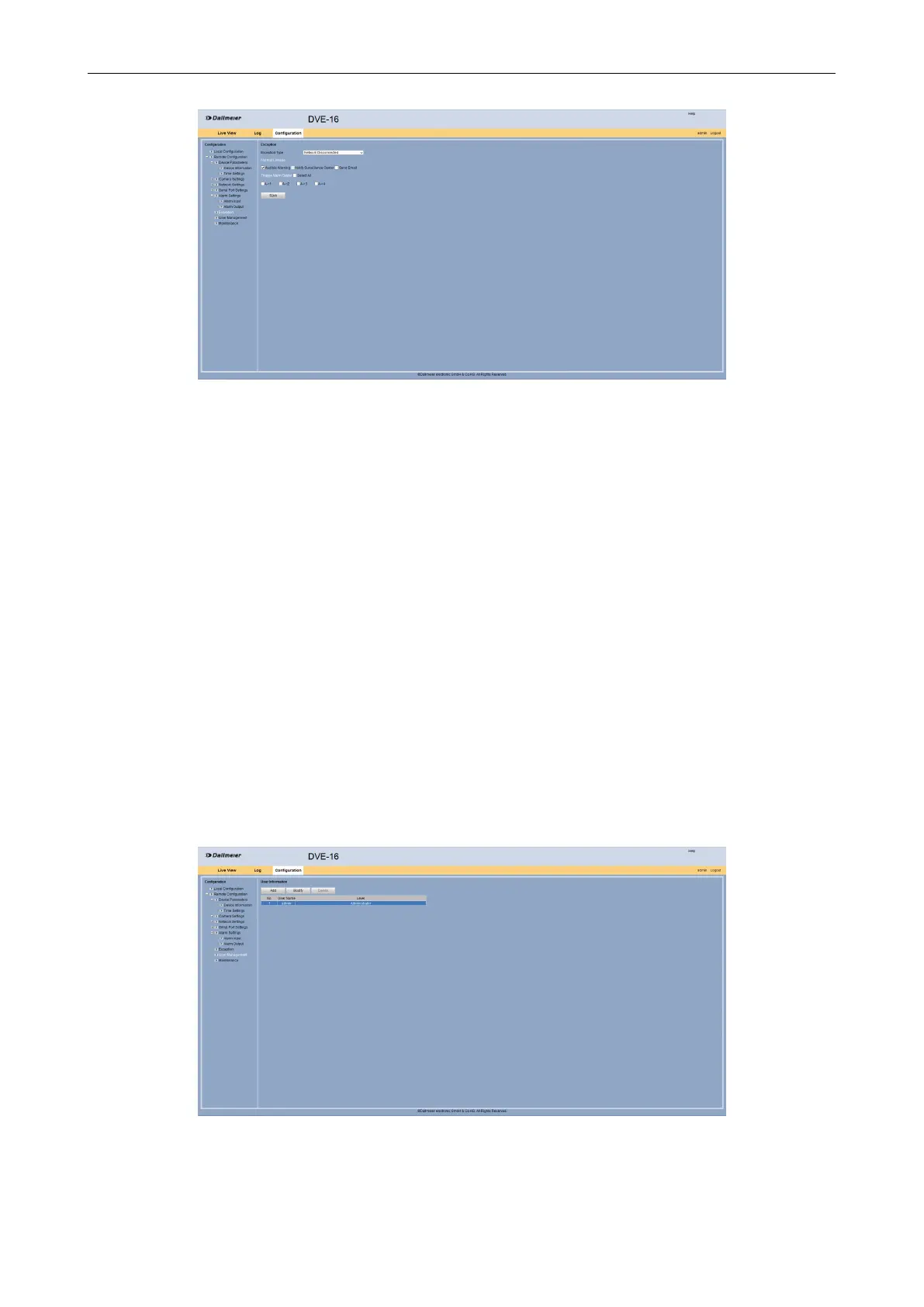
Fig. 5-31
Select from the Exception Type drop down box the required exception.
Select Audible Warning as Normal Linkage.
Enable an Alarm Output if required.
Click Save.
5.6 User Management
The user management allows the management of user structures. In addition to the ad-
ministrator with all permissions the user management allows to dene different access and
conguration rights for two different local user groups (user/operator).
5.6.1 Change Administrator Password
The factory-set default password (12345) of the administrator should be changed.
Open the User Information dialog via Remote Conguration >User Management.
Fig. 5-32
Select the admin entry.



 To Next Page