DVE-4 / DVE-8 / DVE-16
www.dallmeier.com 11
5.1.1 Device Name
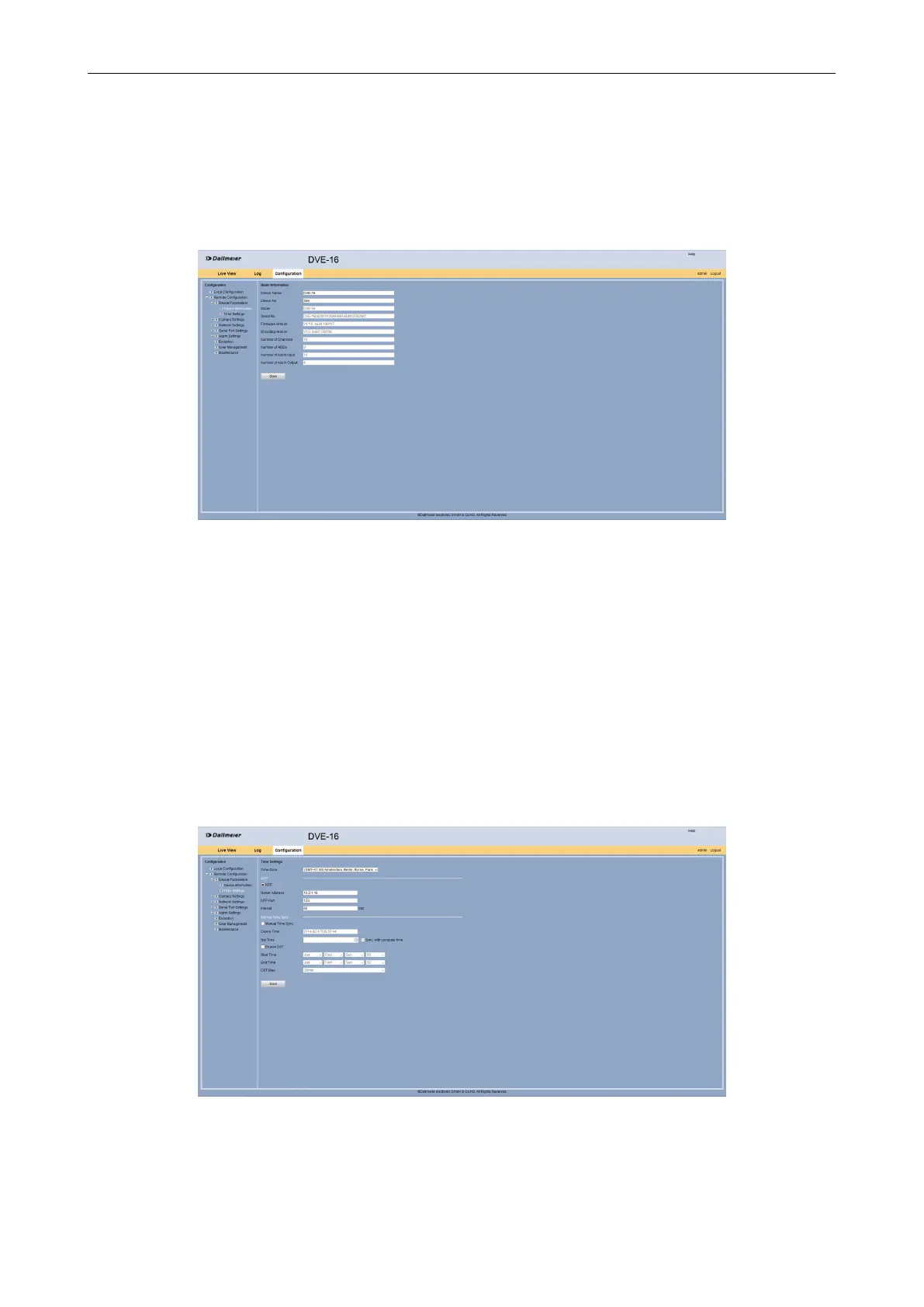
The name and number of the device can be changed.
Open the Basic Information dialog via Remote Conguration >
Device Parameters > Device Information.
Fig. 5-3
Enter in the Device Name eld an new name for the device if required.
Enter in the Device No. eld a new number for the device if required.
Click Save.
5.1.2 Time
The date and time setting can be made in the Time Settings dialog.
Open the Time Settings dialog via Remote Conguration >
Device Parameters > Time Settings.
Fig. 5-4
Select the required Time Zone.



 To Next Page