DVE-4 / DVE-8 / DVE-16
www.dallmeier.com 18
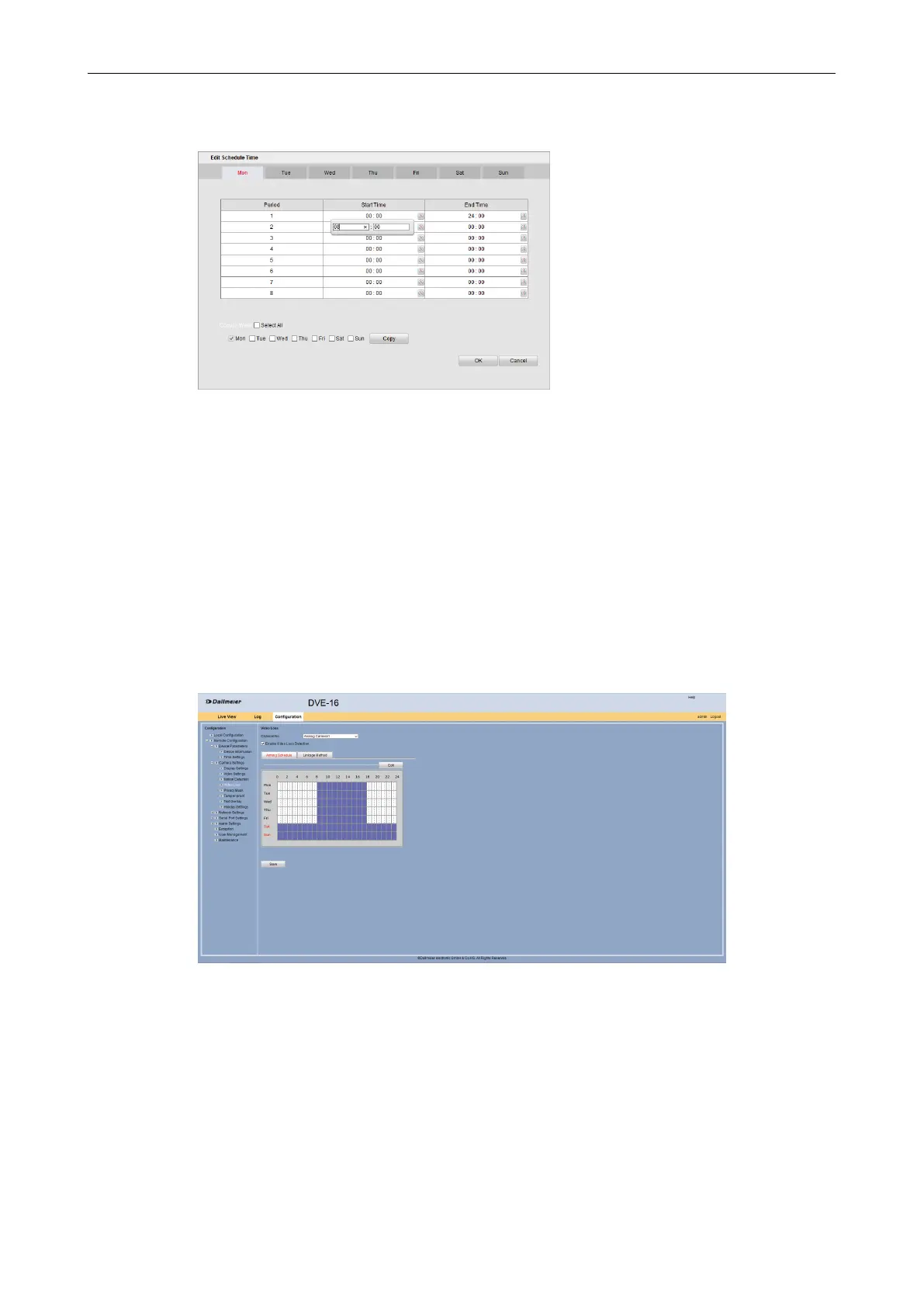
The Edit Scheduler Time dialog is displayed.
Fig. 5-14
Select the required weekday.
Set the Start Time and the End Time for the Period 1.
Repeat the previous step for further day periods if required.
Repeat all steps for other days of the week if required.
With the “Copy to Week” option day settings can be copied to other days.
Click OK in order to save the settings.
The active time of the video loss detection is displayed.
Fig. 5-15
Select the Linkage Method tab.



 To Next Page