DVE-4 / DVE-8 / DVE-16
www.dallmeier.com 21
Select from the Channel No. drop down box the required camera.
Activate the Enable Tamper-proof check box.
Click Draw Area.
Drag with the mouse by drag and drop an area above the for the tamper-proof required
area in the live image of the camera.
Repeat the previous step for other areas if required.
Click Stop Drawing to move areas with the mouse if required.
Click Clear All in order to remove the areas if required.
Click Save.
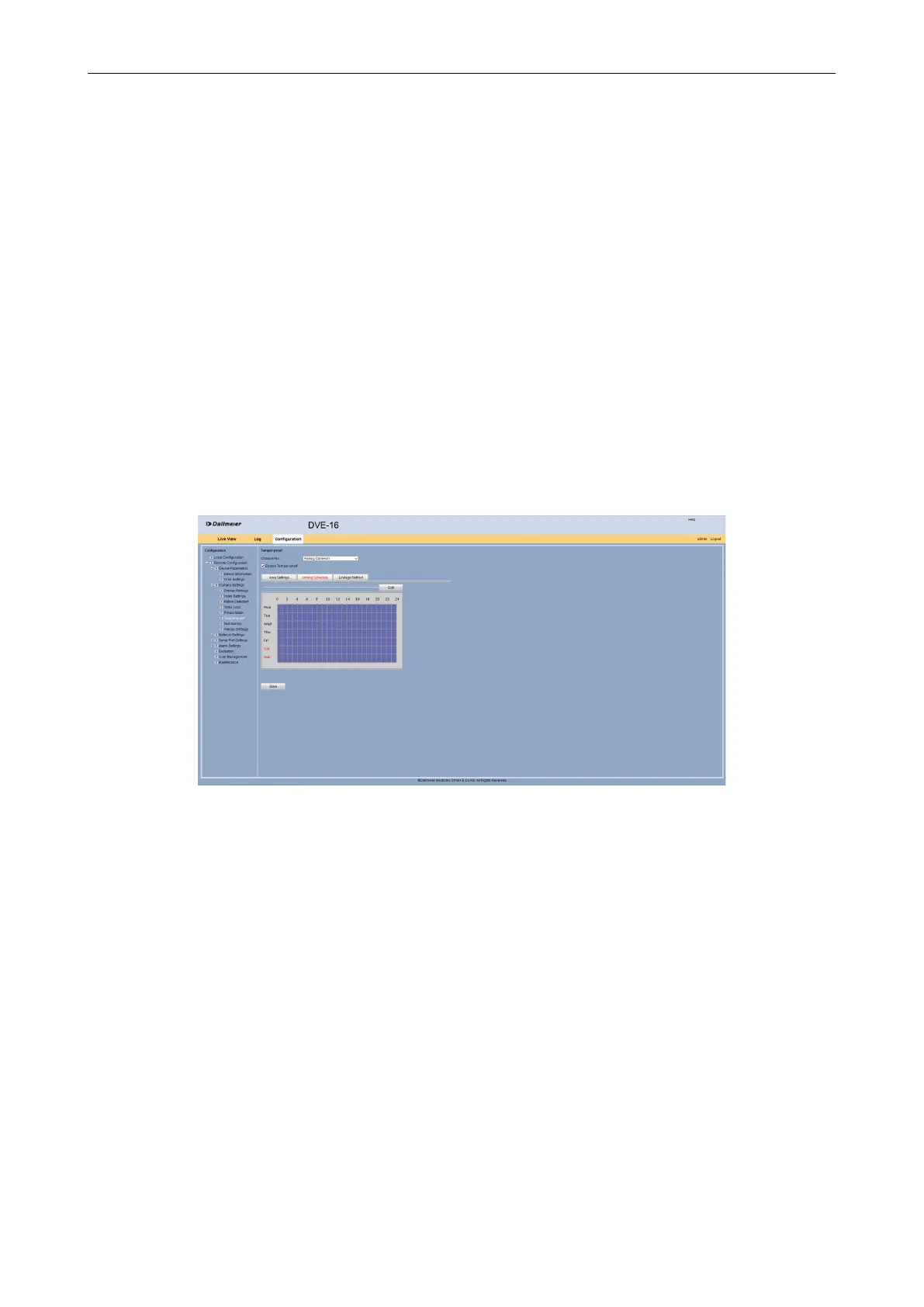
Arming Schedule
The Arming Schedule tab allows to congure when the tamper alarm should be active.
Select the Arming Schedule tab.
First, the tamper alarm is always active.
Fig. 5-20
Click Edit in order to congure a schedule for the tamper alarm.



 To Next Page