AP25 Installation and Operating Guide Page 24
AP25 Installation & Operating Guide Document # 9301H79500 Ver. 1.00
2.0 Installation and Set Up
2.1 Installation Checklist
This checklist summarizes the installation and setup procedures for the AP25.
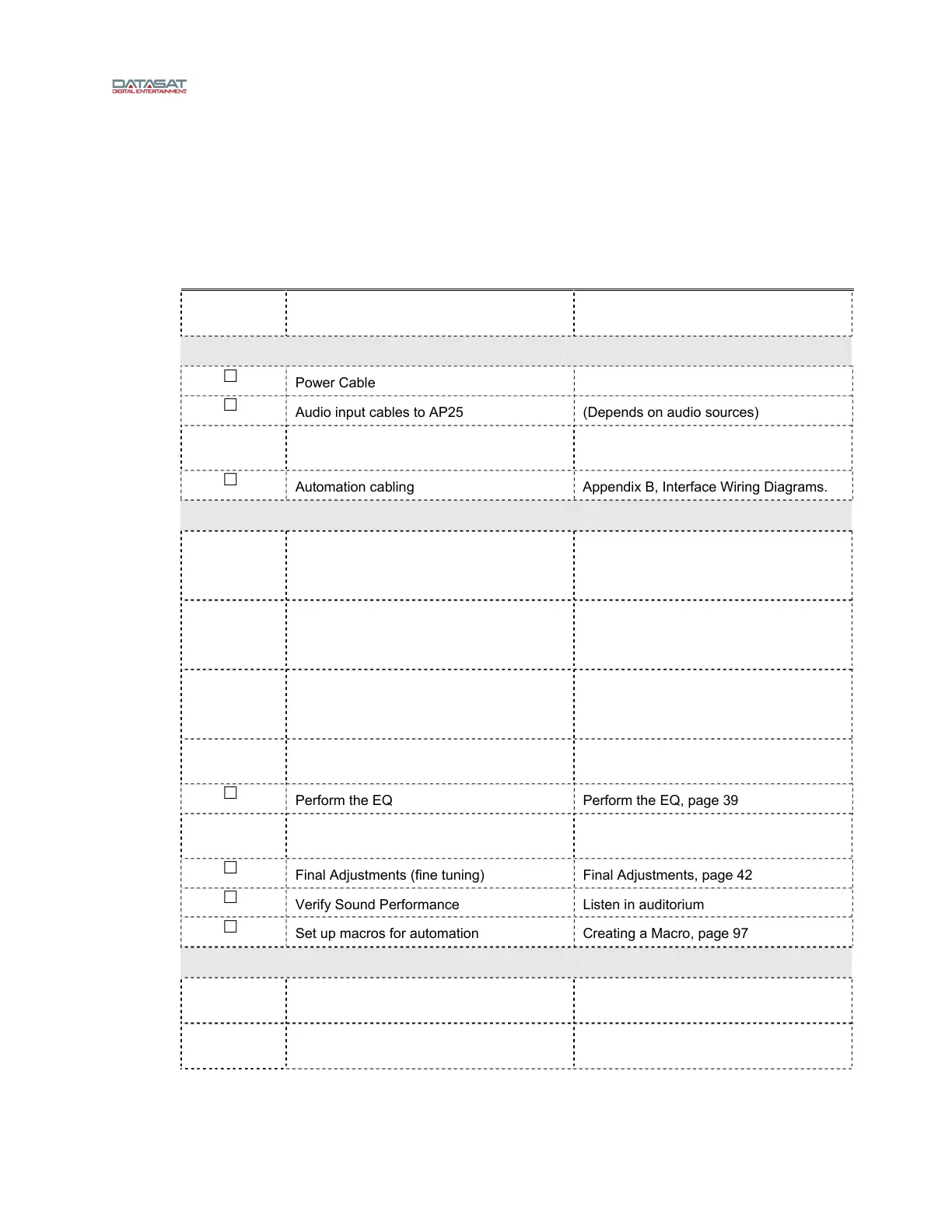
Table 3: AP25 Installation and Setup
Completed Task Description Refer to:
Install AP25 in Equipment Rack Chassis Rack Mounting and Connection,
page 26
CONNECT CABLING:
Power Cable
Audio input cables to AP25 (Depends on audio sources)
Audio output cable from AP25 Analog Out
to Audio Power Amps
Appendix B, Interface Wiring Diagrams.
Automation cabling Appendix B, Interface Wiring Diagrams.
ADJUST AND TEST
Theater Equipment Check Check speakers, amplifiers, auditorium
conditions
Theater Equipment Check, p
age 34
Assign channels On AP25: Menu (System) > Format >
Channel Profile > Channel Names
Assign Channels on AP25, page 34
Verify channel assignments Listen in auditorium
Verify Channel Assignments in
Auditor
ium, page 36
Set levels to establish a baseline Set levels to establish a baseline, page
38
Perform the EQ Perform the EQ, page 39
Perform Subwoofer Parametric EQ Subwoofer EQ – Parametric EQ, page
41
Final Adjustments (fine tuning) Final Adjustments, page 42
Verify Sound Performance Listen in auditorium
Set up macros for automation Creating a Macro, page 97
SYSTEM SECURITY
Save AP25 configuration to USB flash
drive
Saving and Restoring Configuration
Files, page 56
Set Password to Prevent Unauthorized
Access, if Appropriate.
Access Control, page 58



 To Next Page