AP25 Installation and Operating Guide Page 42
AP25 Installation & Operating Guide Document # 9301H79500 Ver. 1.00
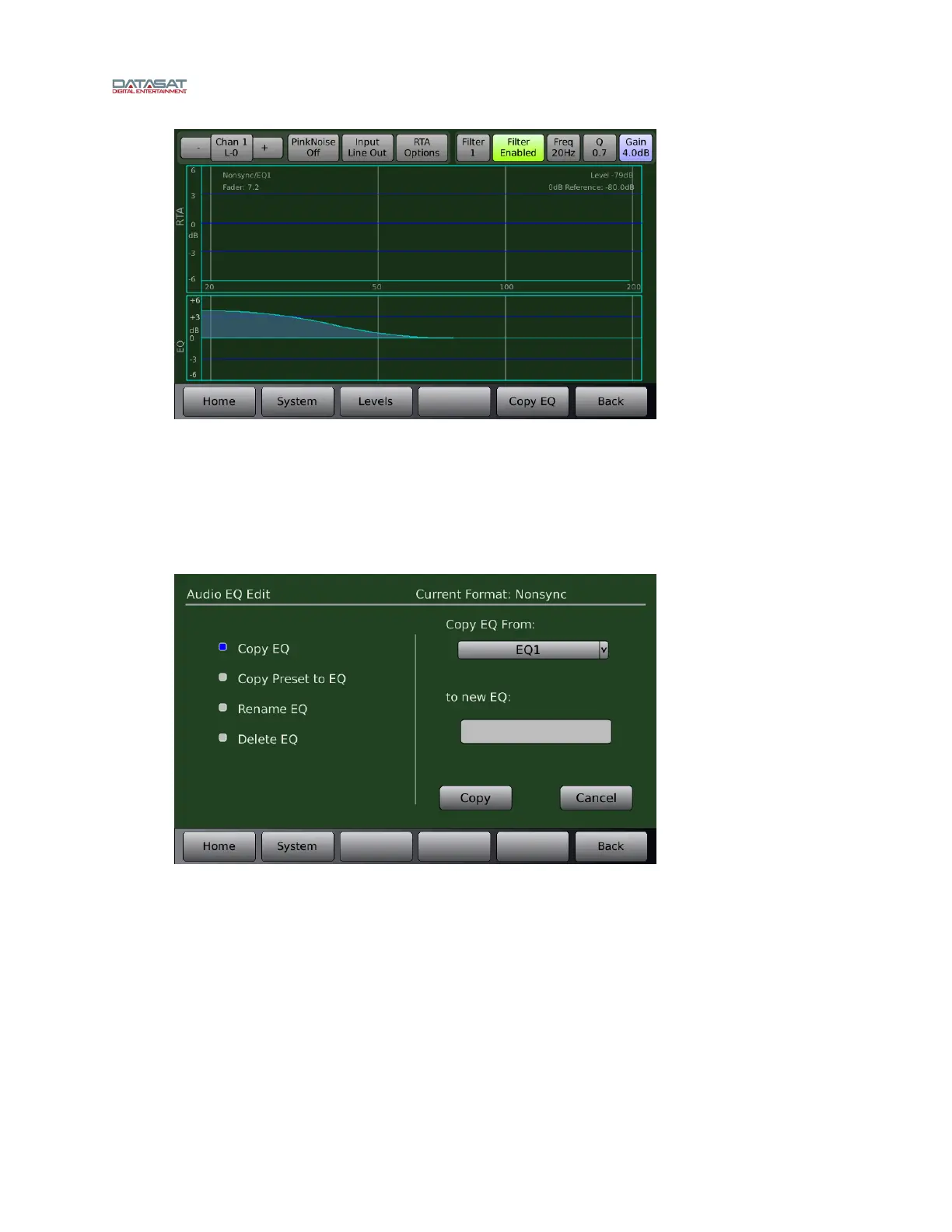
Figure 20. Parametric EQ Screen, Filter Enabled
2.12 Copy EQ Set to Another EQ Set
This screen is used to copy the EQ settings for all channels to a new EQ set under a new name. After
equalizing all the channels, copy these settings to create another EQ (with a new name).
Menu (System) > Formats > Audio EQ Setup > Edit EQs
Figure 21. Copy EQ Settings
Use the Copy EQ function, accessible from the Edit EQs menu to copy the EQ set. Select the Copy
EQ From set (select from the dropdown menu), then in the to new EQ field, enter a new name for the
EQ set, then click the Copy button.
2.13 Final Adjustments
After performing the EQ, take another SPL level reading. If the SPL reading has changed, use the Level
control (Third Octave EQ screen) to raise or lower to the proper SPL level for each channel (see Table
10 on page 38).



 To Next Page