AP25 Installation and Operating Guide Page 30
AP25 Installation & Operating Guide Document # 9301H79500 Ver. 1.00
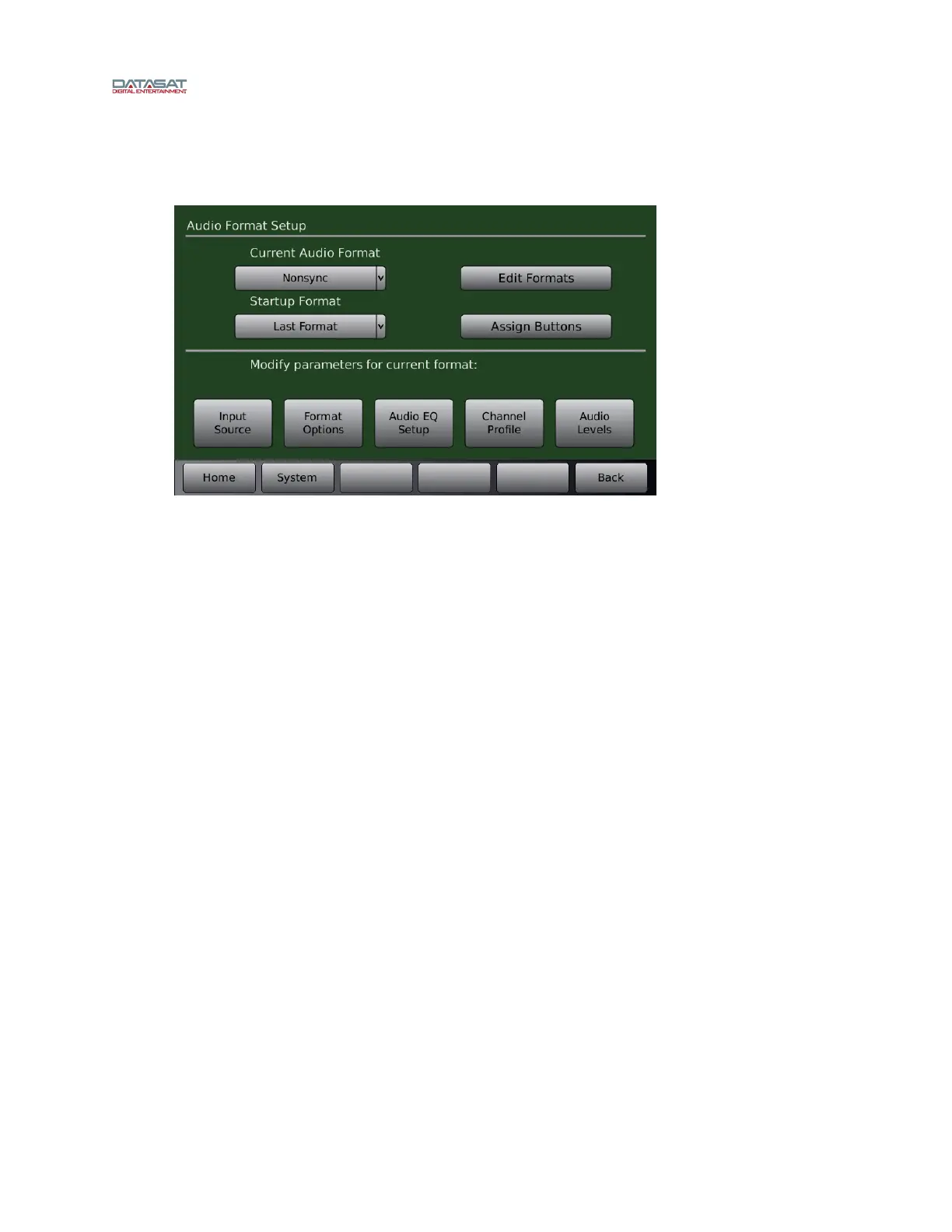
In the Audio Format Setup screen, five options appear along the bottom: Input Source, Format Options,
Audio EQ Setup, Channel Profile, and Audio Levels.
Menu (System) > Formats
Figure 13. Audio Format Setup Screen
2.7.1 Creating an Audio Format
This is an overall summary of the procedure for creating an audio format. Each is described in more
detail later in the manual.
Under Audio Format Setup: Assign the selected format to a button.
Input Source screen: Select the audio input.
Format Options screen: Set global delay and other options, depending on format.
Channel Profile screen: Set channel names, audio levels, and crossover settings.
Audio EQ Setup screen: set up Third Octave EQ, Dirac, or Parametric EQ.
The following is a list of the format configuration options.
Audio Format:
Home screen button assignment.
Audio format name.
Input source.
Options: Global Delay, Surround Offset, and Extended Surrounds for routing and Matrix
decoding.
Audio Levels: Individual offsets for each channel.
Audio Profile:
Channel Names.
Crossover: Channel Routing and crossover points are assignable in the Routing/Crossovers
menu.



 To Next Page