DV-332 Analog/Digital User Guide
13
8FXS module by one slot unit. Connect telephones or co-line ports of a keyphone or PBX to FXS ports.
And connect PSTN lines or extension ports of a keyphone or PBX to FXO ports.
3.1.3 Console connection
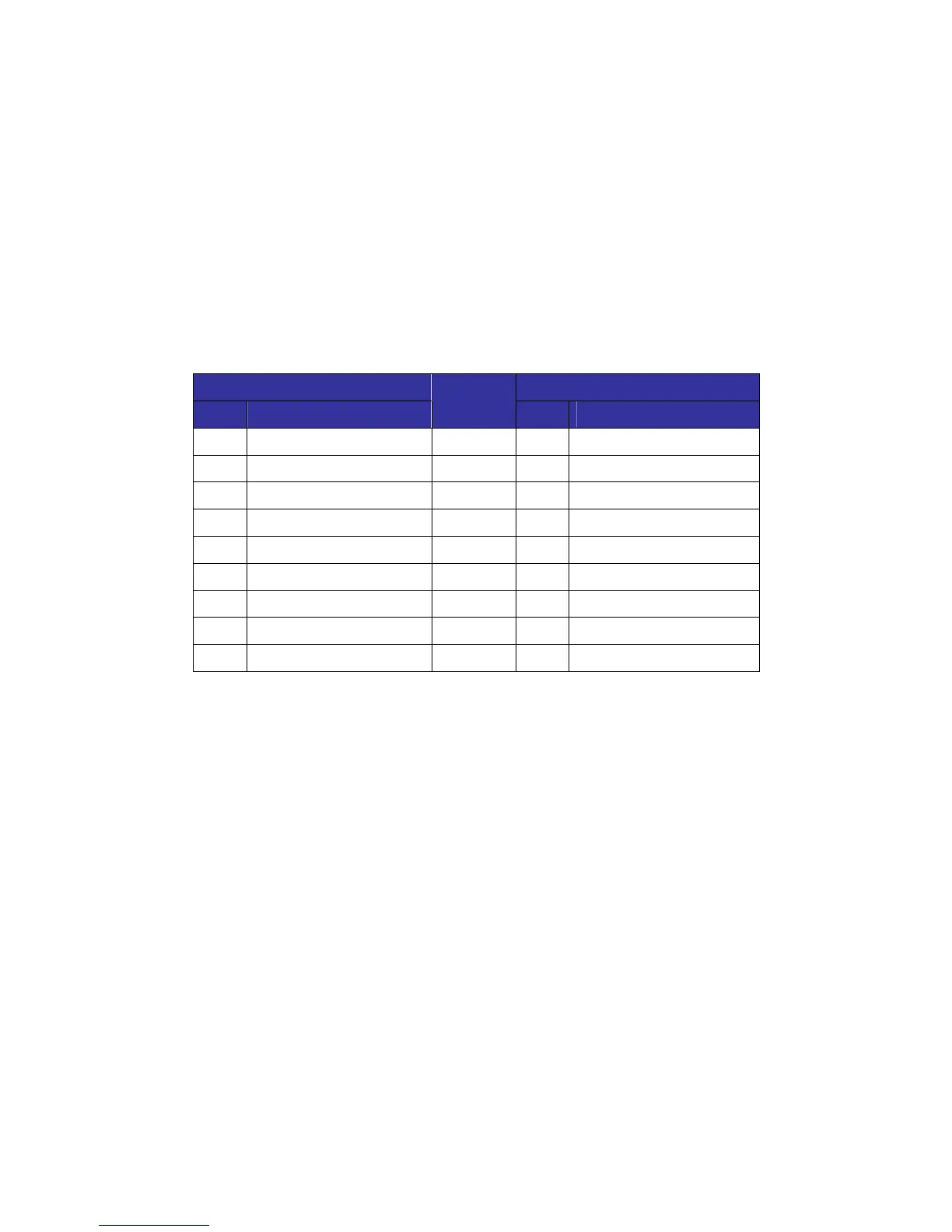
The pin arrangement of DV-332 console port is as follows.
9pin EIA-232(console) RJ-45(DV-308/232/332)
Pin Signal
Connects
to
Pin Signal
1 NC(Not Connected) 1 NC(Not Connected)
2 TXD
Ù
3 TXD
3 RXD
Ù
5 GND
4 NC 2 NC
5 GND
Ù
6 RXD
6 NC 4 NC
7 NC 7 NC
8 NC 8 NC
9 NC
[Pin disposition of a console port]
After connecting a console cable, you can initially set up basic configurations such as IP and Voice.
These are detail properties of a console connection.
> Baud Rate : 19200
> Byte Size : 8
> Parity : None
> Stop Bits : 1
> Hardware Flow Control : None
> Software Flow Control : None
> RS485 Mode : Off



 To Next Page