39
Issued: 24.02.2005
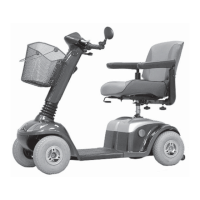
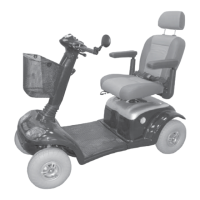
STRIDER MD
Driving the Strider
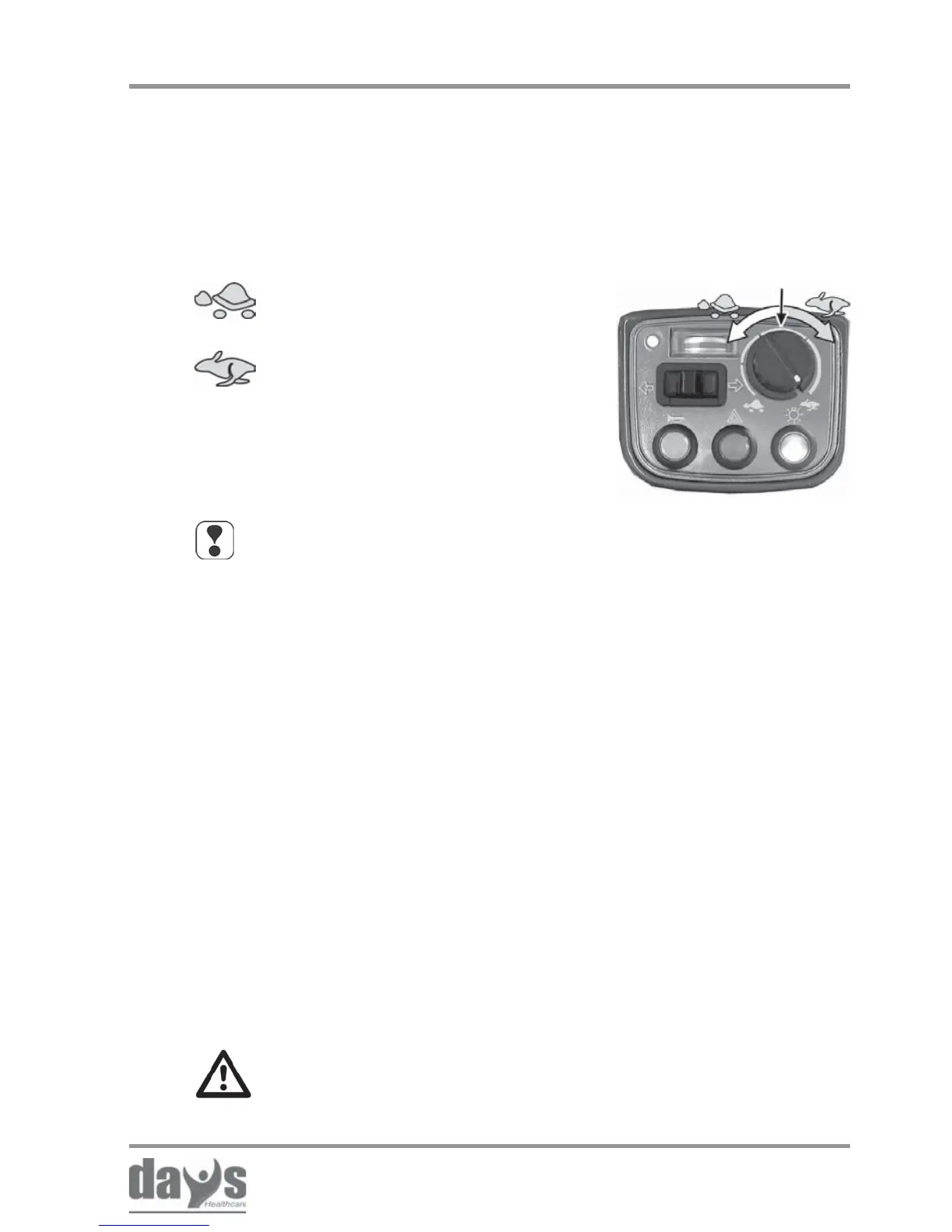
Speed controller
• Is the light working? Switch on to test! ✓ in working order!
• Are the indicators working? Switch on to test! ✓ in working order!
• Are the batteries charged? Check the display! ✓ in working order!
• Are the brakes working? To check, drive slowly
and stop again! ✓ in working order!
• Are the tyres and wheels
undamaged and is the Visual check of tyres
air pressure correct? and wheels! ✓ in working order!
Checks before driving:
NOTE
Use the controller to adjust the speed to suit local conditions.
Select a lower speed if you are driving through narrow gaps,
on inclines or through crowds.
Only start driving if everything is in working
order! Get defects repaired immediately.
Adjust the required maximum driving
speed by turning the speed controller.
➨
Your maximum driving speed can be variably adjusted using
the speed controller.
Controller symbols:
Maximum driving speed = drive lever pressed as far as stop
= lowest possible maximum driving
speed (approx. 1.5 mph)
= highest possible maximum driving
speed (approx. 4 mph)
8.5 Adjusting the speed
8.6 Before driving



 To Next Page