46
Issued: 24.02.2005
STRIDER MD
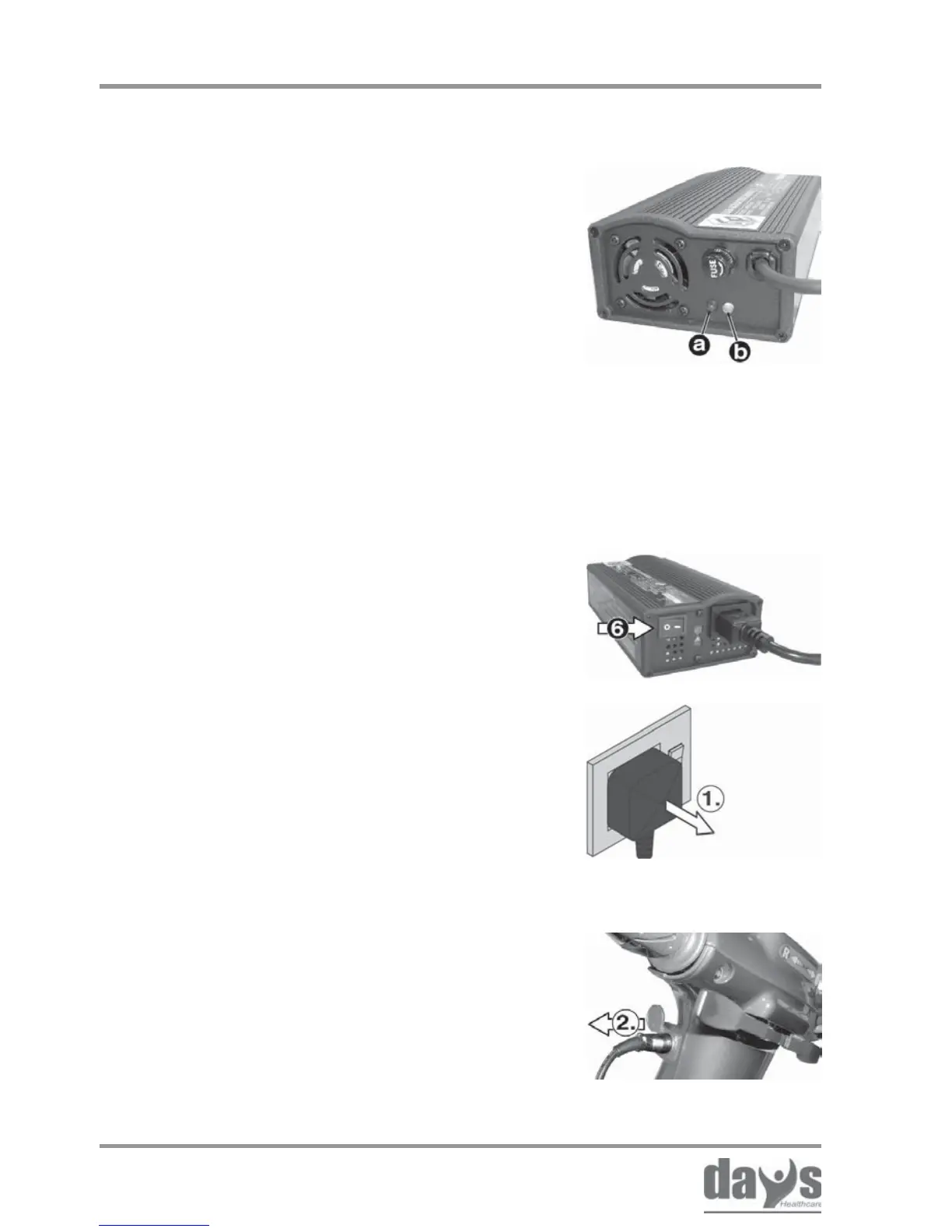
12.3 After charging
(1.) Switch off and remove the battery
charger plug from the mains socket.
➨
Switch the battery charger off at the
toggle switch (6).
➨
Switching the battery
charger off
(2.) Pull the battery charger jackplug
out of the Strider jack socket.
➨
Removing
the mains
plug
Removing the battery
charger
Charging the batteries
LED information at battery charger during
charging:
LED -> Colour -> Meaning
(a) -> Red -> battery charger
switched on
(b) -> Yellow -> charging in progress
-> Green -> charging complete,
battery completely
charged
LED



 To Next Page