AquaLab
7. Veri cation and Calibration
45
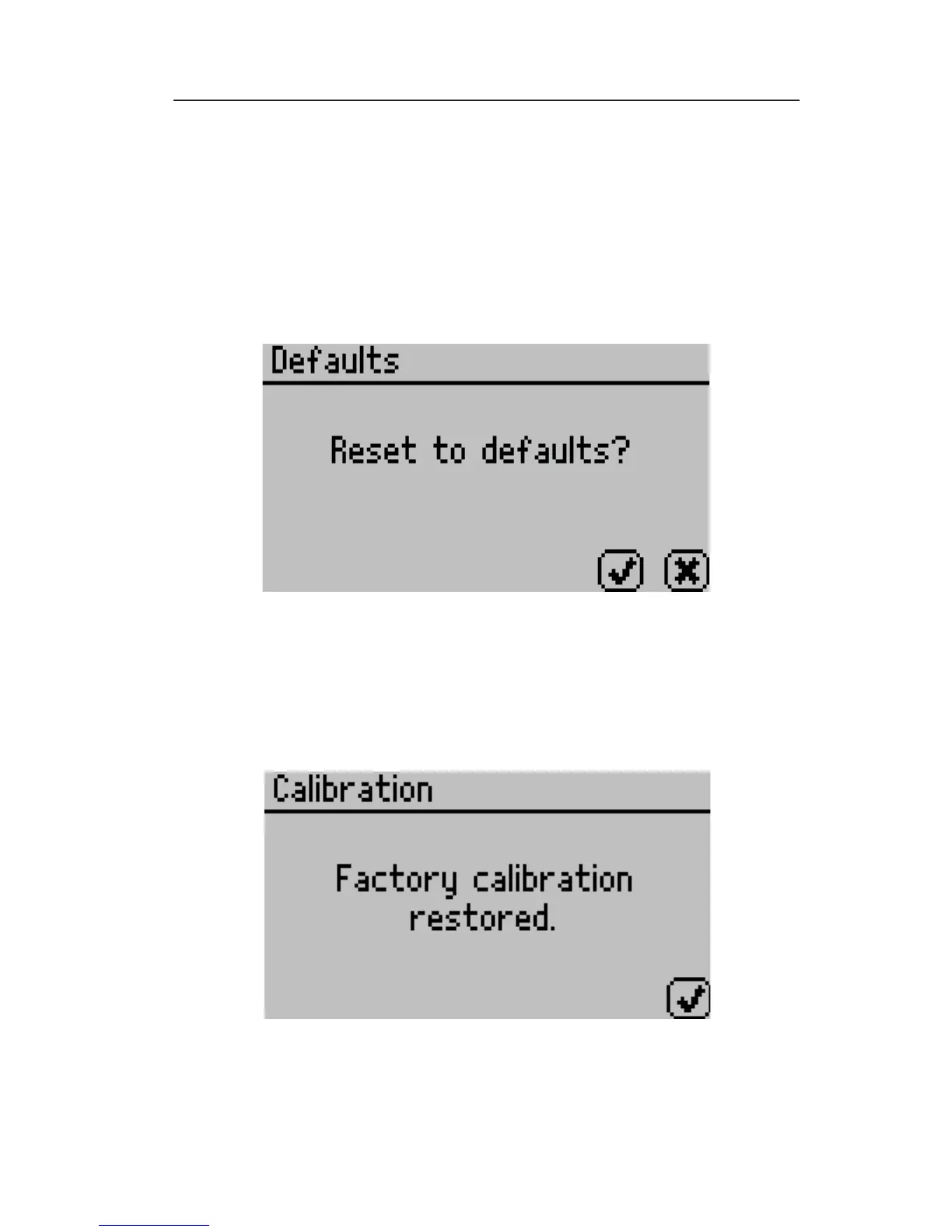
2. Scroll down to Defaults and press the Enter icon button to access
the Restore Factory Defaults routine. To cancel and return to the
main menu, press the Cancel icon button. After pushing the Enter
icon button, the following screen will appear:
NOTE: For TEV models make sure you have the correct sensor selected.
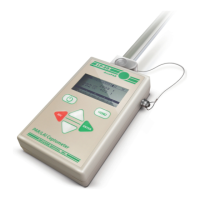
3. To restore the factory calibration values, press the Check icon
button. To cancel and return to the main menu, press the cancel
button. After pressing the Check icon button, the following screen
will appear:
4. To return to the main menu screen, press the Check icon button.


 To Next Page