AquaLab
7. Veri cation and Calibration
44
7. Re-measure the veri cation standard again in normal sampling
mode. It should read the proper value (within ±0.003 a
w
) at a given
temperature for your particular standard (see Appendix B for tem-
peratures other than 25°C ).
Measure the water activity of a second veri cation standard accord-
ing to the veri cation procedure described above. If both veri ca-
tion readings are within ±0.003 a
w
then the instrument is ready to
begin testing.
If you still have incorrect veri cation standard readings after clean-
ing the chamber and adjusting for linear o set, contact Decagon
by email at support@decagon.com or by phone at 509-332-2756
(800-755-2751 in US and Canada) for further instructions. If you
purchased your Decagon instrument from one of our international
distributors, please contact them for local service and support.
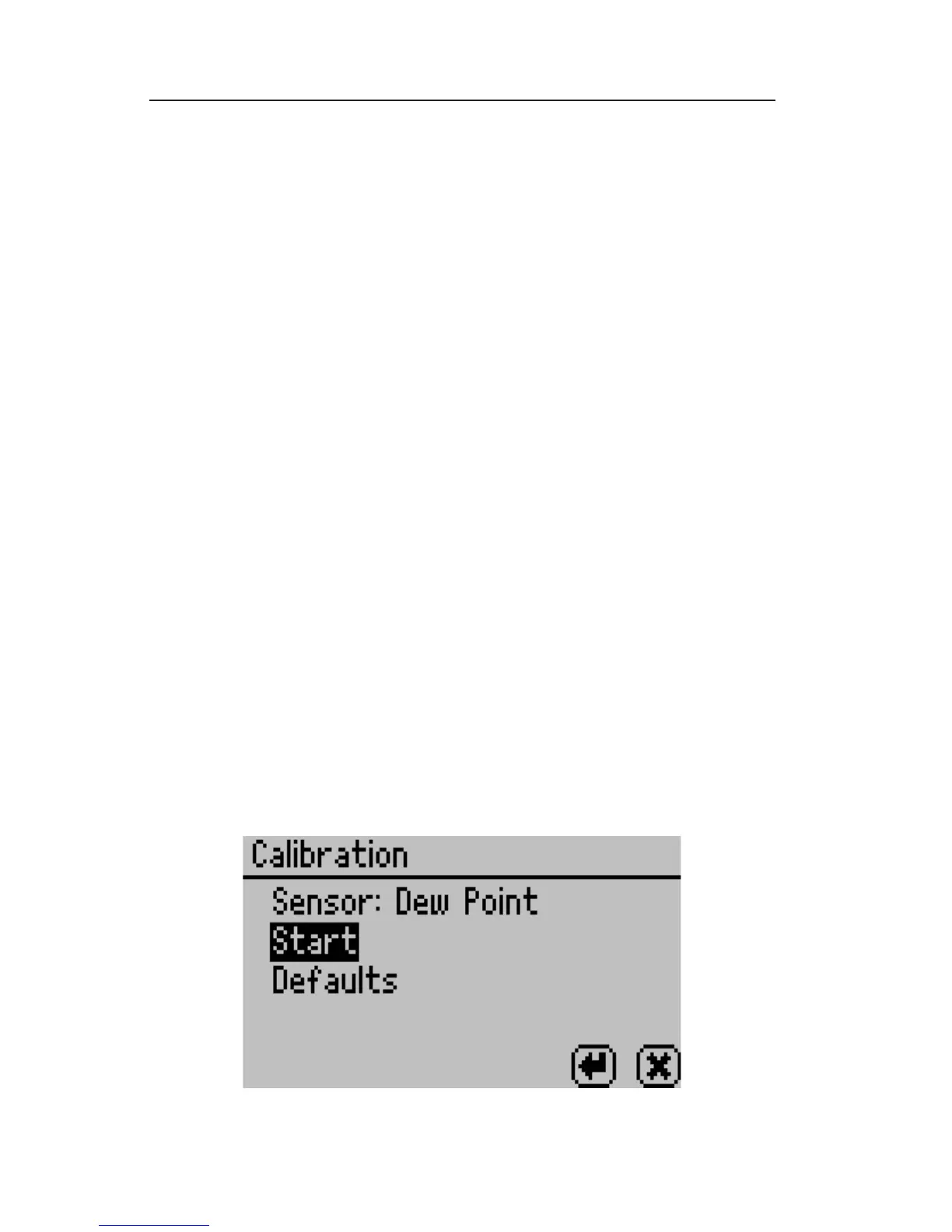
How to Restore Factory Defaults
To restore original calibration settings, do the following:
1. Toggle to the Con guration tab by pressing the Menu icon but-
ton. Select Calibration and press the Enter button (Select water
activity for DUO models.).



 To Next Page