AquaLab
7. Veri cation and Calibration
43
3. Empty the whole vial of solution into a sample cup. We recom-
mend using the 6.0 NaCl (0.76a
w
). Do not adjust for the o set us-
ing distilled water. Ensure the rim and outside of the cup are clean.
Place the sample cup in the AquaLab’s sample chamber.
NOTE: e same veri cation standard may be used to verify and
adjust the linear o set.
4. Carefully close the lid and move the lever to the READ position.
Press the Check icon button to begin testing.
NOTE: If you decide at this point not to continue with the linear o set
program, just return the lever to the OPEN position or press the cancel
button and you will be returned to the previous screen.
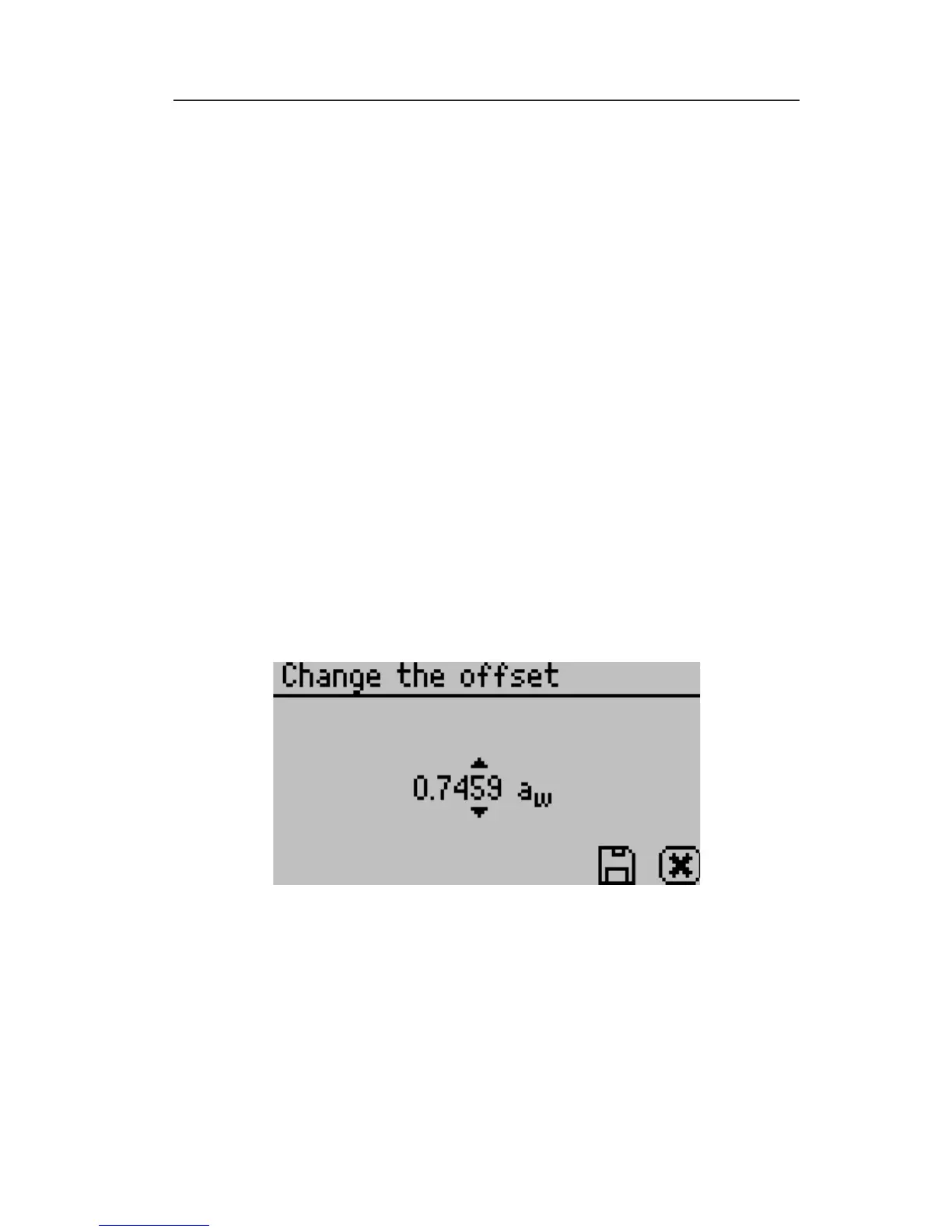
5. After your AquaLab has nished measuring the veri cation stan-
dard, it will display the following screen:
6. Press the up and down arrows to adjust the water activity reading
to its proper value for the particular veri cation standard you are
measuring. When the correct value is displayed, press the Save icon
button to store this new value. To cancel and return to the main
menu, press the cancel button and no changes will be made.



 To Next Page