AquaLab
7. Veri cation and Calibration
42
Adjust for Linear O set
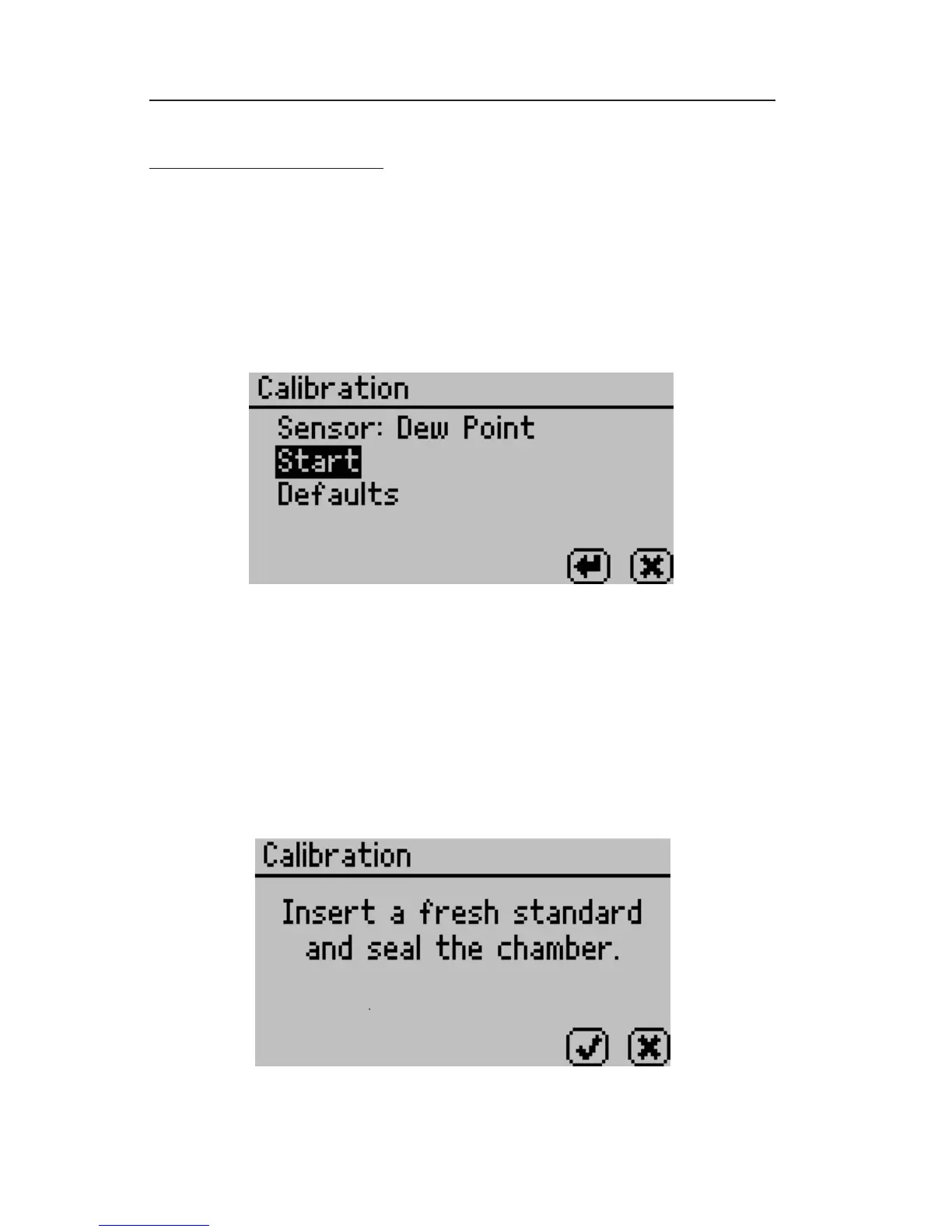
1. Once you are certain a linear o set has occurred, toggle to the
Con guration tab by pressing the Menu icon button. Calibration is
the rst option highlighted in the con guration tab. Press the Enter
icon button to begin the veri cation process. You will be guided
through the linear o set routine through on screen commands. e
following screen will appear:
NOTE: e DUO model will show both water activity and moisture
content on this screen. For TEV Models, make sure you have the
correct sensor selected.
.
2. Press the Enter button to start the linear offset process. To
return to the main menu, press the cancel button. After pressing
the enter button, the following screen will appear:



 To Next Page