AquaLab
10. Duo Operation (Optional)
58
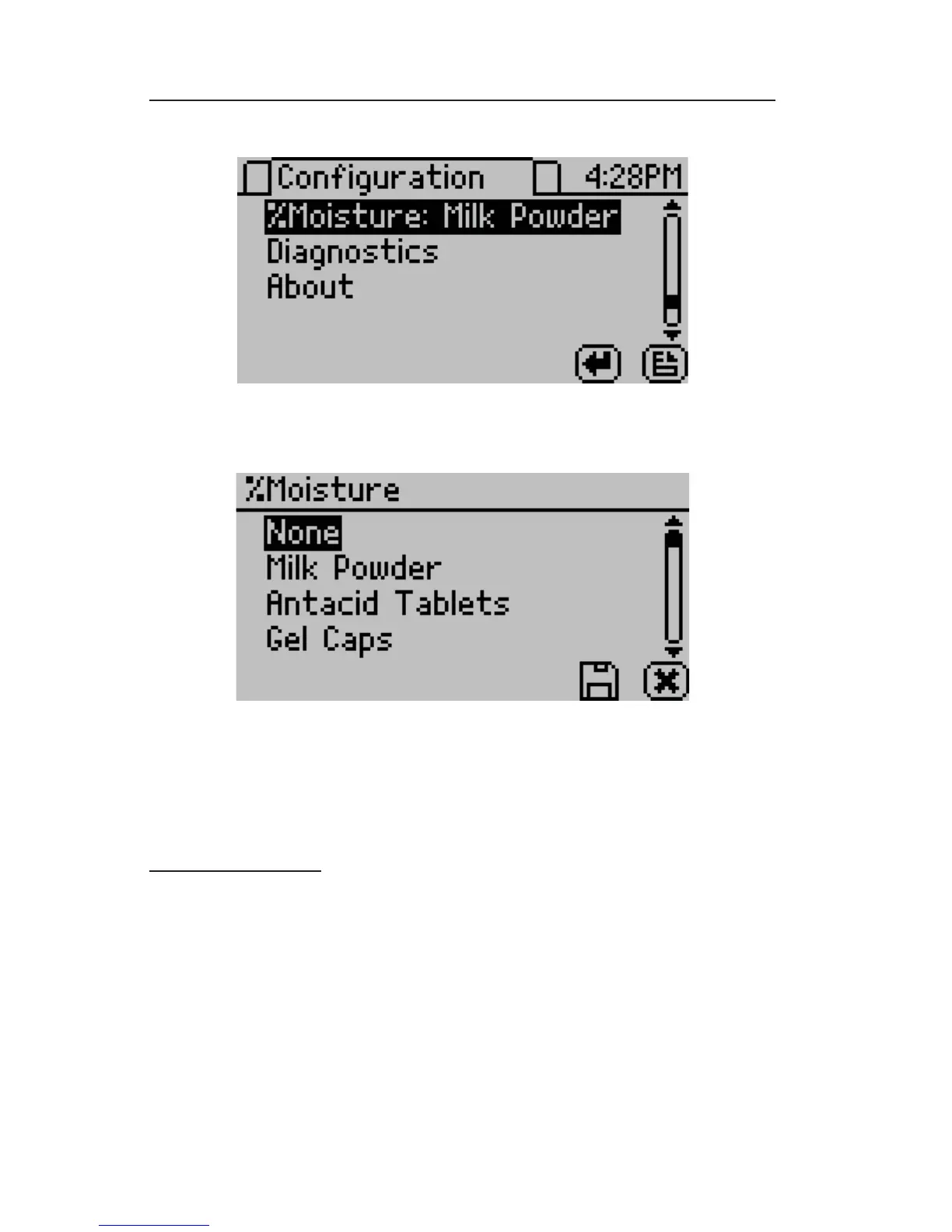
• A list of available models will be listed by name.
• Select the model for the product to be analyzed. Selecting “None”
will not select any model.
Taking a Reading
• Readings are taken with the DUO the same as outlined in Chap-
ter 9. First, return to the main screen.
• The product chosen for analysis will be shown in the tab at the top
of the screen. If a different product is desired to be analyzed, it is
possible to scroll through all of the available product models on
the screen by pressing the up and down buttons. This eliminates



 To Next Page