AquaLab
10. Duo Operation (Optional)
59
the need to return to the configuration screen to change products.
When the tab at the top shows “Measurement”, no model is se-
lected and only water activity will be displayed on the screen.
• Place a sample in the chamber and begin testing by sliding the
lever left to the read position. For information about sample
preparation, please see Chapter 8 and for additional information
about running a test, please see Chapter 9.
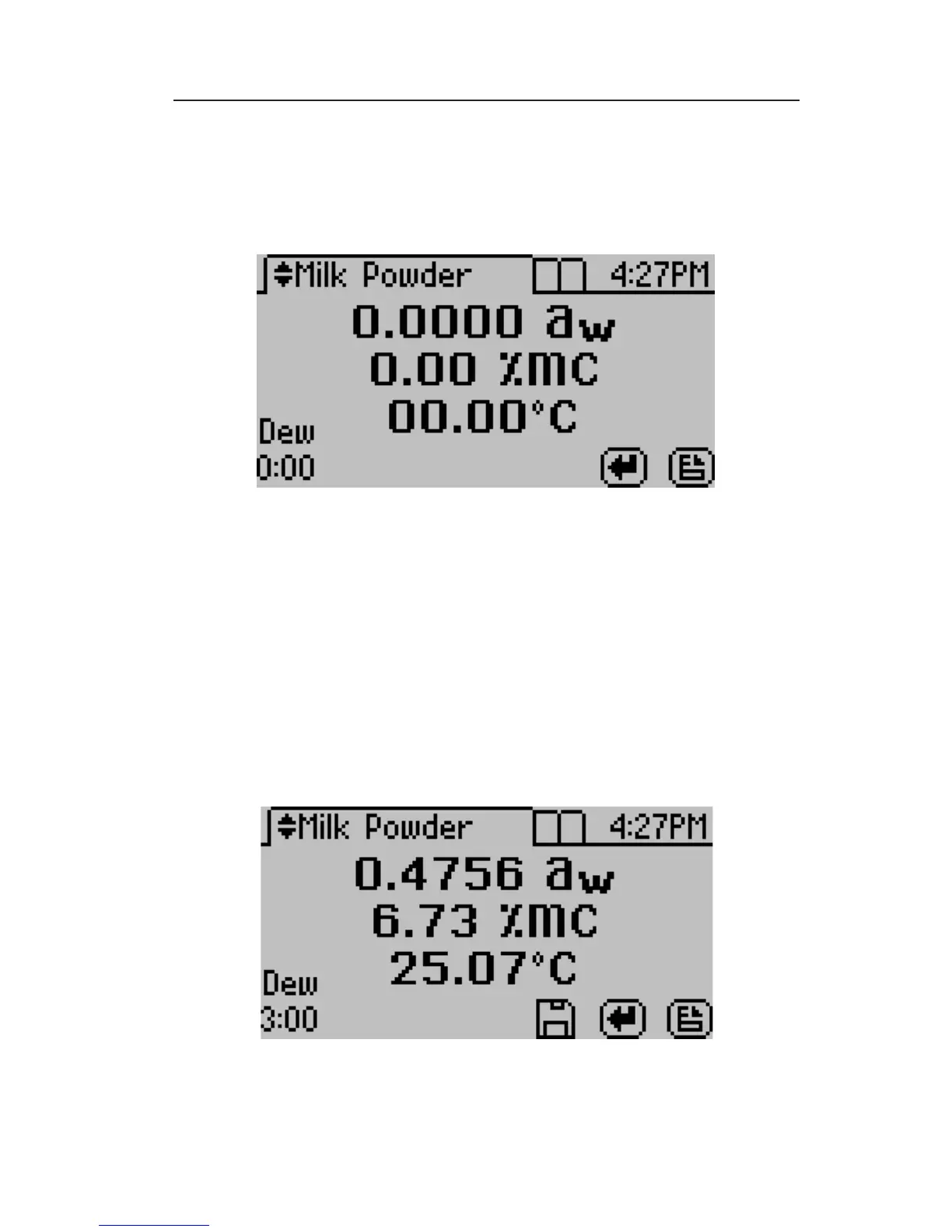
• When the test is complete, the screen will display the water activ-
ity and moisture content for the product selected. If the wrong
model was selected by accident, the up and down buttons can be
used to toggle through all of the product models and the mois-
ture content value will adjust based on the model selected.



 To Next Page