AquaLab
10. Duo Operation (Optional)
61
When to Adjust for Linear O set
Reference methods can di er between labs, so it is a good idea
to check for a linear o set upon receipt of a new isotherm model
from Decagon. In addition, the linear o set should be adjusted if
moisture contents being calculated by the AquaLab Duo instru-
ment are consistently higher or lower for a product than your refer-
ence method values over several samples.
How to Adjust for Linear O set or
Create a New Model Based O an Old Model
1. For the product whose model is to be o set, collect 3 subsam-
ples for analysis.
2. Use 2 of the subsamples to run duplicate reference method
moisture contents and determine the average moisture content.
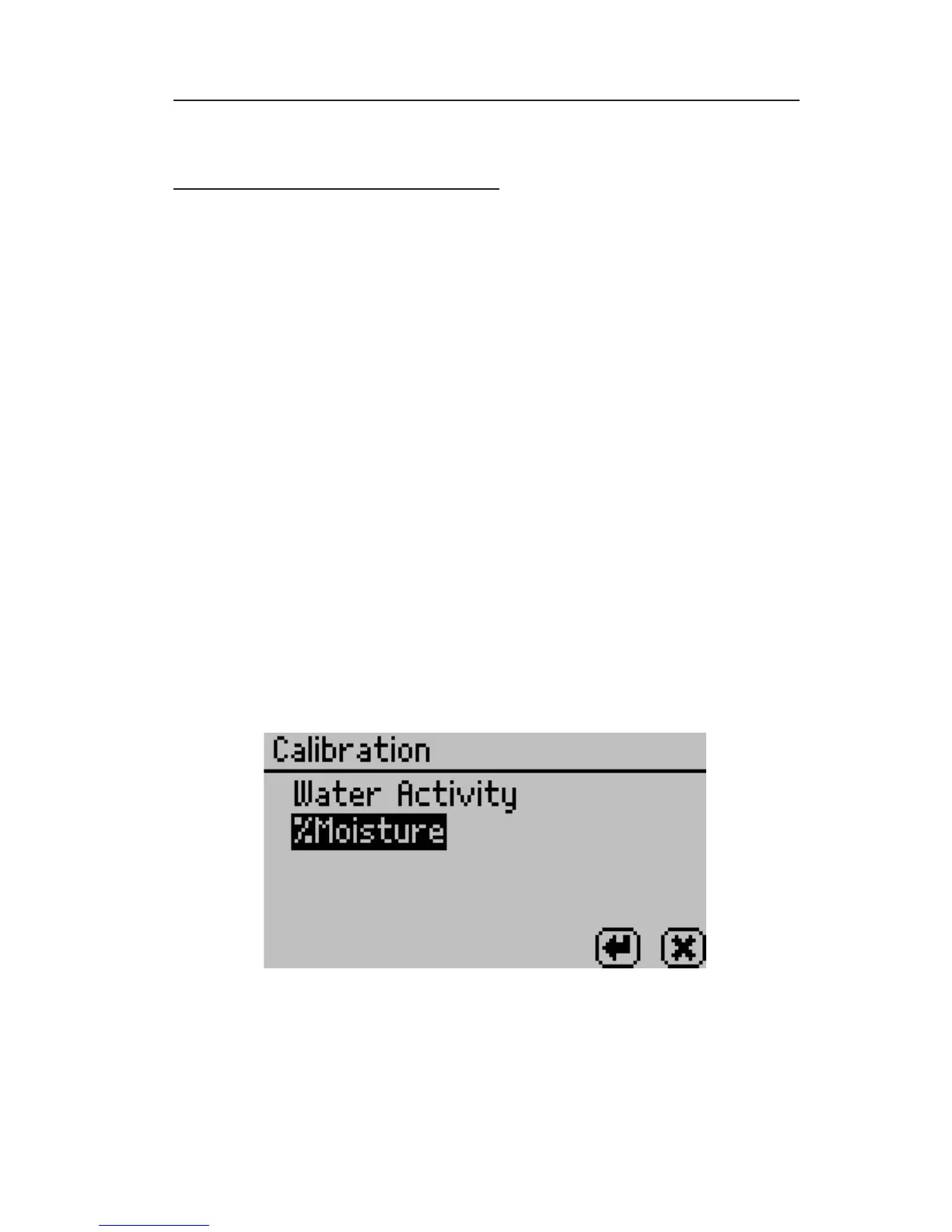
3. Once you’ve obtained a reference moisture content, navigate
to the calibration screen in the Con guration menu of the
AquaLab Duo Moisture Analyzer and select %Moisture from
the list of calibration types.
4. Select Edit to edit and replace an existing model. Select New if
you would like to create a new o set model with this calibra-



 To Next Page