AquaLab
10. Duo Operation (Optional)
62
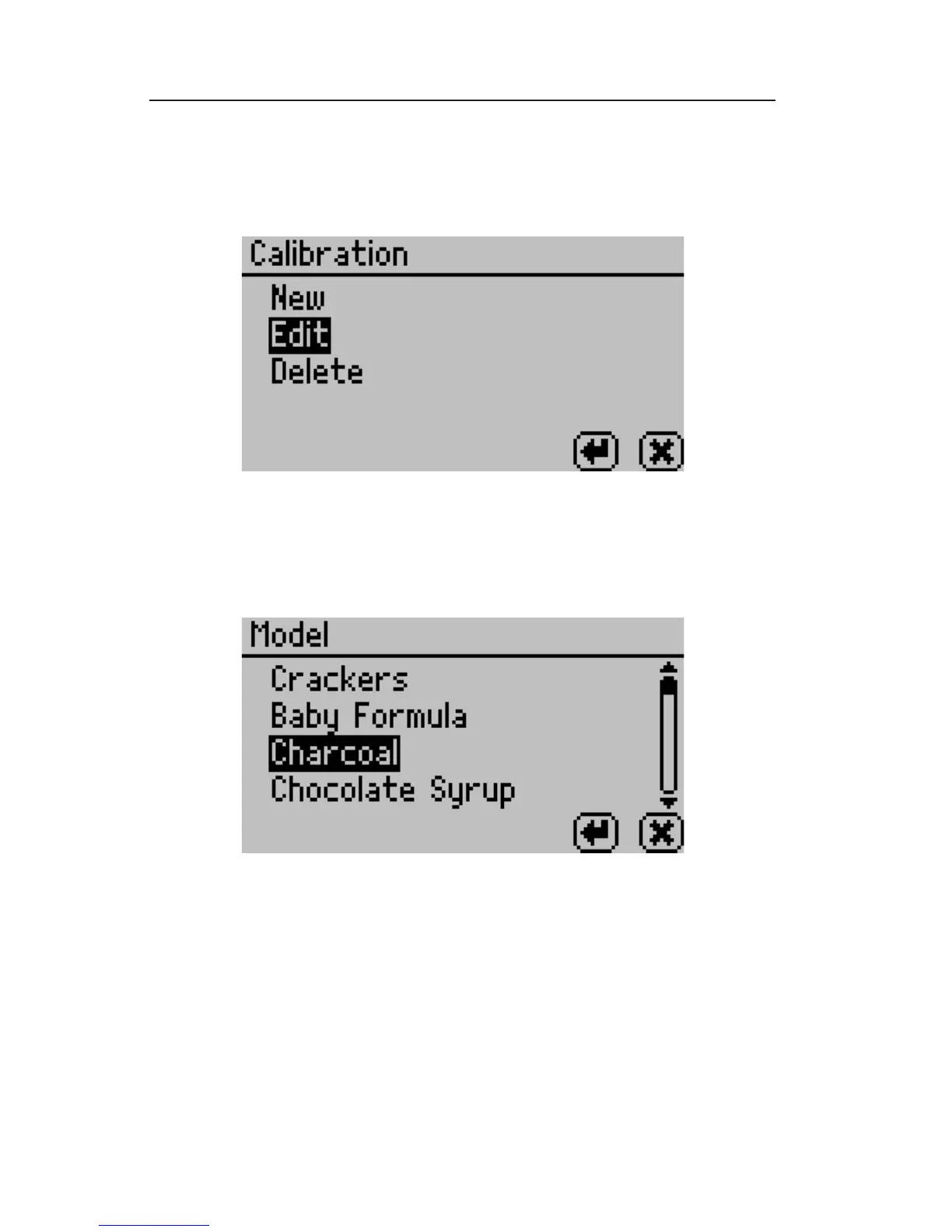
tion instead of replacing the existing model. Pressing Enter
opens a model screen listing all models currently loaded on the
instrument.
5. Scroll down to nd the model for the product to be o set and
press Enter. If you selected New, choose a reference model to
use as a basis for your new model.
6. e screen will instruct you to place a sample of the product in
the testing chamber. Place the 3rd subsample from step 1 in a
sample cup, then put the sample cup in the testing chamber of
the AquaLab Duo instrument and close the lid.
7. Press Enter to begin a reading.



 To Next Page