Genesis II Select
™
User’s & Installation Manual
16/September/2015
11
2. Installation
Use the following instructions to mount your Genesis II Select™:
2.1 Separating the Computer/Display Unit (optional)
If the space in your motor vehicle is at a premium, you will appreciate
Genesis II Select’s™ compact size and versatile components. You can
separate and remotely mount the computer unit from the display
unit. Common places to mount it are behind the dash, under the
driver’s seat, or on the console.
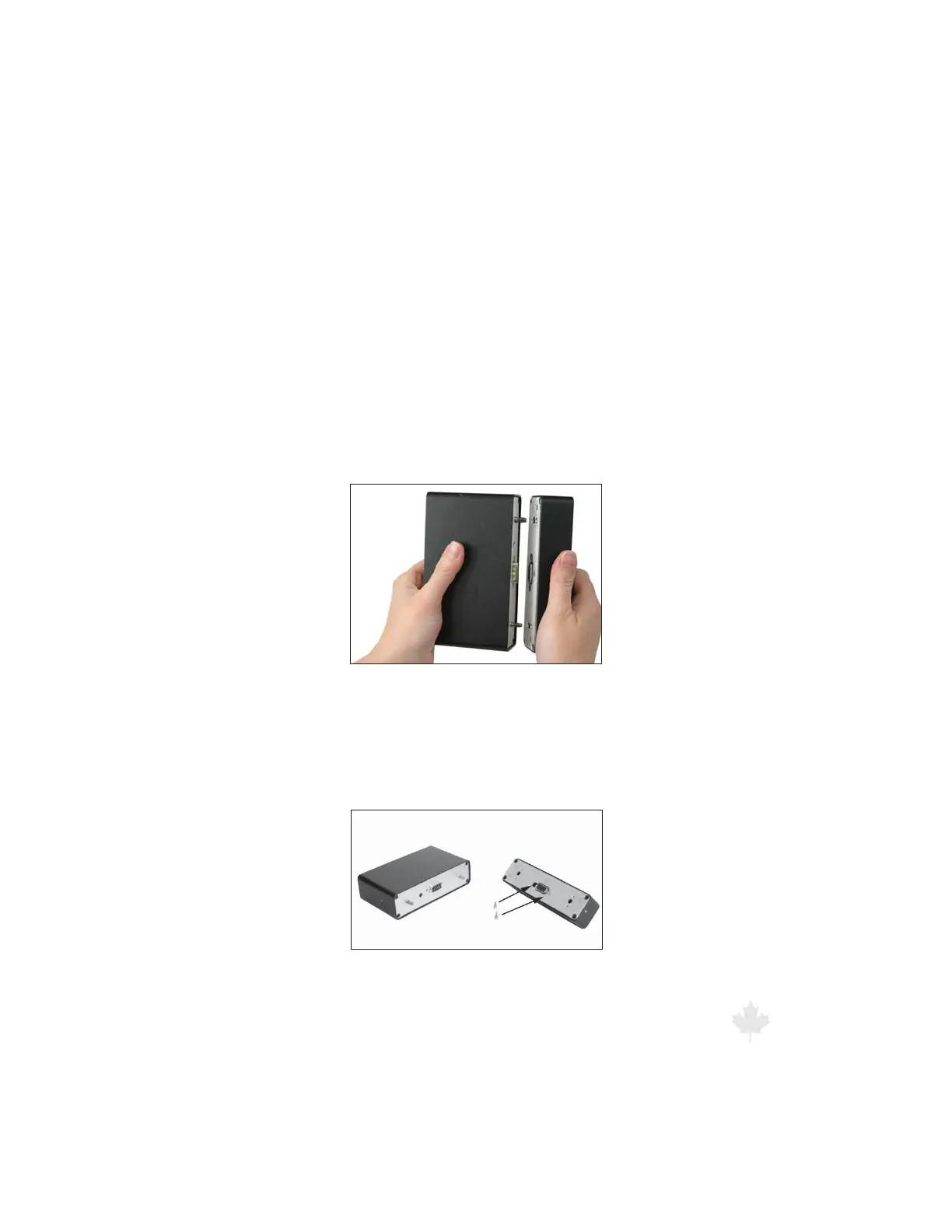
To separate the combined unit, rmly grasp the ends and pull
them apart.
Figure 2.1a
Separating the computer/display unit.
Note the 9-pin connectors on each half of the unit. Screw two
standos into the holes next to each connector to attach the two
pieces with the 9-pin connector cable.
Figure 2.1b
To connect the separated unit, rst insert the
standos to secure the cable connectors.



 To Next Page