Genesis II Select
™
User’s & Installation Manual
16/September/2015
39
In this mode, the Genesis II Select™ simultaneously processes and
displays the patrol and target motor vehicle speeds. Detected target
speeds will appear in the TARGET window. When no targets are
present, the TARGET window will show three dashes. Patrol speeds
will display in the PATROL window while the patrol motor vehicle is
moving.
6.5 Moving Mode Same Direction
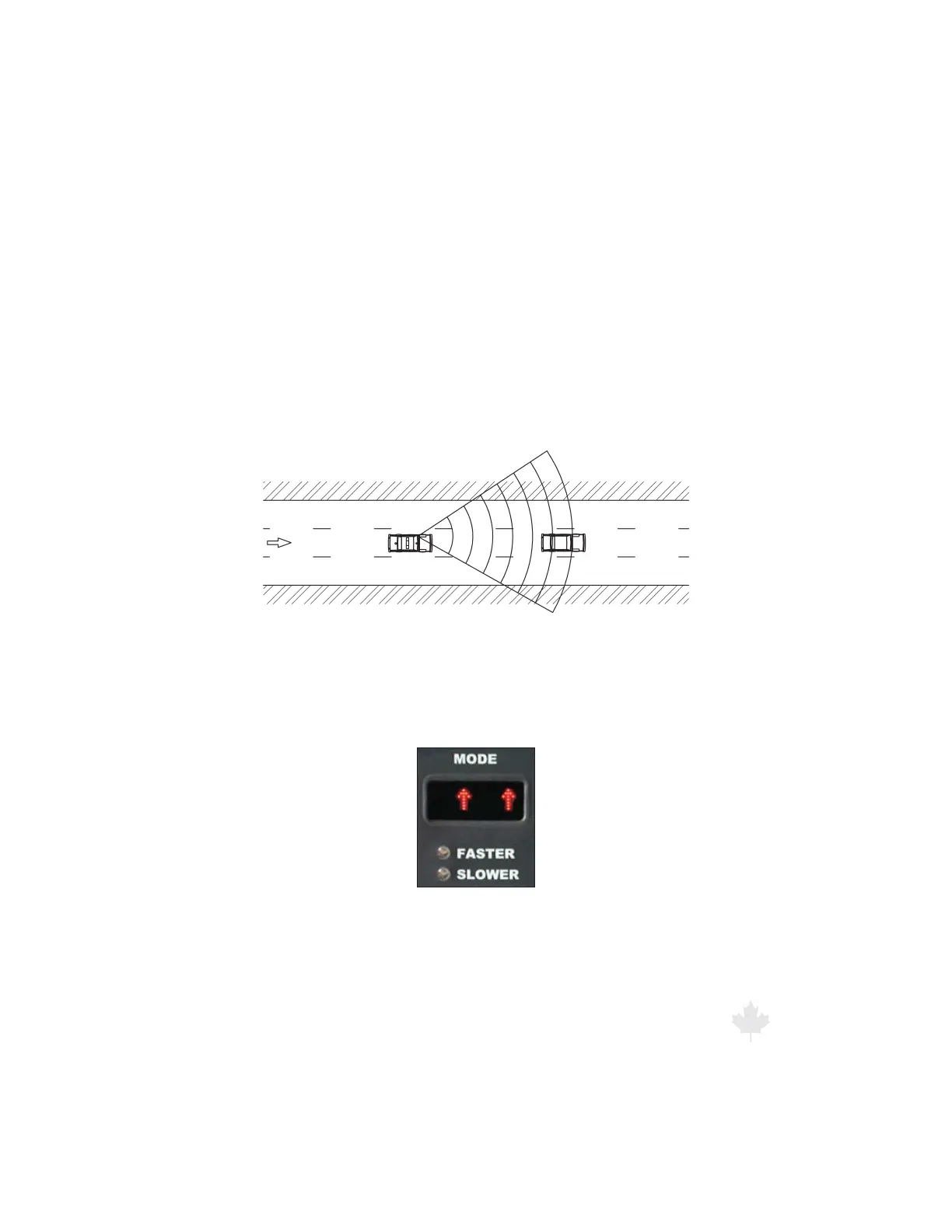
To display the speed of targets traveling the same direction as the
patrol motor vehicle, use the Moving Mode Same Direction setting.
Figure 6.5a
A patrol car tracking a target using Moving Mode Same Direction.
To select this mode, press and release the MODE button until the
MODE window shows two upward pointing arrows.
Figure 6.5b
The MODE window when the radar is in Moving Mode Same Direction.



 To Next Page