Genesis II Select
™
User’s & Installation Manual
16/September/2015
26
3.2.2.4 Fastest Target [OPT]
A variation of the Faster Target is available as an option. This option
works the same as the Faster Target feature except the unit stays
in FASTER Mode until the FAST button is pressed again. In other
words, if your unit is equipped with this option then the FASTER
light will remain illuminated when the FASTER button is pressed
and the strongest target speed will be displayed in the TARGET
window and the LOCKED window will display the speed of the
next strongest target going faster than the strongest target.
Pressing the FASTER button again will return the unit to normal
operation and the FASTER light will shut o. (The SLOWER light is
not used.)
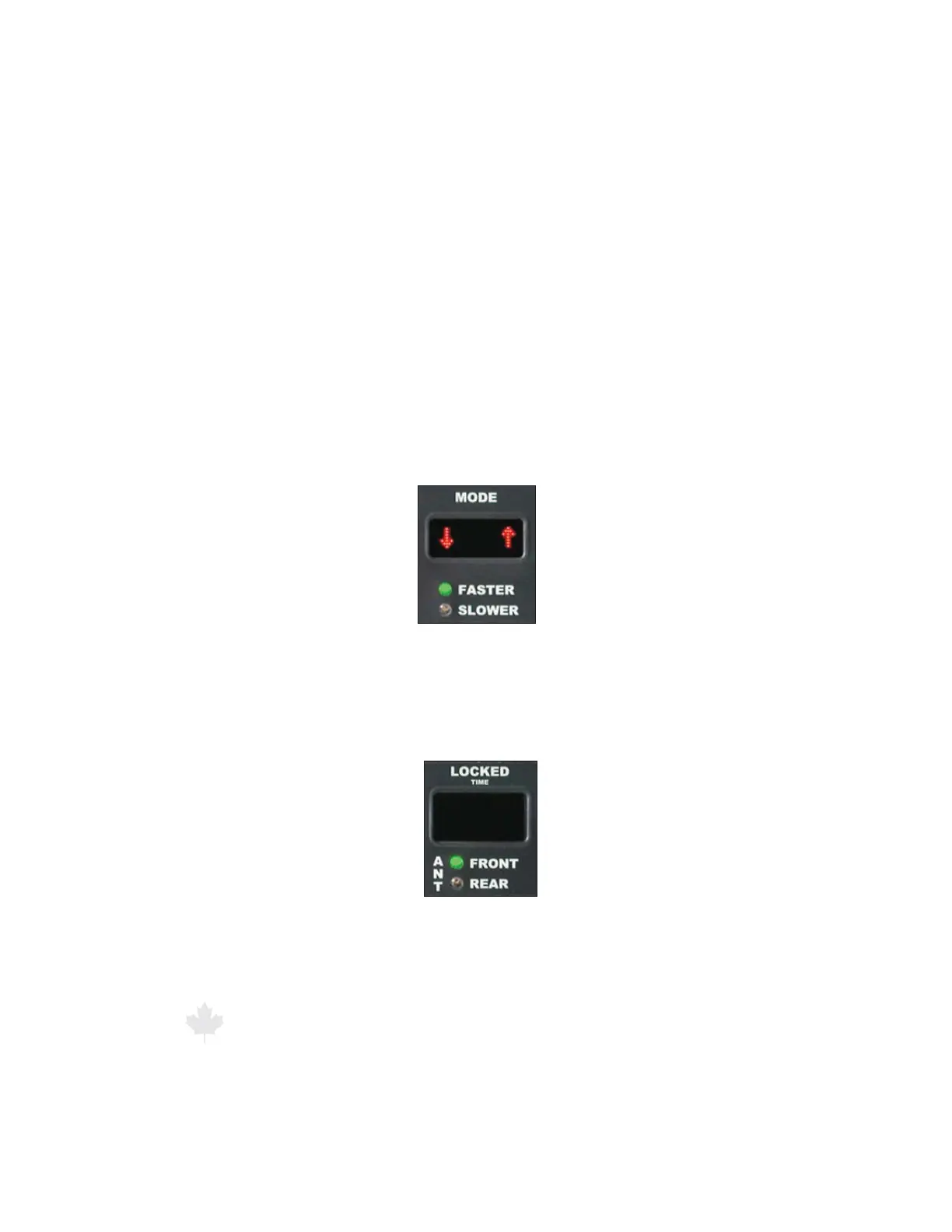
Figure 3.2.2.4a
The Faster light
ANT FRONT and REAR: Indicates which antenna is transmitting.
In standby mode, neither light is on and neither antenna is
transmitting.
Figure 3.2.2.4b
Antenna lights showing
front antenna is active



 To Next Page