Genesis II Select
™
User’s & Installation Manual
16/September/2015
38
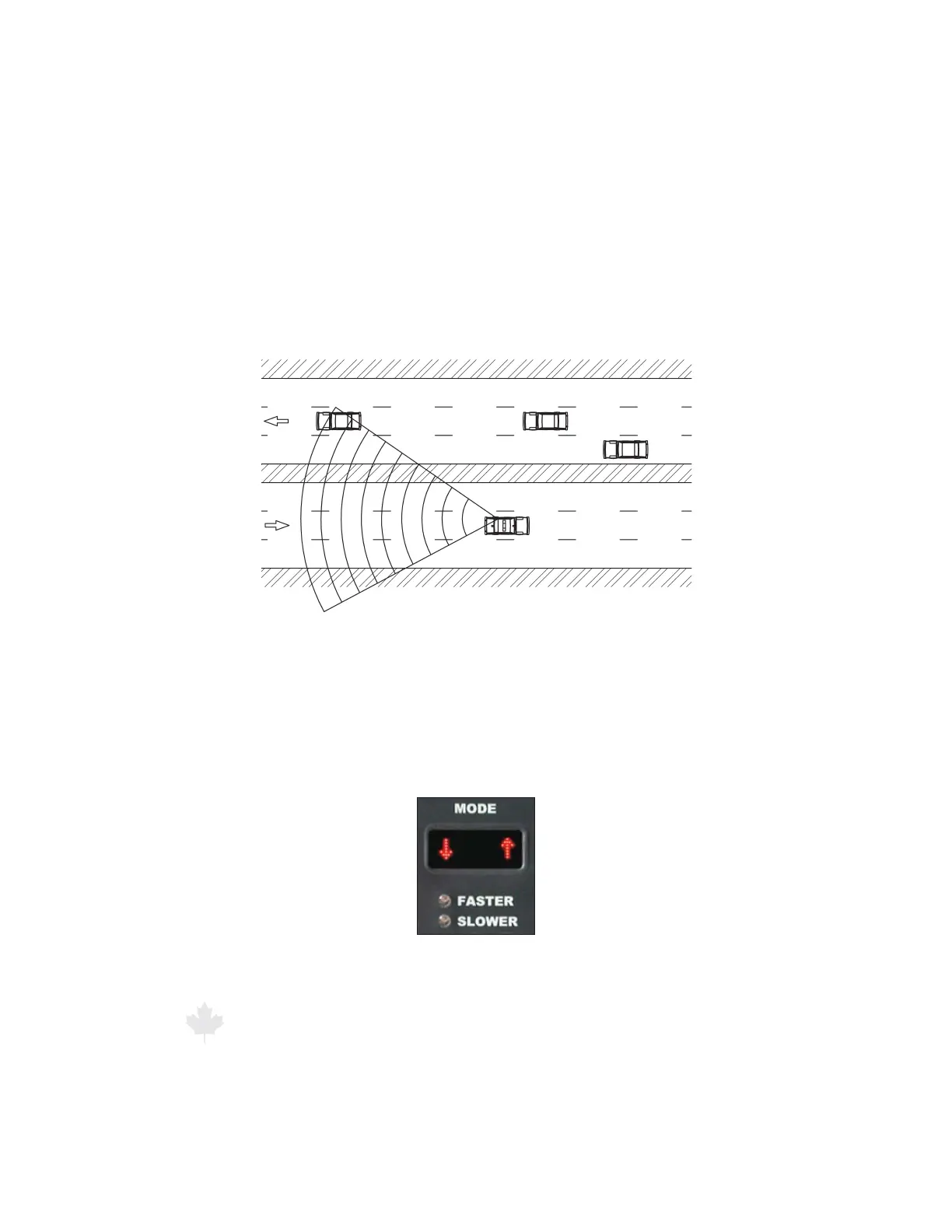
6.4 Moving Mode Opposite Direction
Use the Genesis II Select™ in the Moving Mode Opposite Direction
setting to display the speed of a target moving toward or away
from the moving patrol motor vehicle. These targets will be moving
towards the patrol (using the front antenna) or away from the patrol
(using the rear antenna).
Figure 6.4a
A patrol vehicle that is tracking a target vehicle with the rear antenna while
traveling with the radar unit in Moving Mode Opposite Direction.
To select Moving Mode Opposite Direction, press the MODE button
until the MODE window displays a down arrow on the left and an
up arrow on the right. The down arrow indicates the target’s travel
direction. The up arrow indicates the patrol motor vehicle’s travel
direction.
Figure 6.4b
The MODE window with Moving Mode Opposite Direction arrows.



 To Next Page